Hey guys - the numbers on my blog list are coming up way smaller than the text. I wonder if you have a fix for this?
I looked in the text editor and on the forum but so far haven’t found a fix.
Many thanks, Harry
Hey guys - the numbers on my blog list are coming up way smaller than the text. I wonder if you have a fix for this?
I looked in the text editor and on the forum but so far haven’t found a fix.
Many thanks, Harry
Hi Harry,
To make it big, you can add the code below in Theme Options > CSS
ol li {
    font-size: 20px;
}
You may change 20px as you like
Hope that helps
Thanks Paul, that’s excellent 
One more question - the comments under the blog page are also massive…is there any way to reduce the size of those?
Cheers (example below)
Harry
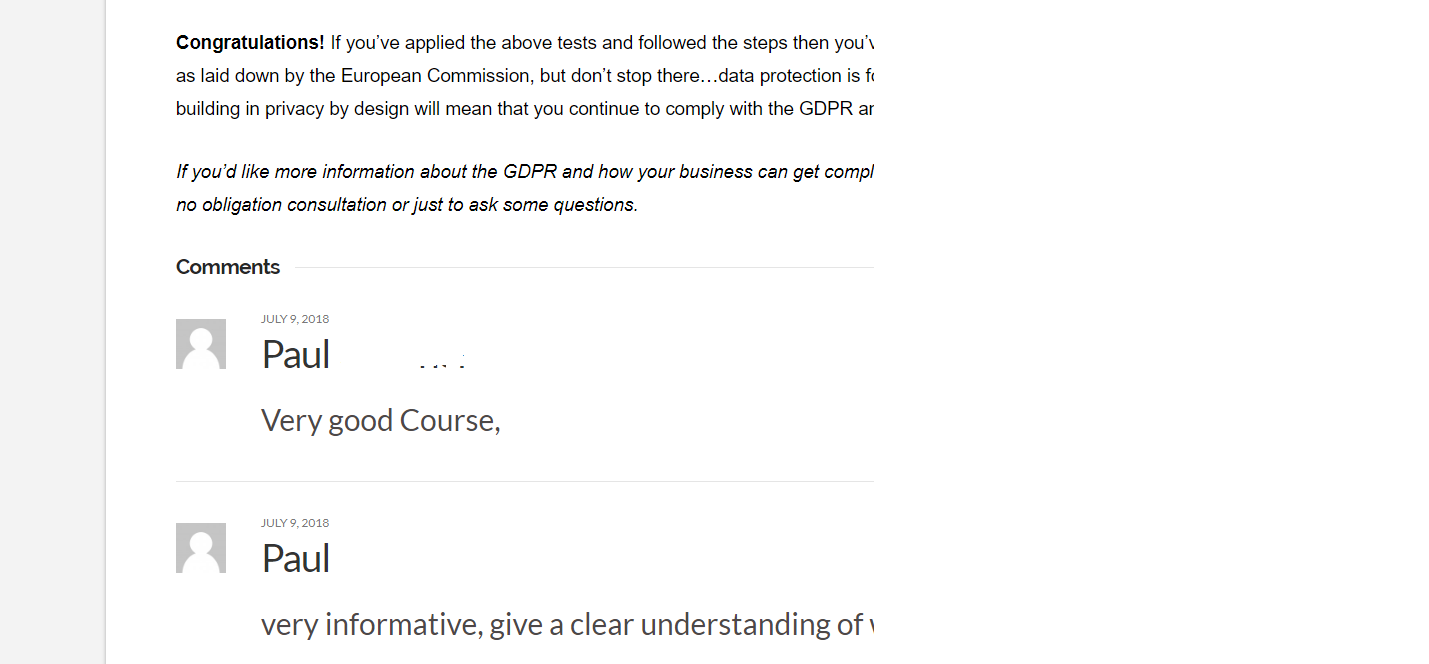
Hi @harrypalmer1,
You could use this class below to change the font-sizes:
.x-comment-author{
      font-size:10px
}

x-comment-content p{
     font-size:10px;
}
Hope it helps.
Let us know how it goes.
Thanks.
Hi Nico - thanks for the quick reply!
That reduced the size of the names but not the text - i.e. not the actual comment written by the poster.
Hi There @harrypalmer1
Please update the second code as follows. There’s a period missing in-front of the class.
.x-comment-content p {
    font-size: 10px;
}
In case if that does not work, please try updating as follows.
.x-comment-content p {
    font-size: 10px !important;
}
Thanks!
Thanks mldarshana!
That worked perfectly just adding the dot
Many thanks again
HI @harrypalmer1,
Glad you have found what is lacking. I thought there is a dot already.
Feel free to ask us again.
Thanks.
This topic was automatically closed 10 days after the last reply. New replies are no longer allowed.