Change recent post background-image ratio

Hey there,

I’m trying via css to change the ratio of the recent post (now is like 16:9, but I want it 1:1) image this way:

http://www.pontrad.com/wordpress/tiemmeci-test/it/quadrotte/

.recent-quadrotte .x-recent-posts-img{
  background-size:contain;
}
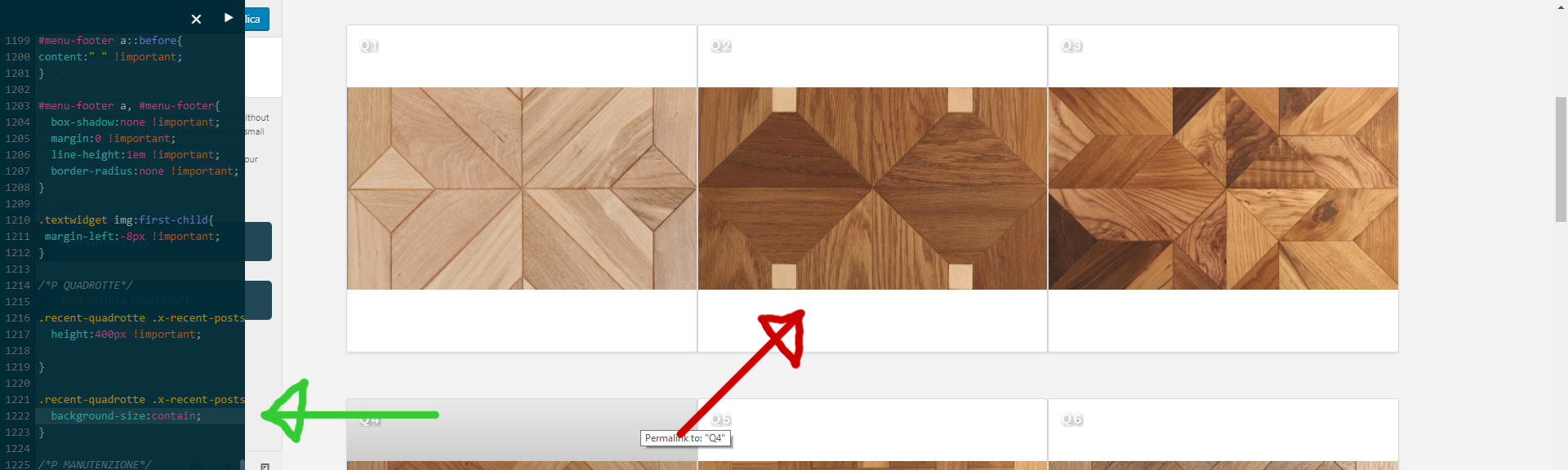
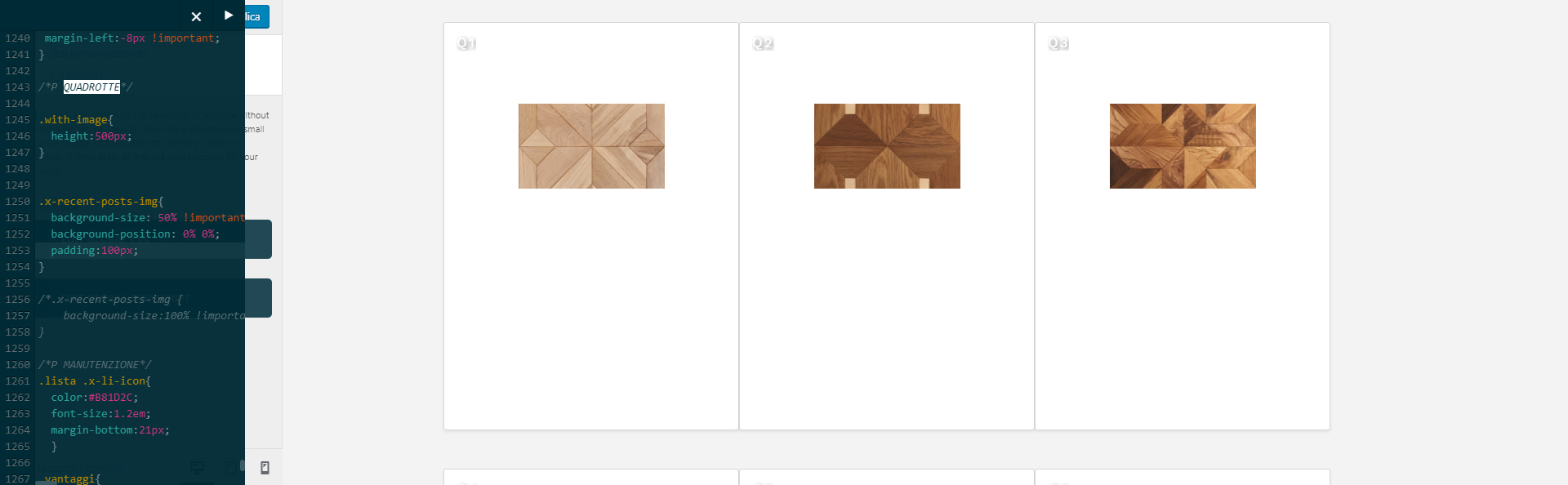
What I obtain is displayed on the attachment. How can I make the background squared and full size?
Thank you in advice.
Hi There,

Could you please try with this CSS instead:

.recent-mio .x-recent-posts-img {
    background-size: 100% 100%;
}

Hi Thai,

I tried it but it doesn’t work (not even with !important)

Playing a bit around it I discovered that Pro crops the recent post image in a certain ratio, so I think that, to place a squared-ratio-image, we don’t need just a simple css code

Hi There,

Please add this on your custom CSS:

.recent-mio .x-recent-posts .x-recent-posts-img {
	padding-bottom: 100%;
	background-size: 100% 100%;
}

I think the thumbnail image should be fine as I can still recognize the pattern.

Thanks,

Hi!

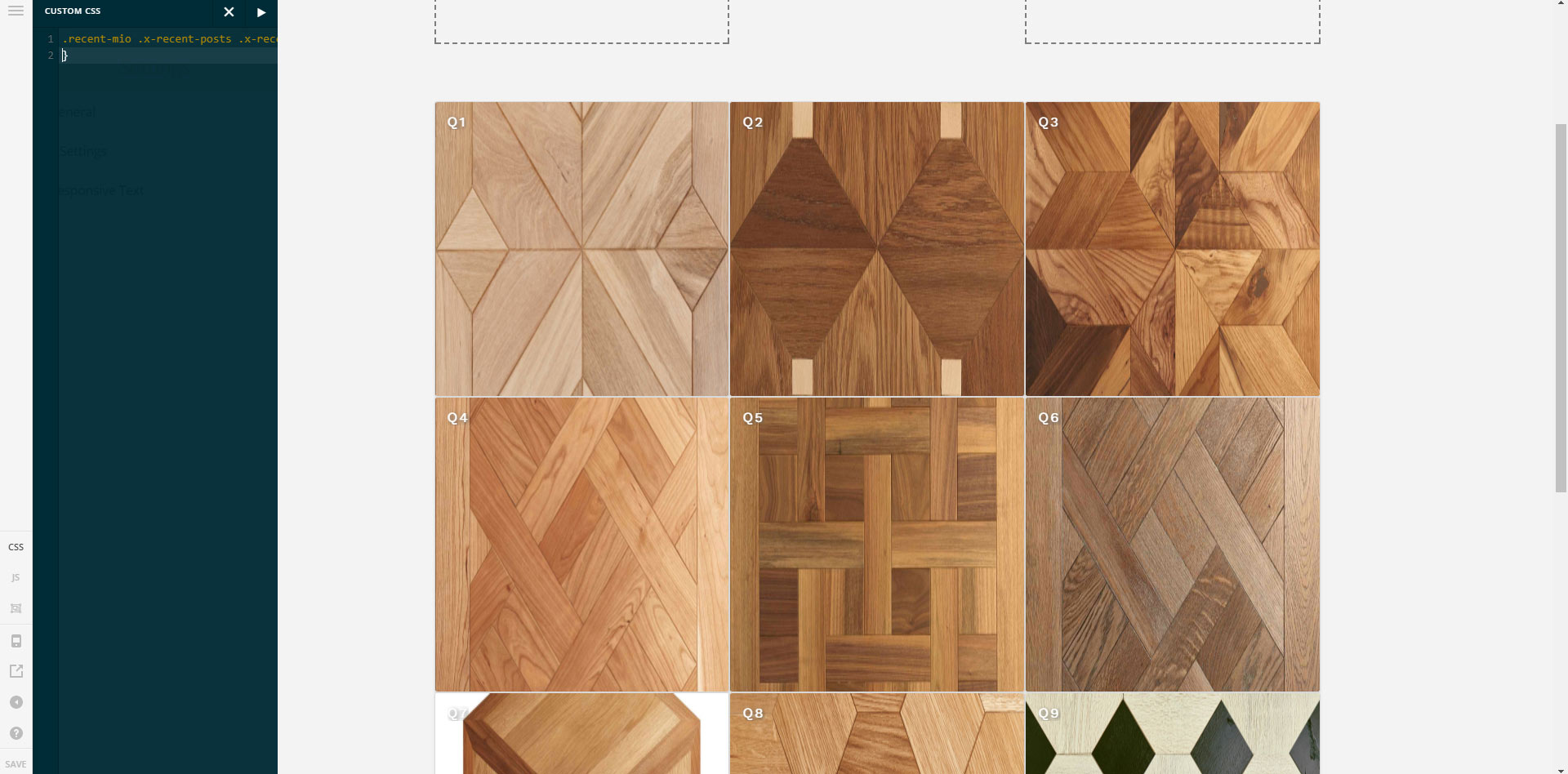
The recent post’s image become scretched (look the attach)
I also tried background-size:cover but I can’t see the whole image, but just a part of it.

How can I fix this?
Thanks

Hi again,

To display the entire image and unstretched you’ll need to use the following code which you were using before i.e:

.recent-mio .x-recent-posts .x-recent-posts-img {
    background-size: contain;
}

Since it’s a background image you can’t really control it the way you want. It has limitations.

Hope this helps!