Hi,
How can I change the header and footer menus’ font colour, including hover and active colours?
Thanks,
Werner

Hi,
How can I change the header and footer menus’ font colour, including hover and active colours?
Thanks,
Werner
Hello @werbar77,
Thanks for writing in!
I checked the website and looks like you have activated under construction page over there. However, looking at the screenshot it seems that you are using header builder.
Here’s a screencast that you can take a look.
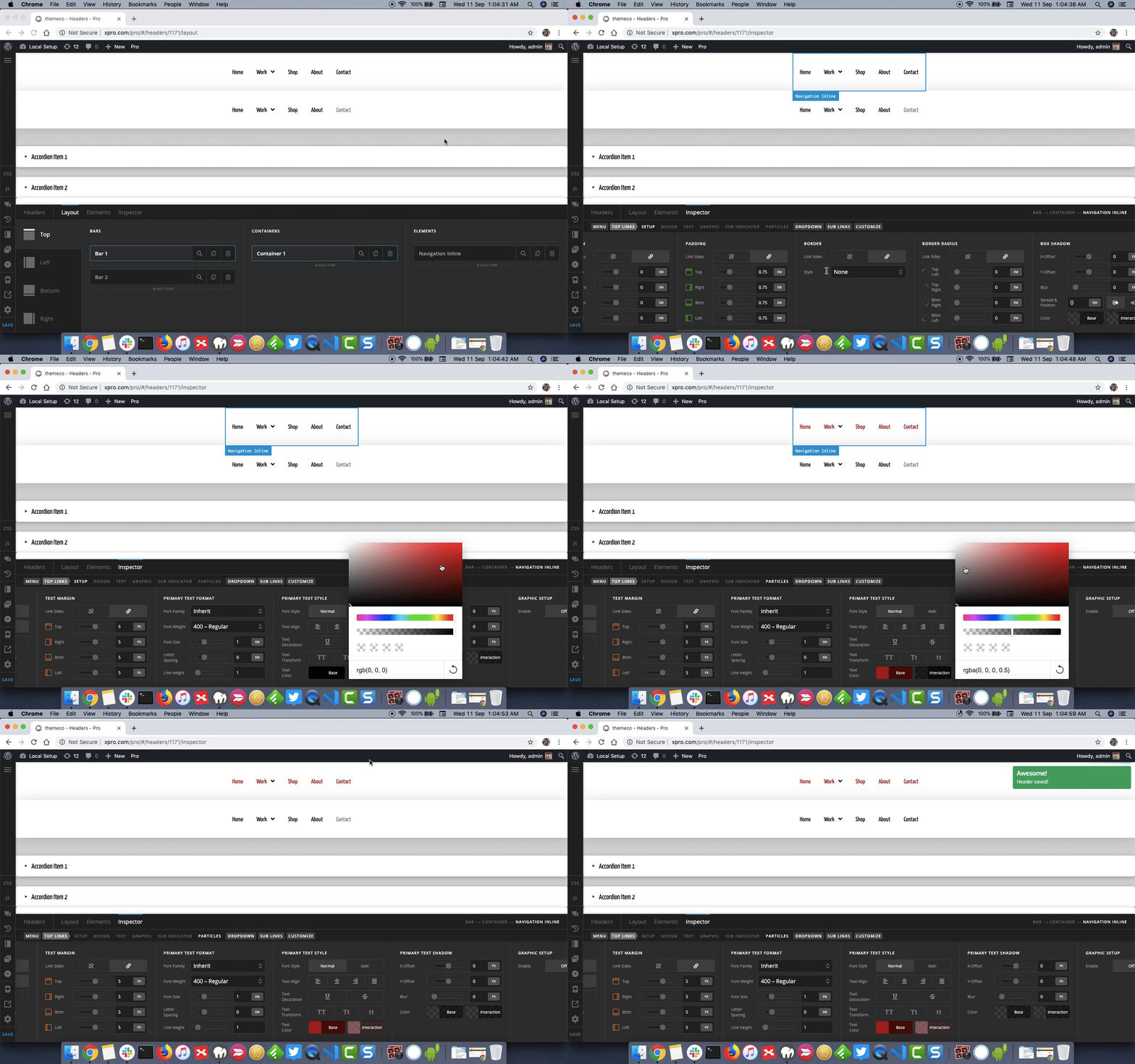
Thanks.
This topic was automatically closed 10 days after the last reply. New replies are no longer allowed.