Change Header

Hi,

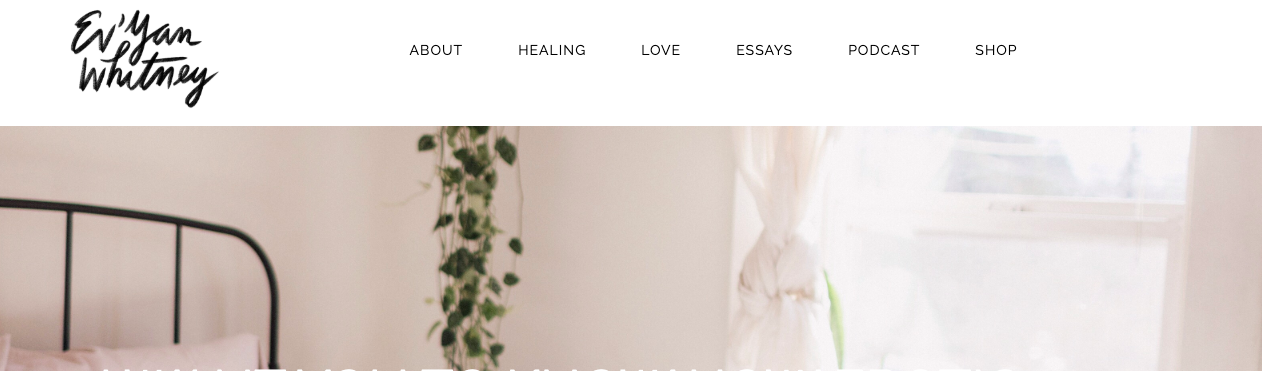
I would like to know how could I change my header to one where both my logo name and navbar are above my header photo with a white background colour. Instead of being inside of the photo as it is right now.

This is my actual header: https://inawomansbody.com/

And, this is how I what it to look:
Best regards,
Marina.

Hello Marina,

Thanks for writing in!

Please go to X > Theme Options > Header > Logo and Navigation > Layout and then select “Inline” because at the moment, you have set it as “Stacked”.

Hope this helps.

Hi Runel,

What I meant is that I want the Navbar and logo and in a white background, with black letters, above the header image. If I put the header Inline this would the result, which is not exactly what I want. What can I do?

Best regards,
Marina.

Hello Marina,

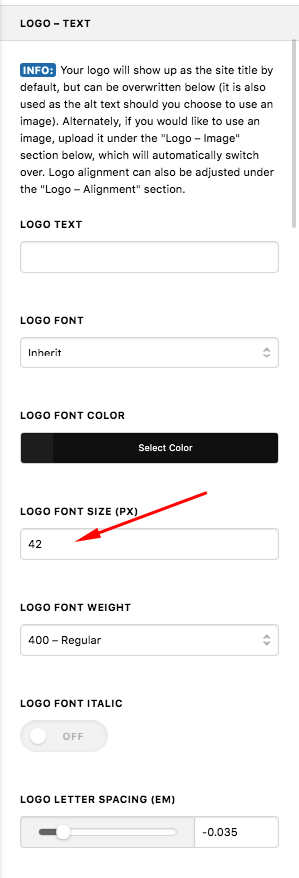
Once you have changed the Logo and Navigation layout to “Stacked”, you will need to reduce the Logo Text font size so that there will be enough space in your header. The logo text and the menu items should fit in the area then.

Kindly let us know how it goes.

Hi Runel,

I am not sure if I explained myself well, but that it’s not what I want. Following your advice the header looks like this:

However, it’s not what I want. What I would like is to have both Navbar and logo above the header image with a white colour background and then the image below. I don’t want to have the logo and Navbara inside the header image, basically. Could you please advise me how to do it?

Best regards,
Marina.

Hello Marina,

This is actually the default display for the navigation area but you have added some customizations which made the header area overlap to you header images.

If you want to have this header, please go to X > Theme Options > CSS and find this code and remove it:

.masthead {
    position: absolute;
    width: 100%;
}

Then go to the Header settings of the Theme Options and set the Logo and Navigation - Layout option to Inline.

Lastly, go to Links – Text option and set the Navbar Links color to black.

Hope this helps.

This topic was automatically closed 10 days after the last reply. New replies are no longer allowed.