Hello,
I’ve got version 6.3.8 installed and have elected to do the font manager, which allows me to manage my fonts on the page in the elements individual section.
I’ve started with demo content and am adjusting from there, but find my accordion fonts (headers and text), tab fonts (header and text) and icon list fonts (text) are not following my font manager selections and do not allow for me to change the text selection in the element.
I do have advanced controls selected in preferences.
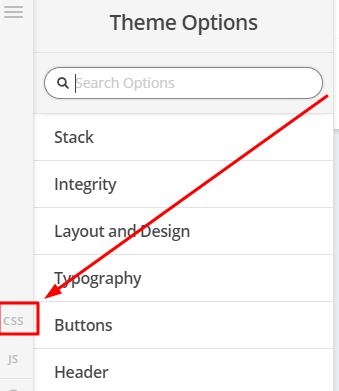
Is there a way for me to say in CSS that I want these elements headers and body texts to always appear a certain way (including color) across the entire website instead of trying to adjust per page?
Perhaps so the body text for these elements being:
font-family: "Catamaran" !important;
font-size: 17px;
line-height: 1.5;
And the heading text for these elements being:
font-family: "Shadows into Light" !important;
font-size: 20px;
line-height: 2;
Thank you for your assistance!