Please go to pulstarmfg.com and you’ll see a link in the main nav for RECENT BUILDS. If you hover over that, you’ll see all of the other links for each rig model. For now, ignore the one that says ALL RECENT BUILDS.
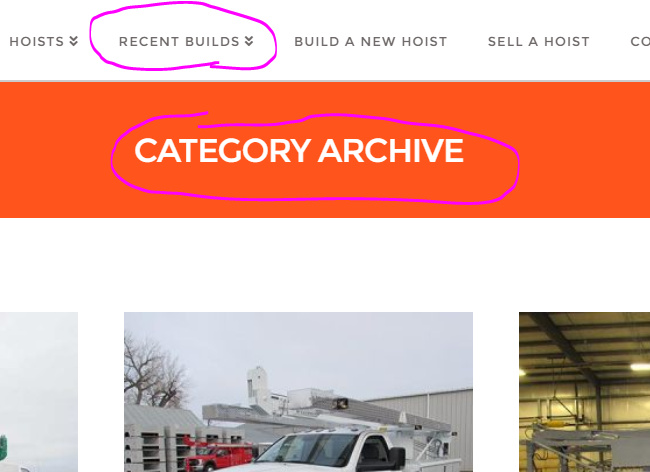
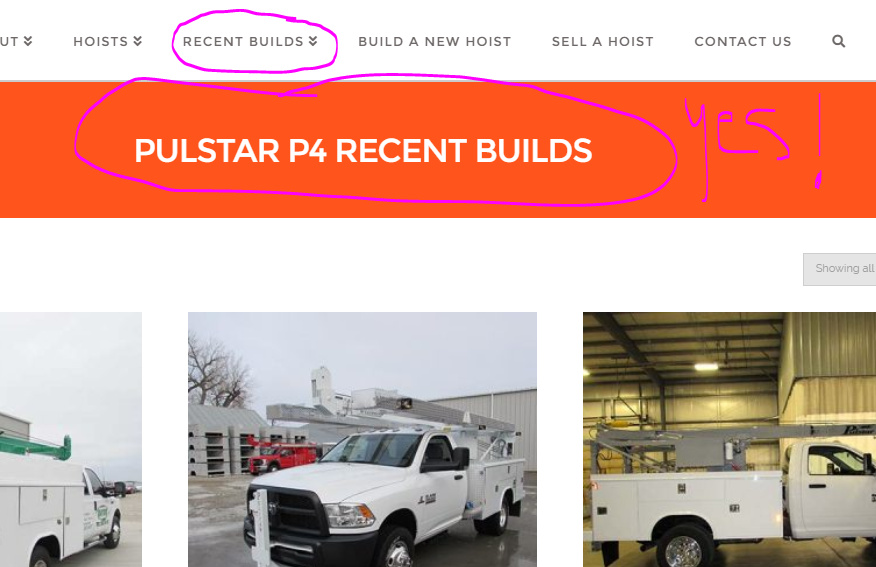
If you click on any other one, like for example the P4 RECENT BUILD, it takes you to a page of all recent P4 builds. I used woocommerce to build the entire Recent Builds section and then created these nav links simply by using the category filter links. You’ll notice that the title of each of these pages is CATEGORY ARCHIVE, but I want to individualize each one to say P4 RECENT BUILDS, P5 RECENT BUILDS, P7 RECENT BUILDS, etc.
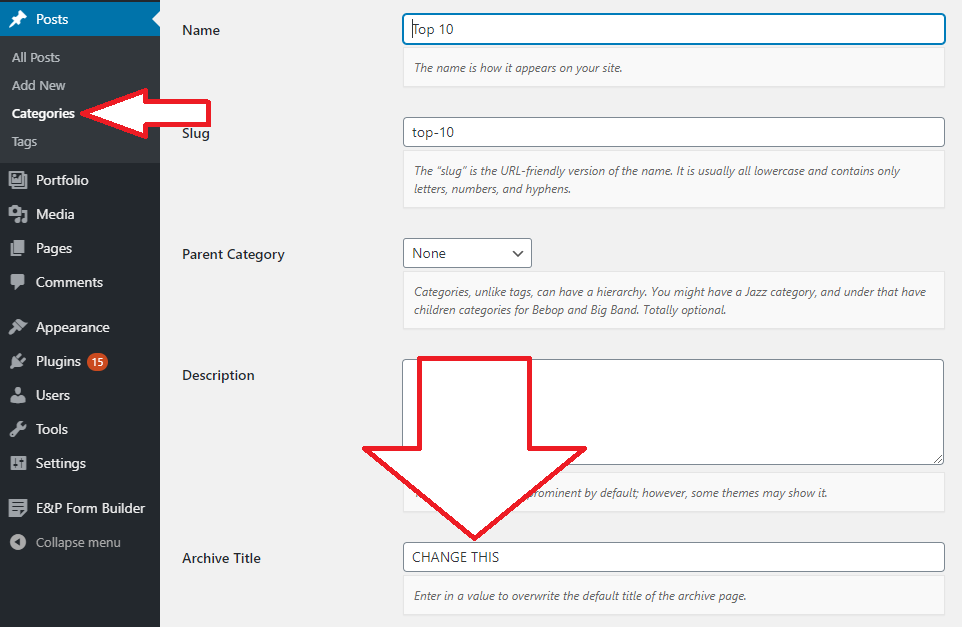
A while back, I was able to change the page title of ALL RECENT BUILDS by adding some code in the functions.php file b/c that page is the woocommerce SHOP page, but is there a way to change each of these page titles?
PS: The first image i included is what the page looks like now. The second image I included is how I’d like the page title to look. I made the change using the inspect element, but as you know, we can’t save changes out of the inspect element.