Hi there,
I’d like to change the color of navigation button (in media with max width 979px) to a certain style, but i can’t find the way. Can you help me?
Here is the style that i want to apply,
color of the burger (3 strips) icon: white;
background color: none
To assist you with more understanding, i also attach the screenshot.
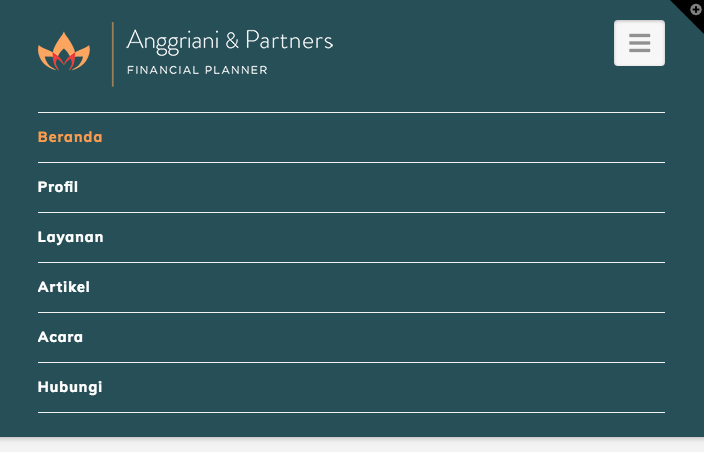
the navigation button that i mention is the white box with burger icon on the top-right of the image.
I’m looking forward for your support.
Thanks before.
