How would I center an image just on small screens. On larger screens I want it to stay on the right hand side but when viewed on a phone I want it to be centered. The imageto be centered is only the Texas state seal which is layered on top of the gavel image.
Hi,
To achieve that, add a unique class to your column where your logo resides

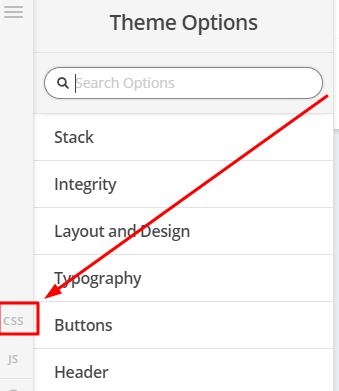
Then add this in Theme Options > CSS
@media(max-width:767px) {
.my-logo {
text-align:center;
}
.my-logo .x-image {
float:none;
}
}

Hope that helps
Thanks, I put that code into the CSS and cleared the cache however it did not have any effect though?
Hi There,
Please update the previous CSS to this:
@media (max-width:767px) {
.my-logo {
text-align:center !important;
}
.my-logo .x-image {
float:none !important;
}
}
Hope it helps 
Thanks, that works great.
You’re more than welcome, glad we could help.
Cheers!
This topic was automatically closed 10 days after the last reply. New replies are no longer allowed.