Center Columns

I am trying to get the columns to center after using the margin-right:30px; to decrease the width been columns but in doing so my columns don’t align in the center. I tried a few things but I can’t get them to move. Essentially, the columns should be able to center, leaving the same gap size on both the right and left side.
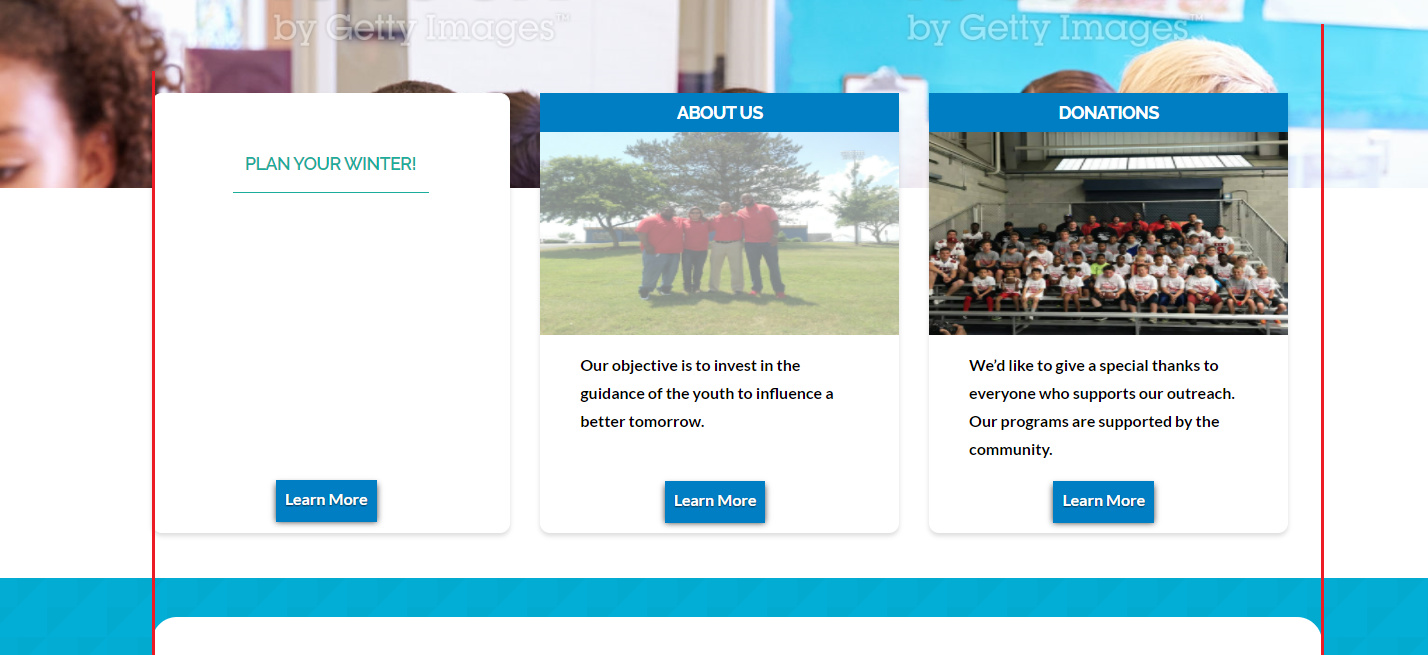
This is what I currently have in my CSS -

.my-column {
border-radius: 10px;
box-shadow: 0 0.15em 0.35em 0 rgba(0,0,0,0.135);
margin-top: -140px;
margin-right:30px;
}

Hi There,

Thank you for writing in, please do not alter the columns side margins, you’ll get a responsive/alignment issue for that.

If you need to decrease the width of COLUMNS, decrease the width of the ROW instead. The margin-left: auto; and margin-right: auto; of the ROW should center the columns automatically.

Please add this to Theme Options > CSS

.x-section .x-container.my-row {
	width: 60%;
}

Feel free to adjust the width value. Then apply the CLASS my-row to your ROW.

Hope it helps,
Cheers!

Thanks! That was perfect.

You’re welcome! :slight_smile:

This topic was automatically closed 10 days after the last reply. New replies are no longer allowed.