Hello
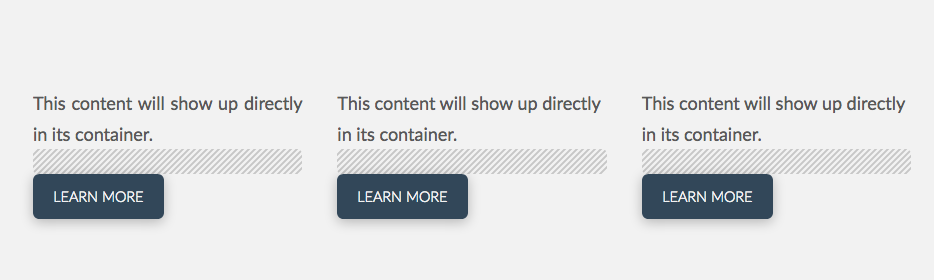
Trying to build a page with centered buttons under the columns - I’ve tried a bunch of different css codes listed in the forum and I’m not having any luck. Would love some help! no matter what I do they stay justified left.
Thanks
Hello
Trying to build a page with centered buttons under the columns - I’ve tried a bunch of different css codes listed in the forum and I’m not having any luck. Would love some help! no matter what I do they stay justified left.
Thanks
Hello @classiclifecoaching,
Thanks for asking. 
First I suggest you to add custom class button-class-center to button element under Customize > Class https://cloudup.com/cnV202fLJo8.
After that, you can add following CSS under X > Theme Options > CSS:
.button-class-center {
    margin: 0 auto;
    display: table;
}
Please replace class name button-class-center as per your requirement. I used Google Chrome Dev tools to find out the correct selector. If you would like to get started with Chrome dev tools, please take a look at following resources:
If you would like to learn CSS, please watch following YouTube video.
Thanks.
This topic was automatically closed 10 days after the last reply. New replies are no longer allowed.