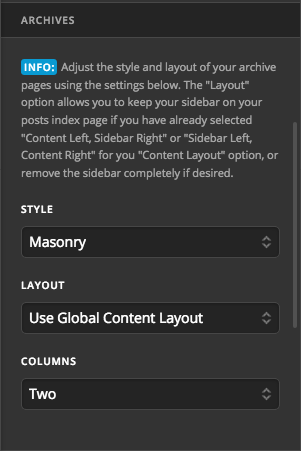
On my website www.TicoTravel.com I have menu links at the top of the page that link to categories.
However when you click on the category all the posts in that category are listed but the photos are very large and take up an enormous amount of space.
Is their way to make those photos appear smaller when they go to that category page… even to the extent where they are listed in 2 columns but even 1 would be fine
For further clarification… This website category page is an example of what I would like to do:
https://camperreport.com/category/beginner-info/