Having an issue with the cart icon - it’s set for “stacked” but with either setting, it’s pushing the header nav over; seems like it should be up in the corner above the nav?

Hi @mcphoto,
Thank you for your message. I tried to access the WordPress Dashboard but the given username and password are not working. And I also checked the home page of the website in question and it is not using our theme at all.
Would you please kindly make sure that the information given to us is correct? Meanwhile please follow the general troubleshooting steps below:
-
Ensure everything is up to date according to our version compatibility list here. Please follow the best practices when updating your theme and plugins. Click here for more information.
-
Test for a plugin conflict. You can do this by deactivating all third-party plugins, and see if the problem remains. If it’s fixed, you’ll know a plugin caused the problem, and you can narrow down which one by reactivating them one at a time.
-
Remove custom CSS and Javascript from the theme options and change the theme from Child Theme to Parent Theme and see if the problem persists.
Thank you.
DOH, sorry - the client has changed the URL a few times, correct URL is technologysolutions-inc.com - thanks!
Hello @mcphoto,
To resolve your issue and display the cart menu item inline with your menu items, simply go to X > Theme Options > WooCommerce and update the “Cart Alignment” from 30 to 70 pixels.
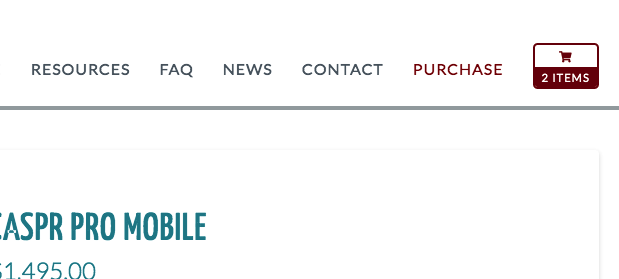
If you need anything else we can help you with, kindly let us know.
This topic was automatically closed 10 days after the last reply. New replies are no longer allowed.