Can't replicated styled column

On my home page www.followtheboat.com there is a section/row/column/text that says ‘looking for inspiration’. The column is purple and has rounded corners with padding. I am trying to replicate this section on another page but I can’t for the life of me work out how to replicate the rounded corners and padding! I have looked through every element within this section and compared it to my home page and every element is the same. I just can’t see where I do this. I don’t remember including custom css to do this and there is no call to any css for it.

Any clues?

Hello There,

Thanks for writing in! The rounded corners and the rest of the properties you’ve been looking for is coming from the column settings itself. Please edit your page and click on the column that you want to replicate the styling. Find the column design settings and tweak the settings.

Hope this helps.

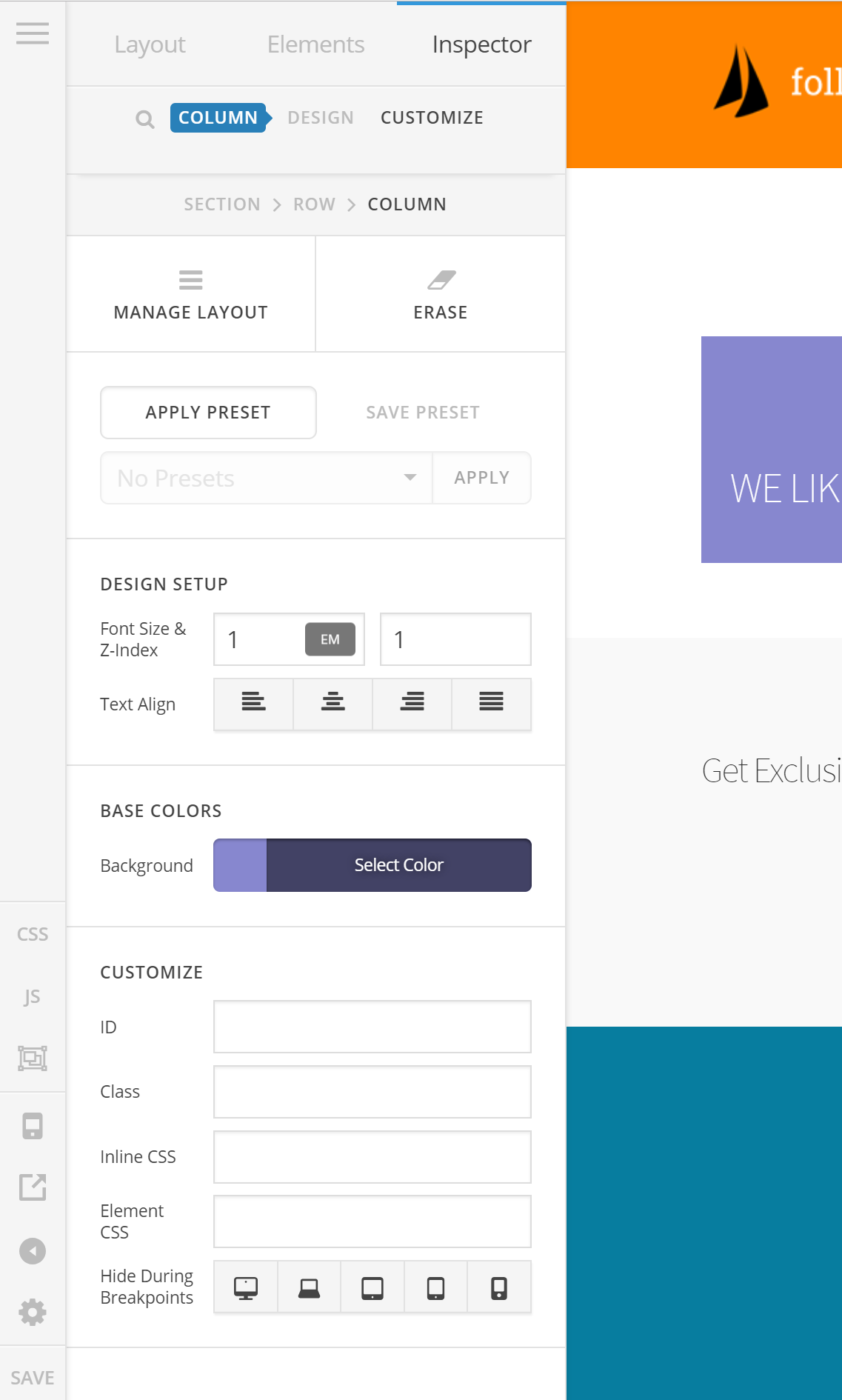
Hi, thanks for getting back to me. Unfortunately I am not seeing the Padding or Border Radius settings. See screen grab here…

Hi @demonboy,

You’ll have to enable the Advanced mode. Please edit your page and click the cog icon (gear icon), then go to Preferences and toggle on the ADVANCED MODE. Then inspect your section/element again and you’ll see more options.

In X, advanced mode is inactive by default, but active on Pro. It’s based on users request to minimize visible options for X.

Thanks!

Right. I did not know that! Thanks for that.

On behalf of my colleague, you’re welcome. Cheers! :slight_smile:

This topic was automatically closed 10 days after the last reply. New replies are no longer allowed.