i am trying to make a new post and i cannot seem to get into cornerstone editing for that page.
i just see this page.
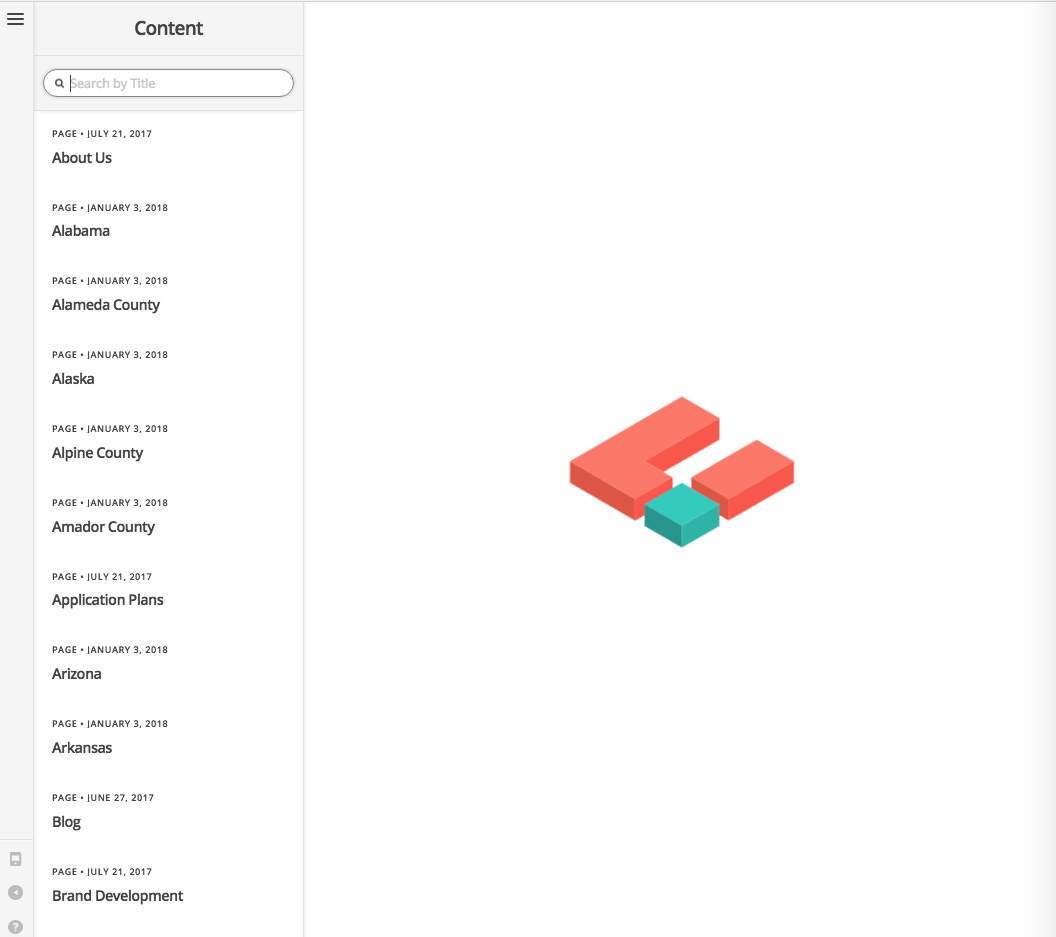
how can i edit the post in cornerstone?
i also tried other pages and posts and get the same result.
i am trying to make a new post and i cannot seem to get into cornerstone editing for that page.
i just see this page.
how can i edit the post in cornerstone?
i also tried other pages and posts and get the same result.
Hi There,
Thanks for writing in! Could you please install the following plugin (https://wordpress.org/plugins/wp-serverinfo/1) and then head over to Dashboard -> WP-Serverinfo and check the following information.
PHP version
PHP Max Script Execute Time
Memory Limit
We do recommend PHP v5.6.32 or higher, max script execution time 120 or higher and memory limit 256MB or higher (512MB recommended) to run Cornerstone smoothly.
Let us know how it goes.
Thanks!
I am having the same problem.
Here is the WP-Serverinfo
Variable Name Value Variable Name Value
OS Linux Database Data Disk Usage 709.7 KiB
Server Apache Database Index Disk Usage 96.0 KiB
PHP v5.6.33 MYSQL Maximum Packet Size 256.0 MiB
MYSQL v5.5.58-cll MYSQL Maximum No. Connection 151
GD bundled (2.1.0 compatible) MYSQL Query Cache Size unknown
Server Hostname qdropz.com PHP Short Tag On
Server IP:Port 72.10.48.167:80 PHP Magic Quotes GPC Off
Server Document Root /home/dave/public_html PHP Memory Limit 256.0 MiB
Server Admin [email protected] PHP Max Upload Size 10.0 MiB
Server Load 0.09 PHP Max Post Size 8.0 MiB
Server Date/Time March 5, 2018 @ 3:56 pm PHP Max Script Execute Time 120s
Can you check the Console tab of the browser’s developer tools? If it’s not letting you click “Edit” on any of the pages there’s most likely an error that will appear explaining why.
[Error] undefined is not an object (evaluating ‘stack.indexOf’)
getStack@http://qdropz.com/wordpress/wp-content/plugins/cornerstone/assets/dist-app/js/cs-vendor.js?ver=2.1.7:19456:14
defaultDispatch@http://qdropz.com/wordpress/wp-content/plugins/cornerstone/assets/dist-app/js/cs-vendor.js?ver=2.1.7:19500:43
dispatchError@http://qdropz.com/wordpress/wp-content/plugins/cornerstone/assets/dist-app/js/cs-vendor.js?ver=2.1.7:19483:22
onerrorDefault@http://qdropz.com/wordpress/wp-content/plugins/cornerstone/assets/dist-app/js/cs-vendor.js?ver=2.1.7:33226:45
trigger@http://qdropz.com/wordpress/wp-content/plugins/cornerstone/assets/dist-app/js/cs-vendor.js?ver=2.1.7:51931:19
http://qdropz.com/wordpress/wp-content/plugins/cornerstone/assets/dist-app/js/cs-vendor.js?ver=2.1.7:52925:40
invoke@http://qdropz.com/wordpress/wp-content/plugins/cornerstone/assets/dist-app/js/cs-vendor.js?ver=2.1.7:1335:20
flush@http://qdropz.com/wordpress/wp-content/plugins/cornerstone/assets/dist-app/js/cs-vendor.js?ver=2.1.7:1399:17
flush@http://qdropz.com/wordpress/wp-content/plugins/cornerstone/assets/dist-app/js/cs-vendor.js?ver=2.1.7:1207:22
end@http://qdropz.com/wordpress/wp-content/plugins/cornerstone/assets/dist-app/js/cs-vendor.js?ver=2.1.7:521:30
run@http://qdropz.com/wordpress/wp-content/plugins/cornerstone/assets/dist-app/js/cs-vendor.js?ver=2.1.7:643:21
http://qdropz.com/wordpress/wp-content/plugins/cornerstone/assets/dist-app/js/cs.js?ver=2.1.7:56108:30
tryCatch@http://qdropz.com/wordpress/wp-content/plugins/cornerstone/assets/dist-app/js/cs-vendor.js?ver=2.1.7:51261:22
invokeCallback@http://qdropz.com/wordpress/wp-content/plugins/cornerstone/assets/dist-app/js/cs-vendor.js?ver=2.1.7:51276:23
publish@http://qdropz.com/wordpress/wp-content/plugins/cornerstone/assets/dist-app/js/cs-vendor.js?ver=2.1.7:51244:23
publishRejection@http://qdropz.com/wordpress/wp-content/plugins/cornerstone/assets/dist-app/js/cs-vendor.js?ver=2.1.7:51179:12
invoke@http://qdropz.com/wordpress/wp-content/plugins/cornerstone/assets/dist-app/js/cs-vendor.js?ver=2.1.7:1335:20
flush@http://qdropz.com/wordpress/wp-content/plugins/cornerstone/assets/dist-app/js/cs-vendor.js?ver=2.1.7:1399:17
flush@http://qdropz.com/wordpress/wp-content/plugins/cornerstone/assets/dist-app/js/cs-vendor.js?ver=2.1.7:1207:22
end@http://qdropz.com/wordpress/wp-content/plugins/cornerstone/assets/dist-app/js/cs-vendor.js?ver=2.1.7:521:30
run@http://qdropz.com/wordpress/wp-content/plugins/cornerstone/assets/dist-app/js/cs-vendor.js?ver=2.1.7:643:21
http://qdropz.com/wordpress/wp-content/plugins/cornerstone/assets/dist-app/js/cs.js?ver=2.1.7:56240:30
http://qdropz.com/wordpress/wp-includes/js/jquery/jquery.js?ver=1.12.4:2:28773
i@http://qdropz.com/wordpress/wp-includes/js/jquery/jquery.js?ver=1.12.4:2:27454
fireWith@http://qdropz.com/wordpress/wp-includes/js/jquery/jquery.js?ver=1.12.4:2:28214
y@http://qdropz.com/wordpress/wp-includes/js/jquery/jquery.js?ver=1.12.4:4:22756
c@http://qdropz.com/wordpress/wp-includes/js/jquery/jquery.js?ver=1.12.4:4:26926
error
defaultDispatch (cs-vendor.js:19500)
dispatchError (cs-vendor.js:19483)
onerrorDefault (cs-vendor.js:33226)
trigger (cs-vendor.js:51931)
(anonymous function) (cs-vendor.js:52925)
invoke (cs-vendor.js:1335)
flush (cs-vendor.js:1399)
flush (cs-vendor.js:1207)
end (cs-vendor.js:521)
run (cs-vendor.js:643)
(anonymous function) (cs.js:56240)
(anonymous function) (jquery.js:2:28774)
i (jquery.js:2:27455)
fireWith (jquery.js:2:28215)
y (jquery.js:4:22757)
c (jquery.js:4:26927)
This could happen if you update to X 6 but not update Cornerstone.Try deleting Cornerstone entirely. Then go to X > Validation. It will automatically reinstall Cornerstone for you at a compatible version.
Did that. Still have the same situation.
this is what i got from the dashboard:
General
OS: Linux
Server: Apache
Hostname: cannabisresearchconsultants.com
IP:Port: 96.125.164.43:80
Document Root: /home/mws/public_html/cannabisresearchconsultants.com
PHP
v5.6.33
GD: bundled (2.1.0 compatible)
Magic Quotes GPC: Off
Memory Limit: 256.0 MiB
Max Upload Size: 2.0 MiB
MYSQL
v5.6.35
Maximum No. Connections: 150
Maximum Packet Size: 256.0 MiB
Data Disk Usage: 117.1 MiB
Index Disk Usage: 3.3 MiB
i have the 5.2.5 version of theme co. ???
cornerstone version: Version 2.1.7
Hey there… i try to edit a page with cornerstone but once i press the button it just reloads the current page in the dashboard view so im having the same problem also. Everything is updated.
@balanceedutainment & @rimoreno … Please open up a new thread, so that we can assist you prominently.
@CannaDems … Yes, you’re running X theme v5.2.5. Since your memory is set to 256MB, could you please try adding the following code into your wp-config.php file.
define( 'WP_MEMORY_LIMIT', '512M' );
define( 'WP_MAX_MEMORY_LIMIT', '512M' );
You can add it before the line:
/*That's all, stop editing! Happy Blogging. */
Let us know how it goes.
Thanks!
This topic was automatically closed 10 days after the last reply. New replies are no longer allowed.