I’ve created a page, the template is set to Layout - Portfolio, I can see page settings, but no portfolio settings. I’d like to change the number of portfolio columns and the number of portfolio items per page
Hello Sara,
After setting the page’s template to Layout - Portfolio, the customization options will be found in X > Theme Options > Portfolio.
Hope this helps.
after going to X > Theme Options > Portfolio I have Content, Labels and Sharing settings, but nothing to change the number of columns or the number of images displayed per page
Hi Sara,
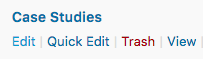
For those options, you need to edit your Portfolio page,
Then you should be able to locate Portfolio Settings section.
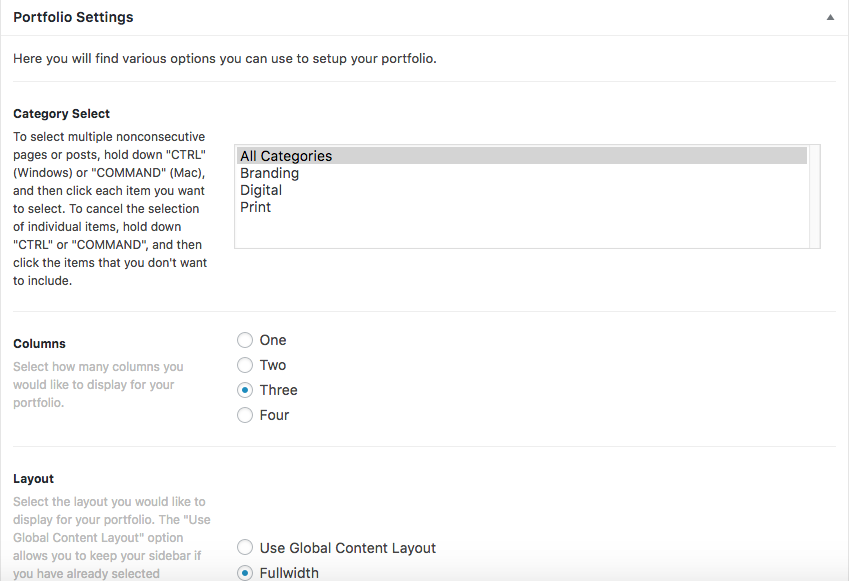
Hope that helps.
Hi, I don’t see a section for Portfolio Settings, I only see Page Settings
Okay, I noticed I had an update to run on xtheme, I have the settings after running the update, thanks!
We are delighted to assist you with this.
Cheers!
This topic was automatically closed 10 days after the last reply. New replies are no longer allowed.