Can't edit existing product in Cornerstone

Hi. I don’t know when this problem began because it’s been several weeks since I last attempted to edit a product. But I just discovered that when I try, I get a message that no suitable preview area found. That it could be a third party plugin.

I have not done anything much on the site so I can’t even imagine what could be causing this all of a sudden.

Is there a way to look under the hood and see what the problem could be before going and disabling all the plugins on a live site? It’s so stressful to do that. Is this a known issue?

I have not updated to the latest X and Cornerstone versions because I did that on my test site and now I can’t edit classic columns. So until that gets resolved, I will not update. What a mess.

Please help! :disappointed_relieved:

Hi There,

Thanks for writing in!
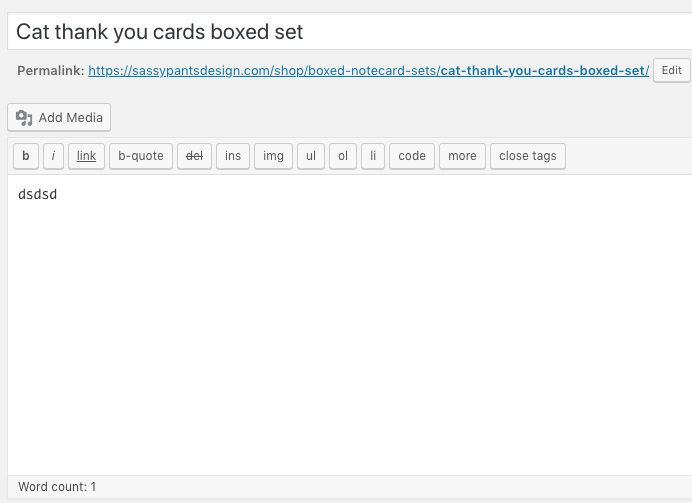
Can you please type something in the text editor first and save it. After that you can try editing the product in cornerstone.

By doing so I am able to edit a product.

Hope this helps!

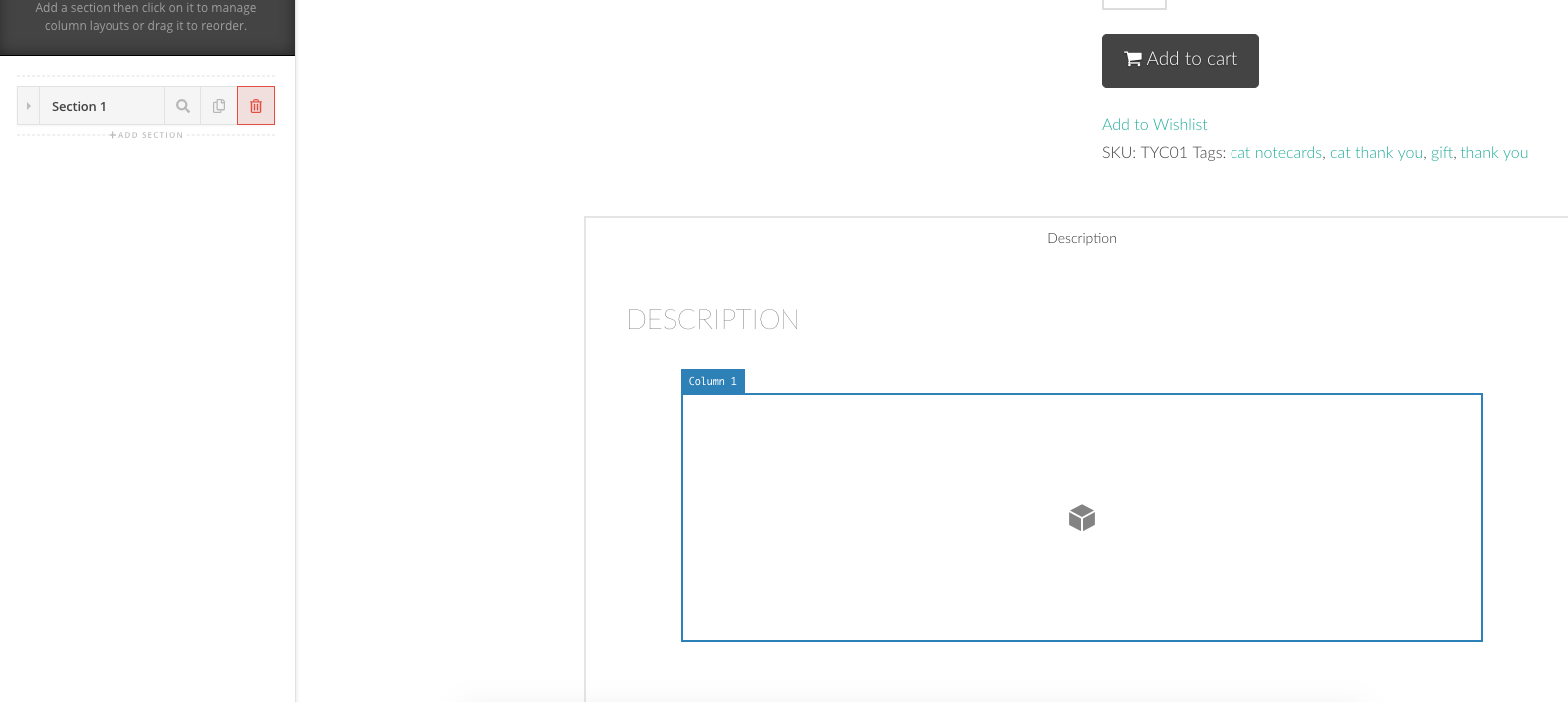
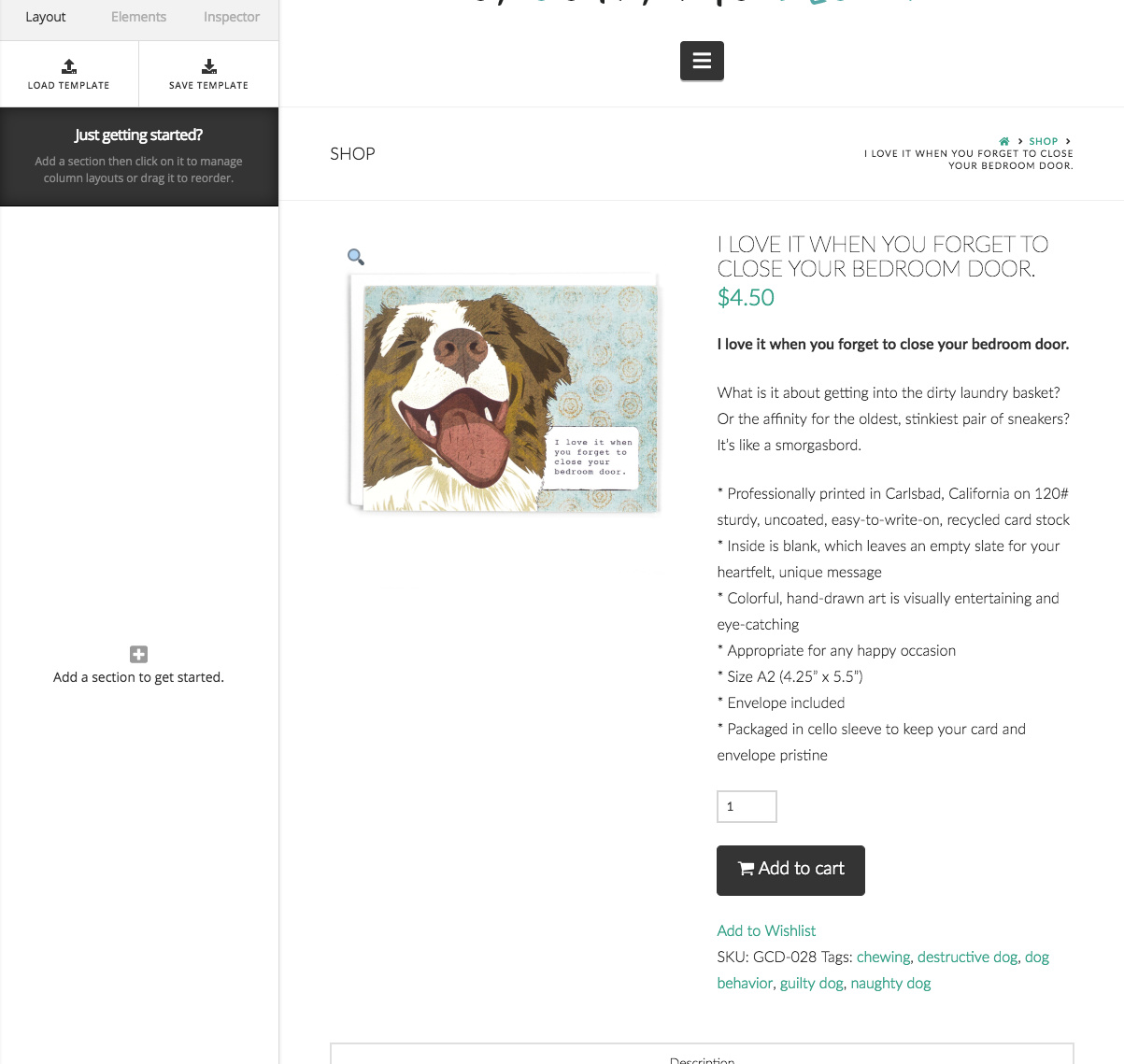
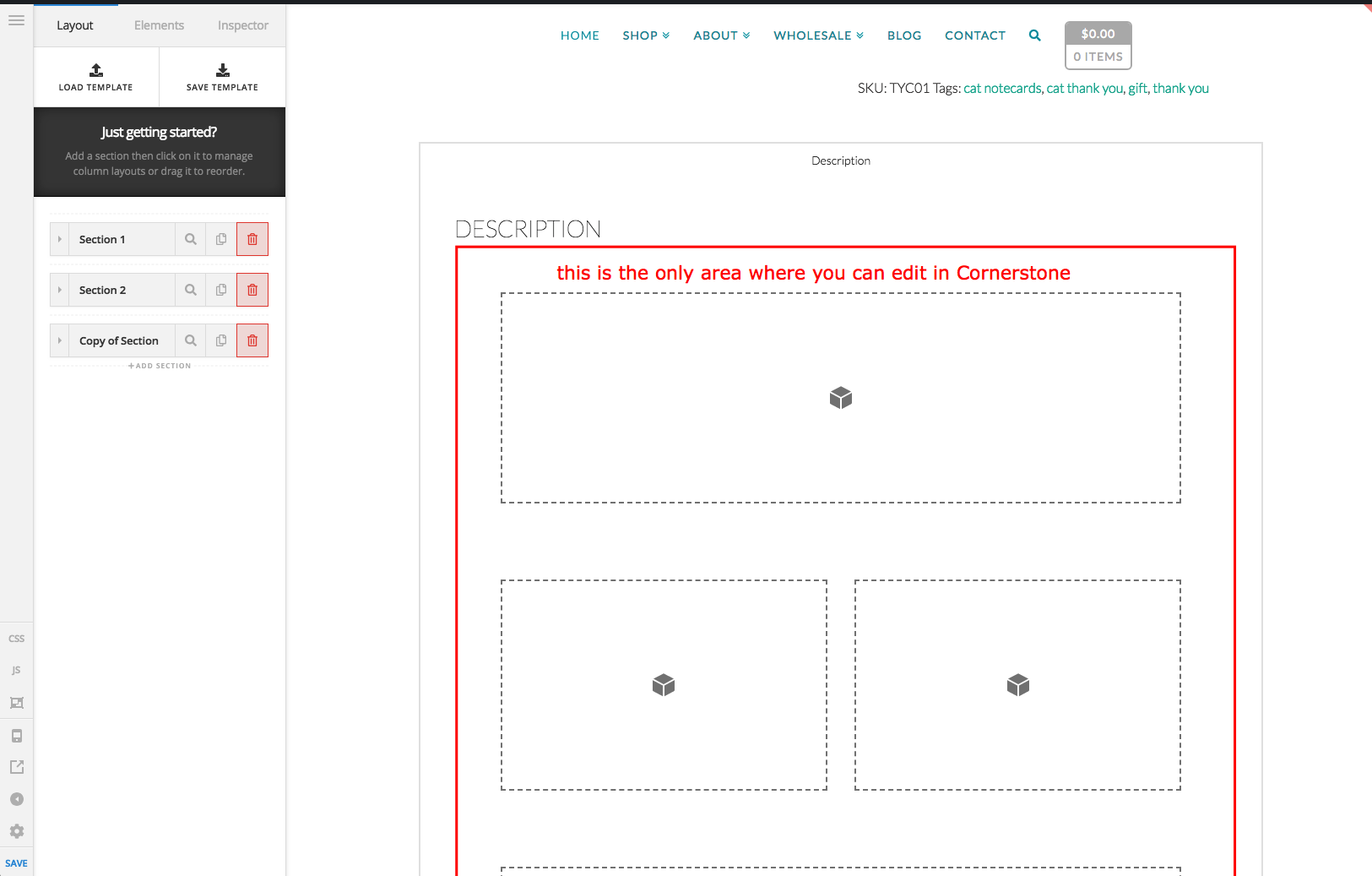
This does not work. Perhaps it does for you because you created a new product. However, I would like to edit an existing product. I cannot do that. The content is there but I can’t edit it.

see screenshot

Hello @creatorofstuff,

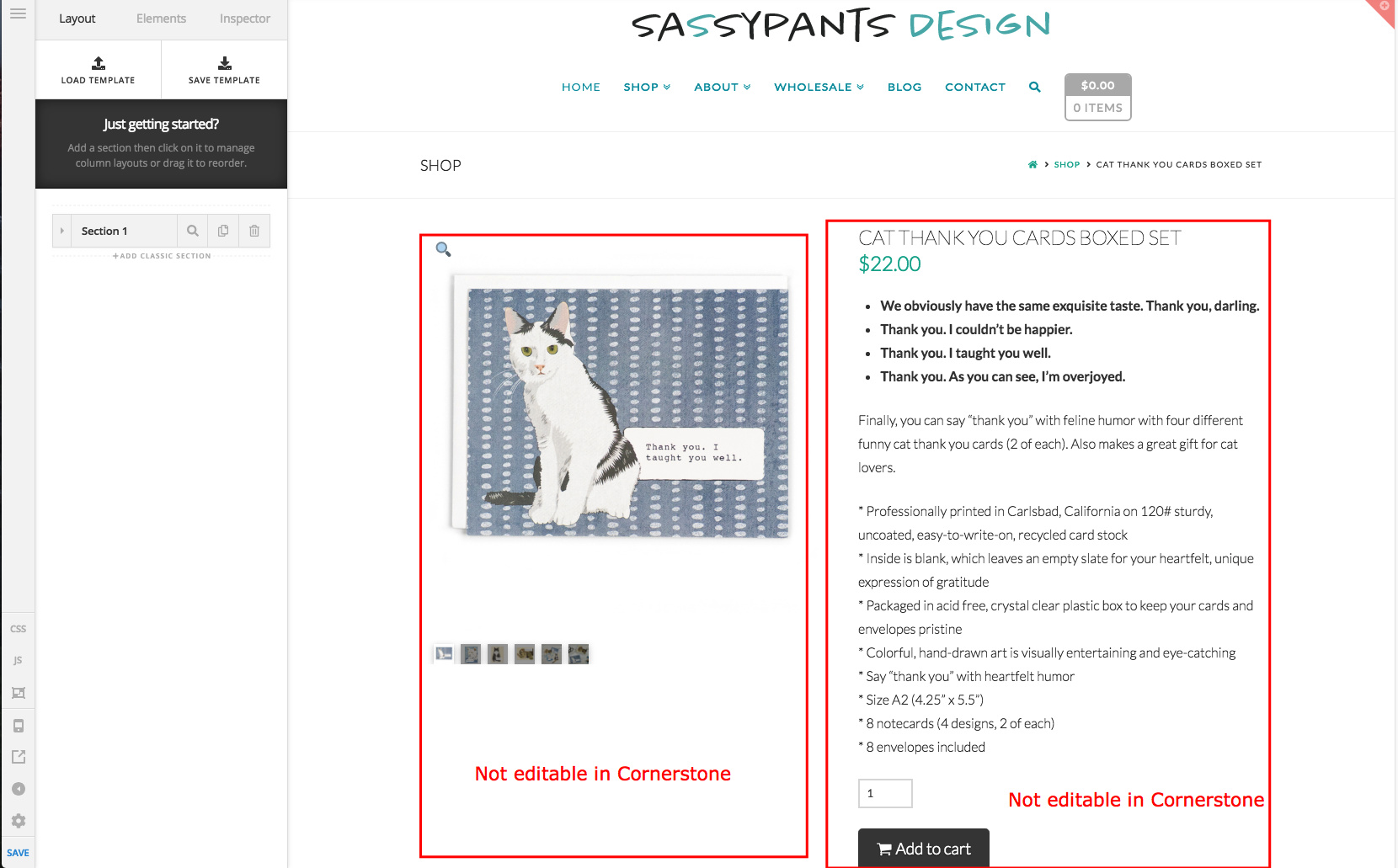
Please be advised that not all the sections, columns or elements of the product page can be edited in Cornerstone. The product page has its own template. The single product image and the product details were already laid out in columns and the contents were dynamically fetched and displayed by WooCommerce.

The description tab is the only editable section in Cornerstone.

Hope this make sense.

Yes, thank you. I feel silly now. :grimacing:

You’re more than welcome, glad we could help.

Cheers!

This topic was automatically closed 10 days after the last reply. New replies are no longer allowed.