I’m stuck with the Creative CTA element. I’ve added it to a column on my site here:
https://expresslinks.io/link-packages/
I can edit the front of the card, when I click on the Element and select Inspect, I only get the option to edit the front of the element. See below:
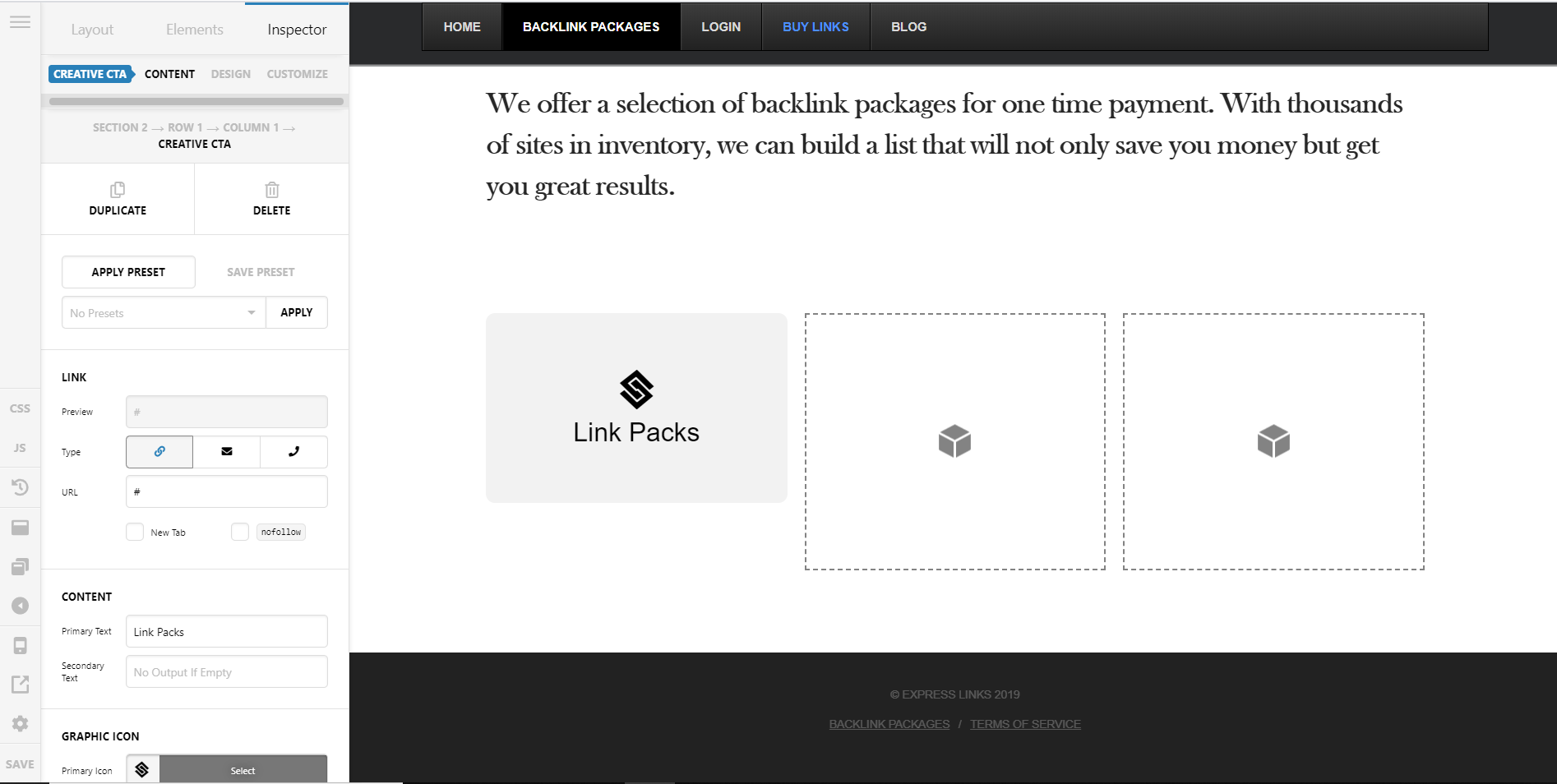
It just says Content, “Primary Text” “Secondary Text” and Graphic Icon, which edits the front. There is nothing to edit the back where it shows the lightbulb icon and “Discover Now” text
I’ve scrolled to be bottom and horizontally in the Inspector, to no avail.
Please help
Thanks
