Can't drop element into line

Hi there,
I’m having trouble dropping new elements onto the same line as other existing elements.

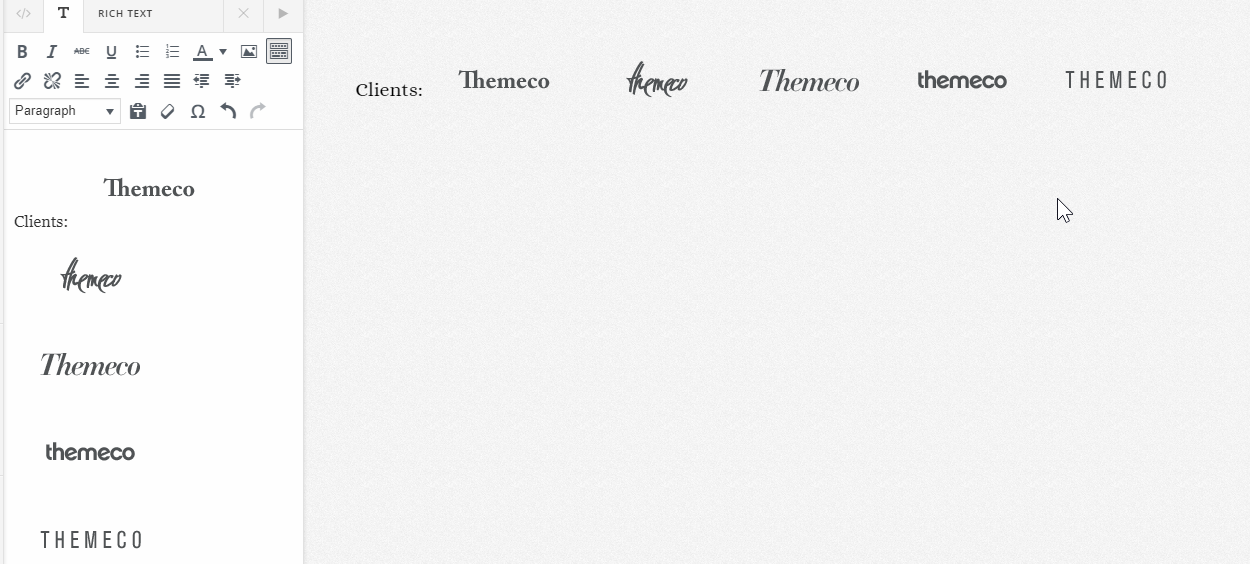
The row is used for displaying 6 logos of existing clients. I want to put text to the left of the logos saying “Clients:”.

When I try to drop the element into the line, it will only go on the line above or below, not on the line I want it to. Same thing happens if I try to drop an image into the line.

Weird thing is I can use duplicate to make 2 of one logo and it stays on the same line, so there is definitely space to put another element.

What am I doing wrong?

Hey @clearspark,

This is because the Text element is a block element. That means it will span the whole width of its container. For this, I’d recommend you rethink your design because even if you successfully add the text on the left, it will drop the last image down because it does not fit in the container anymore so it’s doesn’t look good in different responsive views and you’ll need to manually resize the image if that is the case.

I recommend you do it like this.

If you wish to continue with your design, you’ll need to use your own HTML inside a Text element like this.

The images’ float must be set to none.

Another idea is to make your text an image. So because it is an image, it’ll go along with the other images.

Thanks.

Fantastic, thanks.

Hi @clearspark,

Happy to hear that.

Feel free to ask us again.

Thanks.

This topic was automatically closed 10 days after the last reply. New replies are no longer allowed.