Can't Click on Text Box

Hey there -
I was trying to auto-embed a video and finally was able to get a text box and embed the YouTube stuff.
It’s here: https://www.redlanternescaperooms.com/

So, when I’m in Cornerstone, I can’t click on the text box to select it. To either edit it or delete it.
Can someone help me?

Here is a screencast:

Thanks!
Hi there,

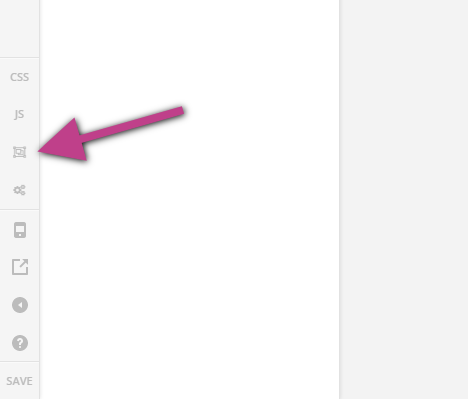
Please try loading the page in Skeleton Mode then try to click on the text element. You should be able to select it that way.

Once you have edited or remove the element, you can load it back to the normal preview.

Hope this helps.

It did, thanks!!

You’re most welcome!

This topic was automatically closed 10 days after the last reply. New replies are no longer allowed.