Hi all,
My website is www.mountainvaluescoalition.com, and as you’ll see at the top, the button background color and text are hardly noticeable. How do I change both the color of the button itself as well as the color of the text?
Hi all,
My website is www.mountainvaluescoalition.com, and as you’ll see at the top, the button background color and text are hardly noticeable. How do I change both the color of the button itself as well as the color of the text?
It looks like there’s some type of transparency that’s conflicting with the button and text. You could possibly try using a text-shadow effect.
https://www.w3schools.com/cssref/tryit.asp?filename=trycss3_text-shadow_neon
so how do I go about fixing that, and where?
I’ve pretty much tried everything at this point. Help! 
Copy the code below and replace the 2 different names and let me know if it works 
<span style="color:White; text-shadow: 0 0 3px #000000; border: 2px solid White;"><b>Contact Us</b></span>
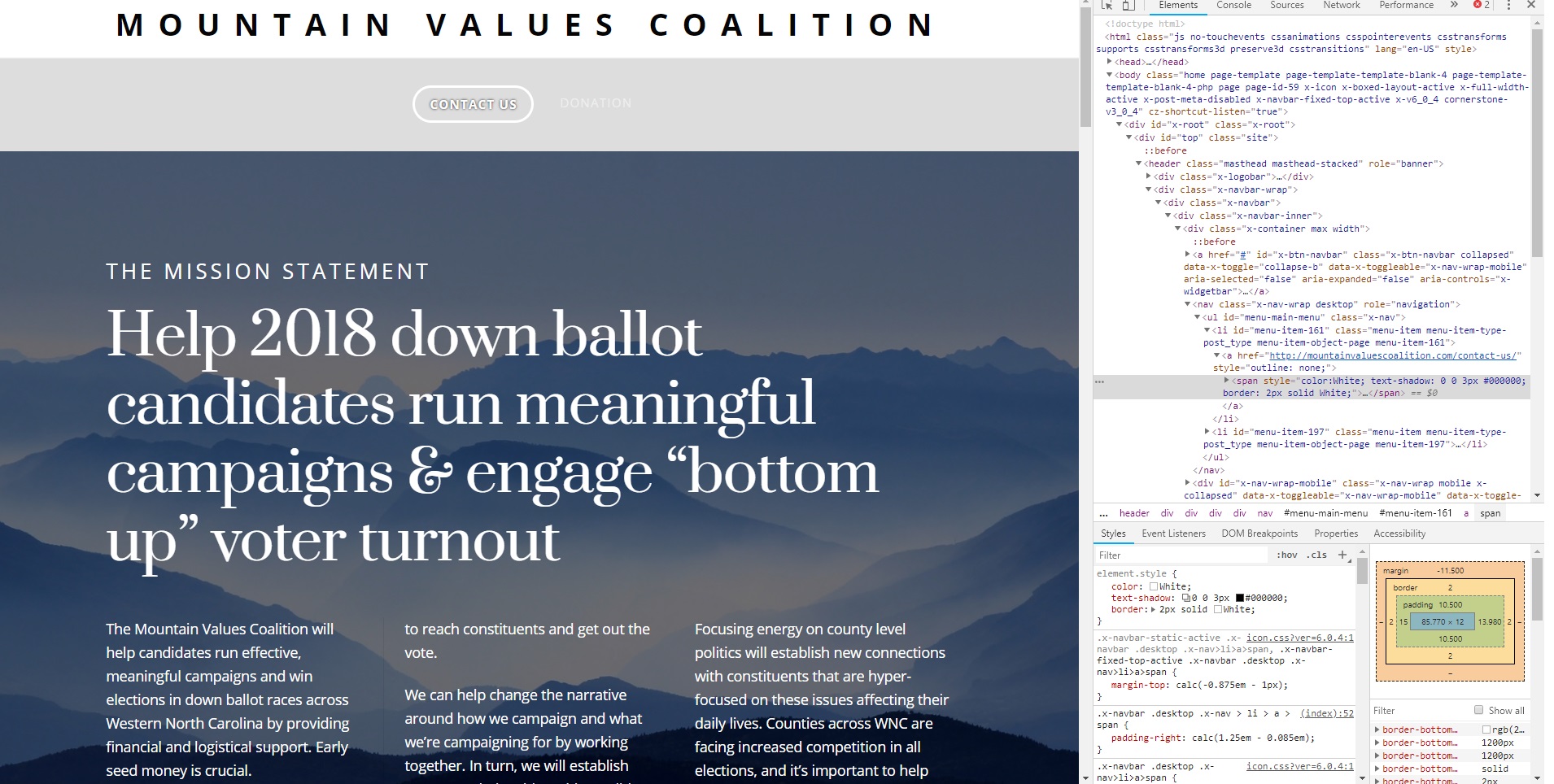
sorry to be a pain but I still can’t figure this out. 1- which page are you accessing this on? I have no idea where I should be inputting code. 2- I can’t see the screenshot, really. It doesn’t expand to full size and it’s too blurry to read the code.
Thanks!
This topic was automatically closed 10 days after the last reply. New replies are no longer allowed.