Hi,
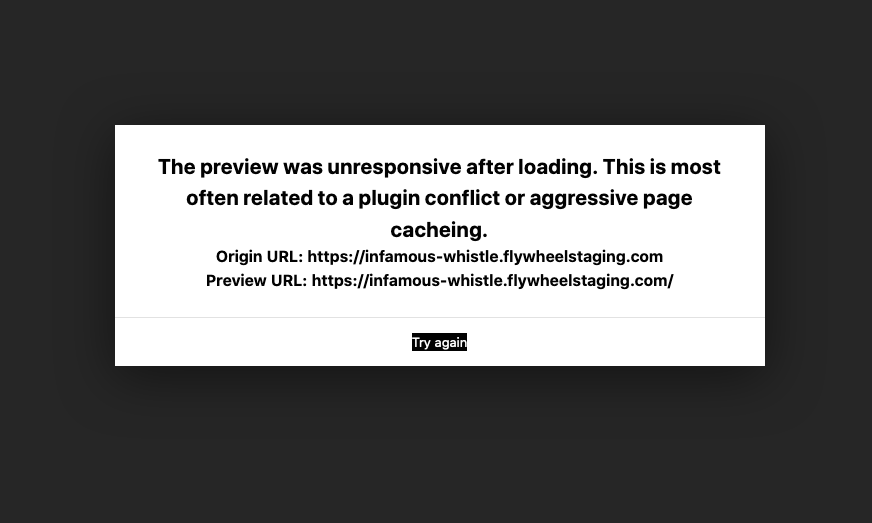
I’m having issues accessing the page editor when my caching plugin, Wp-Rocket is activated. Advice?
Hi,
I’m having issues accessing the page editor when my caching plugin, Wp-Rocket is activated. Advice?
Hello Jeannie,
Thanks for posting in! When WP Rocket or any other optimizing plugin, it will cache the page and generate a minified html, js and css resource files. Most of the time, the builder will have a hard time loading the preview. It is best that you temporarily optimizing plugins when doing edits or while you are still developing your site. These optimizing plugins such as WP Rocket are best to turn ON when you are done building the site and ready to go live. This will also enables you to see your changes immediately and not the cached version of your previous changes or previous cached state of the page.
Hope this helps.
This topic was automatically closed 10 days after the last reply. New replies are no longer allowed.