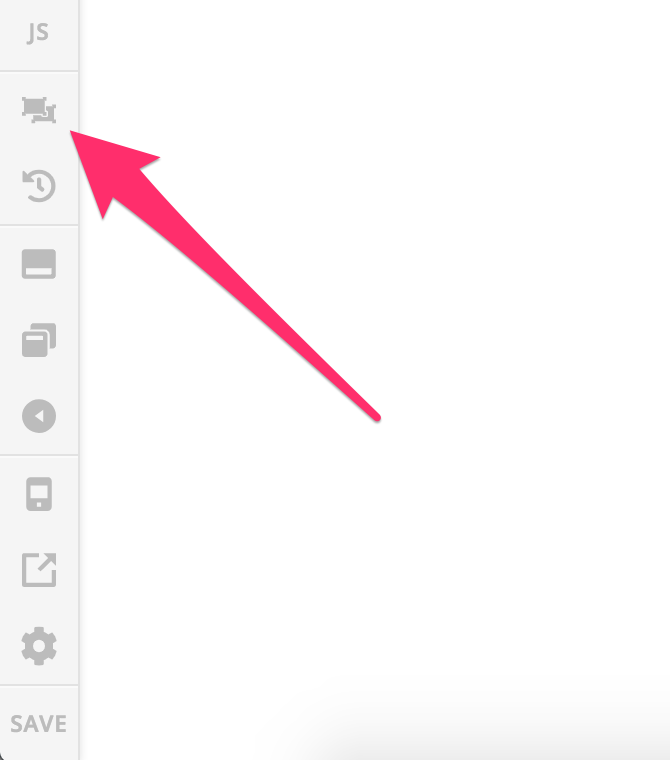
in the section where it says Purchase Books
timeline image: row 1: arranged as 1/2 Cannot see the actual images, only the second set of images when editing in Cornerstone. However on the website I can see all of the images. I wanted to move them all over by one so I could put the new book image in the first position. However I cannot even see the first section, only the second one so I duplicated it but I still cannot edit.
I created this site about 4 or so years ago when x theme was new. I really haven’t had to do much to the site and I am thinking all the upgrades that have been done have changed how I should be updating my site. I am sure there is a work around without me deleting that entire section and starting fresh. It could be that I have just forgotten what I did to create this section since it has been so long ago.
www.writerofhistoryandheritage.com
http://writerofhistoryandheritage.com/x/#/content/9/inspector
All I can see is the final book that is listed in the post but not the others that come before it. They show online on the site as does the additional one I created when I used the duplicate feature.