Cannot unvalidate a license from an existing server

Hi, I have two licences, and I’m trying to unvalidate one of them from one of my servers. This is on a multisite installation of WordPress. I’ve deactivated the theme entirely from all three sub-sites on the multisite, and I switched the theme back to Twenty Seventeen on the sub-sites as well.

The unvalidated license is not showing up on my Account -> Licenses page on my account page here. I only see the other license, which is working just fine.

I think I’ve done all the right things to get this second license unvalidated - and shouldn’t it appear on my Licenses page here on my “https://theme.co/apex/support” page, whether it’s validated or not? It appears that there might be a bug on this page.

Thanks in advance,
David

Hi David,

Can you provide the license number you are referring to?

Thank you

HI Joao,

Yes, the license that doesn’t seem to be behaving itself is:

Cheers,
David

Hey There,

That purchase code is associated to another account. I’ve added the information of it in a secure note. You will need to log into that account and go to Account > Licenses and reset the license/domain to be able to validate it again.

Hi Rubin (and staff),

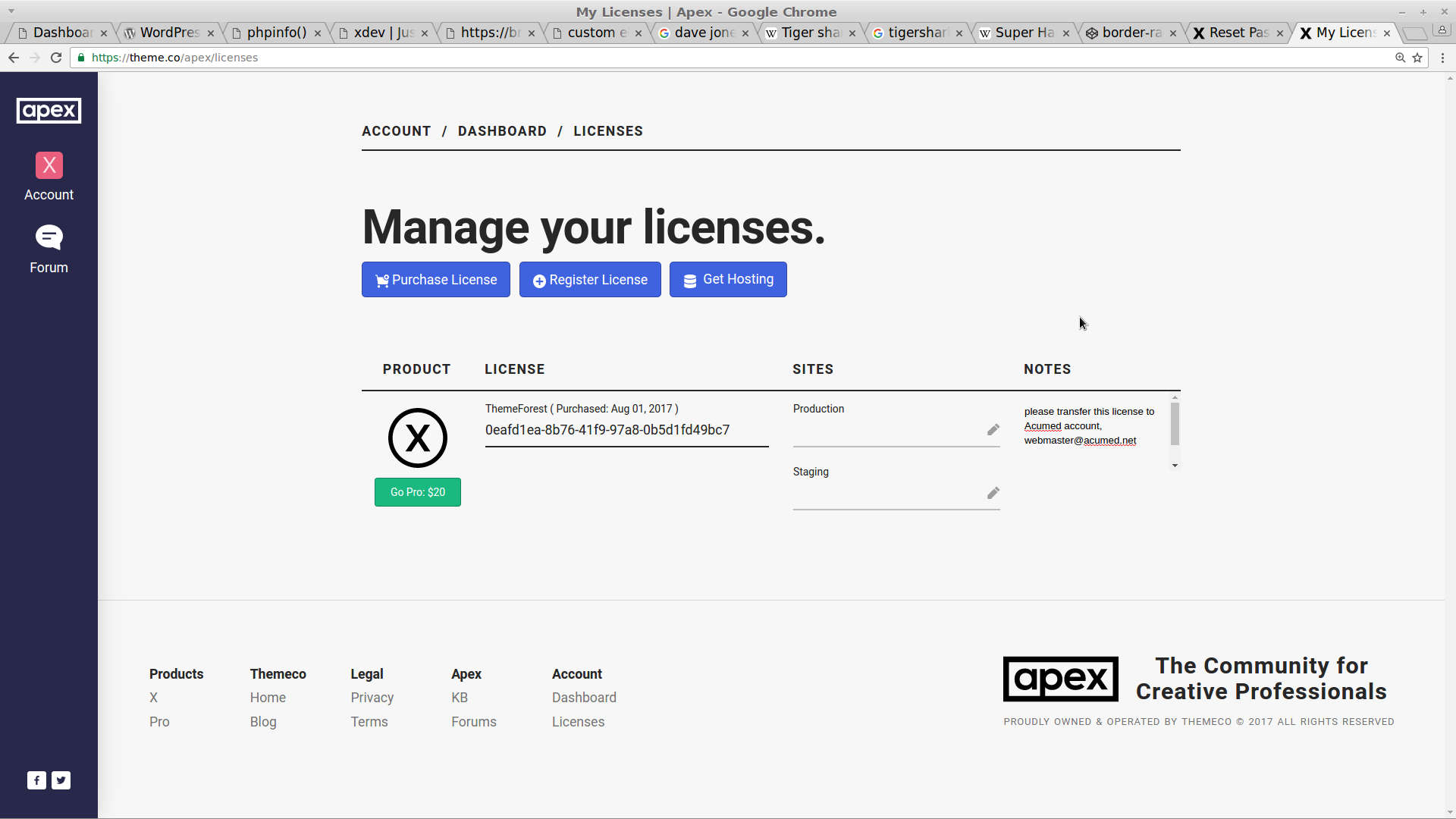
Our developer (ebcode) accidentally activated our license under his account.

If you check his account page, under the notes from this license, you will see that he has added a note in the notes field for the license, indicating his allowance for the license to be transferred to our account.

Please transfer this license to our account, and remove it from his. :smiley:

Cheers,
David
503-754-8819

Hey There,

I’ve reset your license and you can now add it to your primary account. All the best!