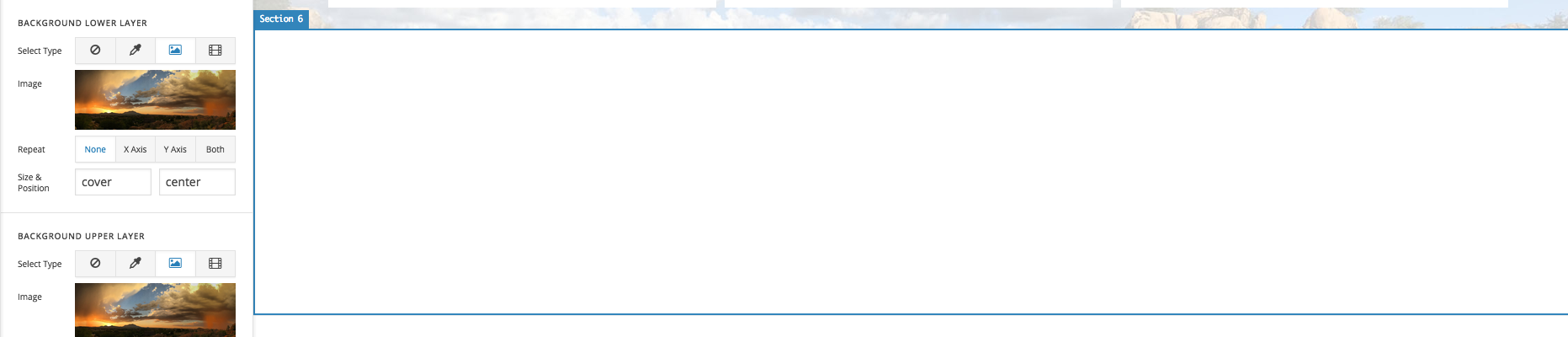
Hi all. I’m trying to experiment with creating a new section on a test page, and adding a background image to the section. I created the new section, and looked down the newly updated section inspector bar. I believe that I should check off “Advanced” check box next to the Background color. This leads to some new options. A background lower layer and upper layer appear, and I can add an image like I used to before this update. I’m not even clear on the distinction between lower layer and upper layer. So I put the same image into both…and nothing happens.
Any help fixing this would be greatly appreciated. Looks like I’m going to need to relearn X from the ground up. P.S. I’d be very interested to know how I can create a “Classic Element” section as those are still working fine, and there’s no option for creating them. I don’t need all the extras in the new sections sorry to say.