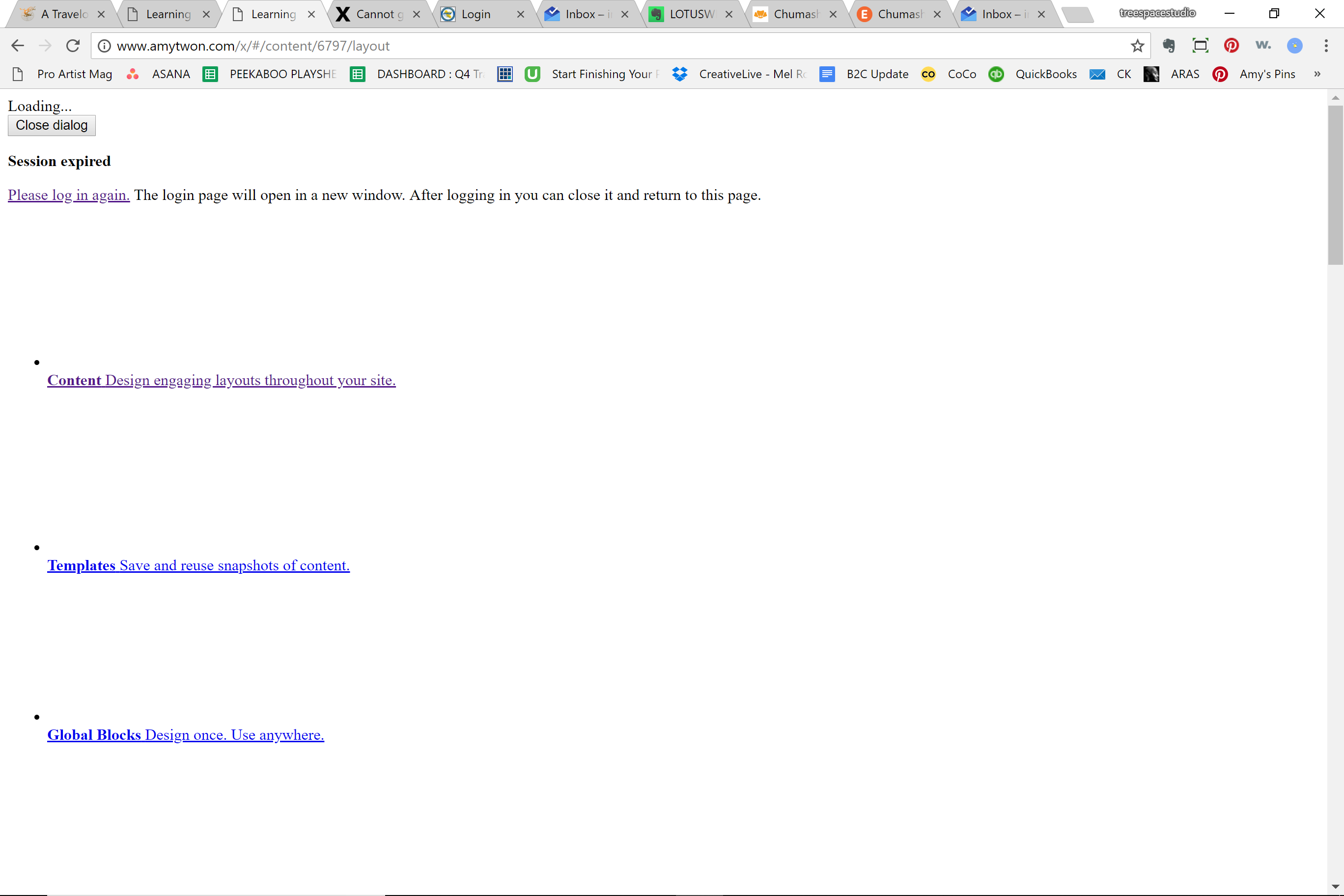
I cannot get to Cornerstone settings for my X theme to change the permissions settings so that the Cornerstone is actually appearing for post editor.
http://www.amytwon.com/travelogue/
This is what I’m seeing when I clicked under Cornerstone menu in Wordpress. The page is broken. Please advise, thanks!
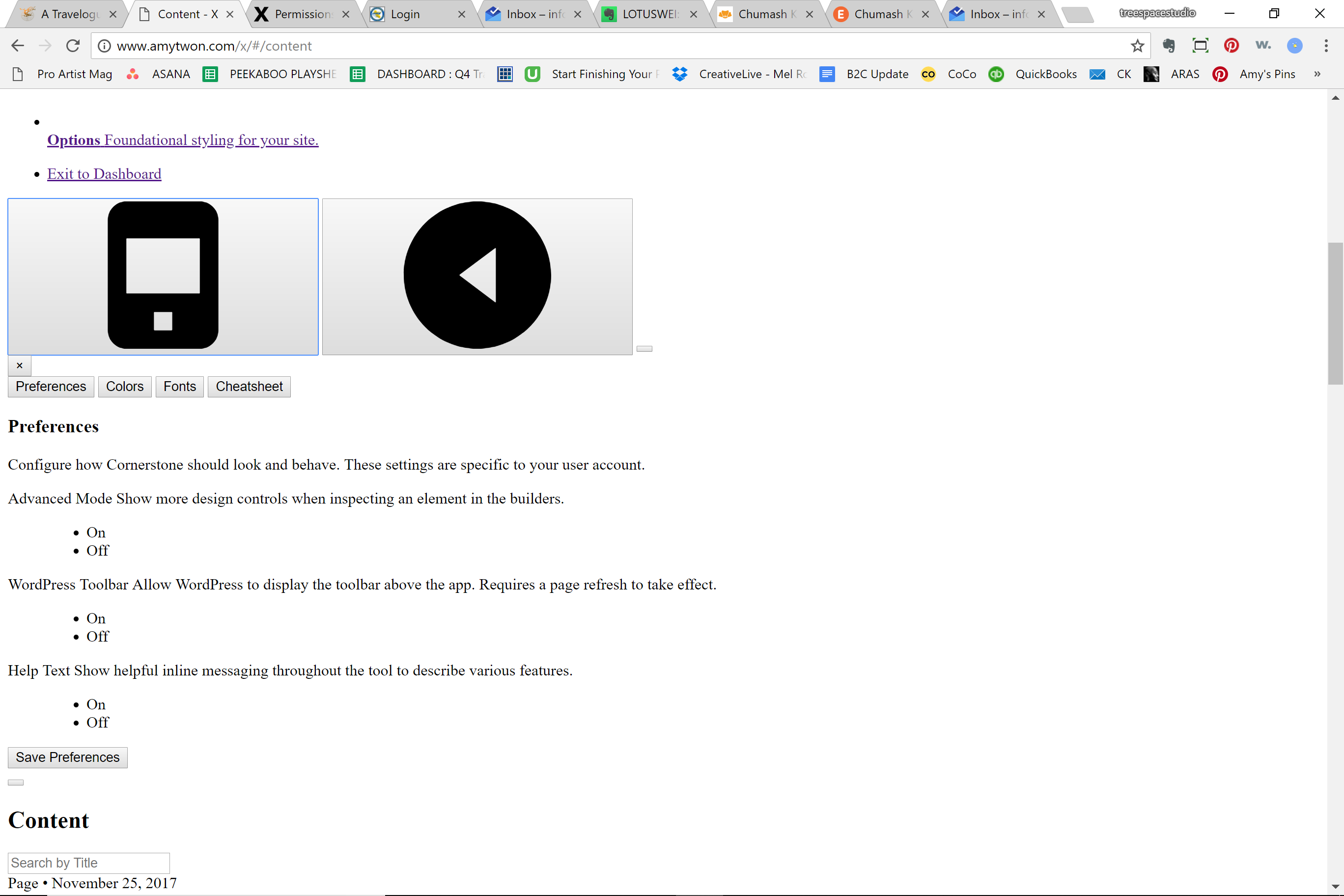
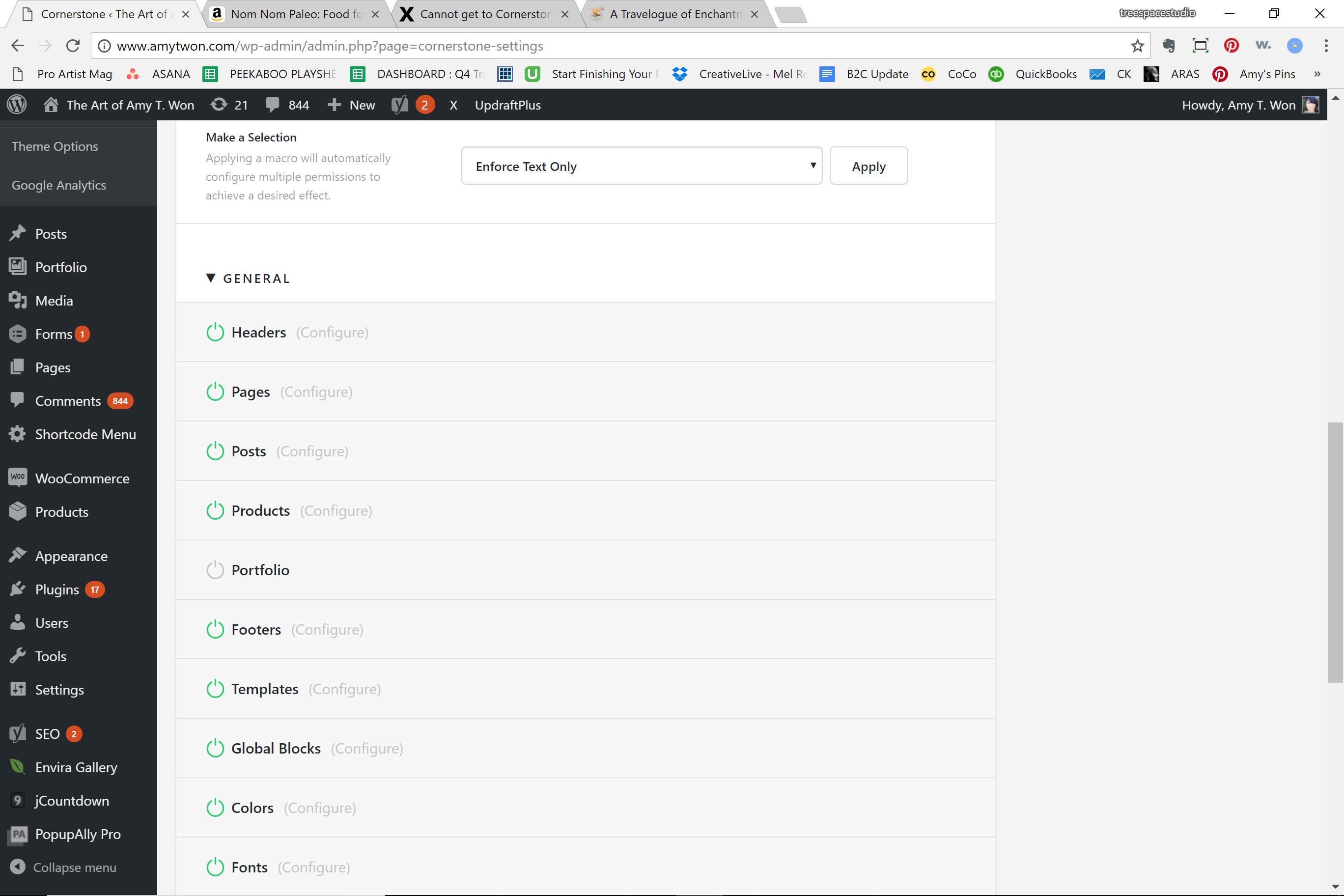
NOTE: I did find the settings under X theme in the Wordpress menu that has the Permissions settings and I changed the POST button to green and I do now see Cornerstone as a tab option in post editor.
BUT when I click on that Cornerstone tab I see another broken page, see screenshot below.
So Cornerstone is NOT working properly after update!
(Using latest version of X and Cornerstone)