I’m not able to edit the custom contents of the topbar or the footer (see graphic). I’m using X theme.
Please advise.

I’m not able to edit the custom contents of the topbar or the footer (see graphic). I’m using X theme.
Please advise.
Hi There @mbpz
Thanks for writing in! Upon checking, I see that you’re using CloudFlare for your site. After an update, it’s imperative to purge CloudFlare cache as well by login into your CloudFlare account.
If you’re using a WordPress caching plugin, you need to purge server cache and also clear your browser cache before testing.
Let us know how it goes.
Thanks!
That’s odd. I’m not using CloudFlare nor Wordfence (yet). I checked the host server and it’s not caching there either.
Hi there,
You should be able to edit the topbar and footer contents in the Theme Options area specifically in X > Theme Options > Header > Topbar Content and X > Theme Options > Header > Footer Content.
If you see the text but you are not able to edit them, please try testing for a plugin conflict. You can do this by deactivating all third party plugins, and seeing if the problem remains. If it’s fixed, you’ll know a plugin caused the problem, and you can narrow down which one by reactivating them one at a time.
In case the issue persists, please provide the login to your site in a Secure Note so that we can check your site.
Hi Jade,
Here’s a link to a screen video: https://www.screencast.com/t/UFoFCoee
You’ll see in the video there is no editable content in the Topbar Content area and also there is no Footer Content area either.
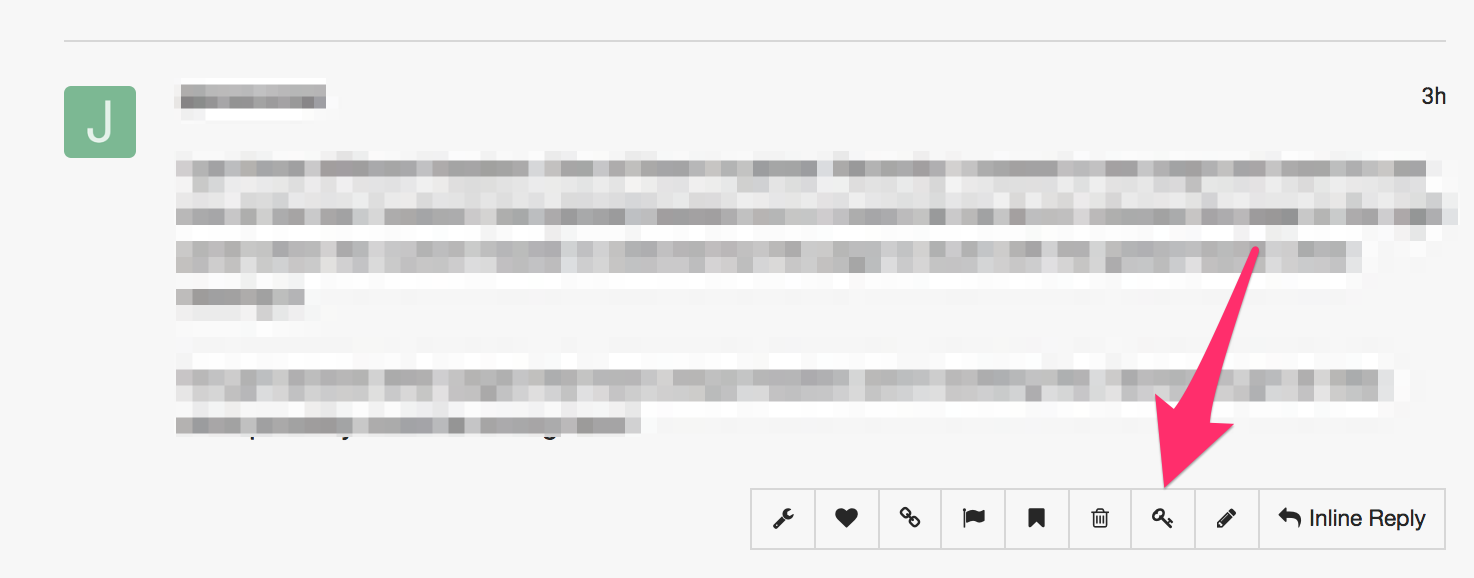
I’ll send secure access via secure note in a few moments. Scratch that… I don’t have the secure Key icon on my end of the conversation.
Hi again,
Thank you for the credentials. I went to X > Theme Options > Header > Topbar Content and I was able to edit your Topbar text and save it (see screenshot)

Same is the case with X > Theme Options > Footer > Footer Content I was able to edit your footer content as well (see screenshot)

This could be the browser specific issue, I’d recommend you to either test this in Chrome or Firefox and let us know if this works for you.
I tested in Chrome Window 10 machine and everything is working as expected on my end.
Thanks!
Wow. I was on Chrome-latest version (Version 69.0.3497.100), Win10, had cleared everything. Knew in my soul that it wasn’t a browser issue. Then after reading your response, tried in FF and >poof< works like a charm! Thanks!
Glad to hear it’s not sorted.
Cheers!
This topic was automatically closed 10 days after the last reply. New replies are no longer allowed.