Hello, I am trying to change the graphic on a Feature list. However, it won’t work.
I have selected GRAPHIC > ICON. Then chosen an icon. But the icon does not appear in the shape. Please see attached. I’ve tried a few things but still no luck, and the same issue appears on another feature list lower down on the page. 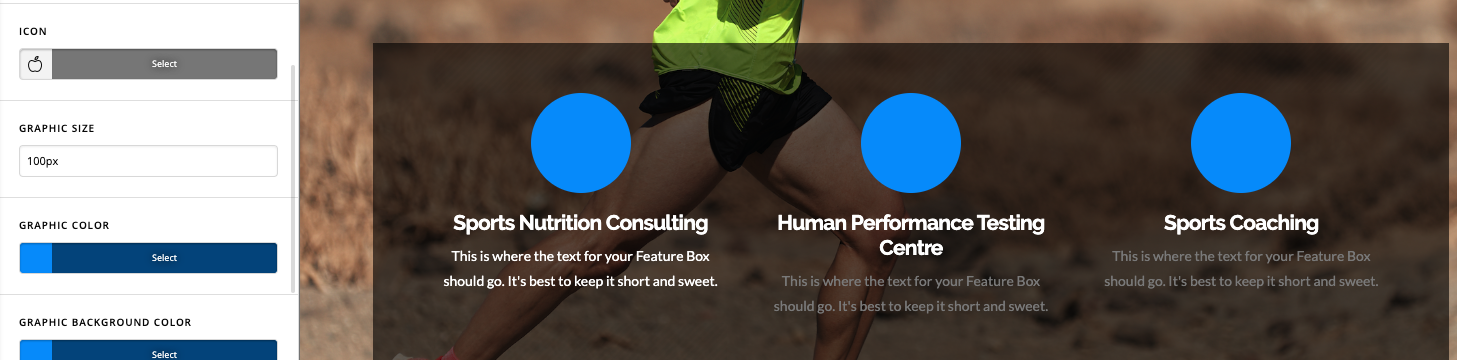
Hi Stephen,
I can see the issue. Some CSS is missing from the theme. Please try to update both Xtheme and Cornerstone. In case you do have caching clear cache after update and then try checking again after that.
Hi Lely, thank you! All fixed
This topic was automatically closed 10 days after the last reply. New replies are no longer allowed.