Hi there,
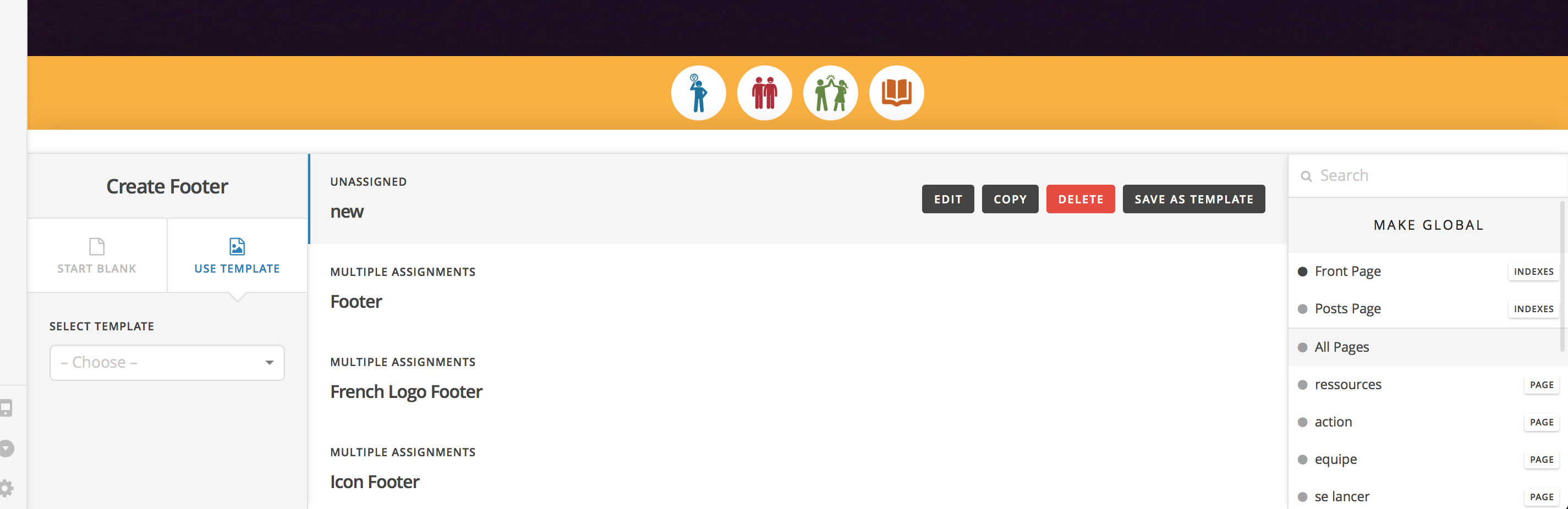
No matter what I try, I cannot seem to assign custom pages to the 4th footer I am trying to add. All of the options are greyed out and no matter what I click nothing is coming up in blue or red.
Thank you 
Hi there,
No matter what I try, I cannot seem to assign custom pages to the 4th footer I am trying to add. All of the options are greyed out and no matter what I click nothing is coming up in blue or red.
Thank you
Hello There,
Please follow up the steps below:
.htaccess-bak. Then in WP Admin Menu, go to Settings > Permalinks and just click the Save Changes button.If you still have problems kindly get back to us with the result of the steps above and URL/User/Pass of your WordPress dashboard using the Secure Note functionality of the post to follow up the case.
Thank you.
I have done steps 1 & 2 and it does not work. Step 3 does not apply to me. I am not comfortable doing steps 4-8.
No matter how I try to add a 4th footer and assign it, I cannot assign it to any page.
Hi,
You need to do 4-8 or at least no 4. I am sorry but we could not do these for you as this is outside the scope of support.
If you are not comfortable doing it, I suggest you hire a developer to help you on this.
Thank you for understanding.
Before I go down the list of suggestions, can you please replicate my problem so we can have a specific troubleshooting session? Perhaps my other footer settings/assignments are not done correctly and it’s a simple fix.
I have created a “TEST” footer. It is currently unassigned because I cannot assign it to anything.
Please try assigning it to this page: http://pepah.ca/guide/fr/equipe/
Thank you
Hello @artthescience,
Thanks for asking.
I checked the footer builder and I can see that tf2 footer is assigned to Equipe page. Have you done that already? Please see screenshot.

Thanks.
Hi there. Thank you for helping.
You were in the Header builder, not the Footer builder.
Please try assigning the TEST Footer (already assigned to equipe) to the other three pages in the screenshot.
Thank you
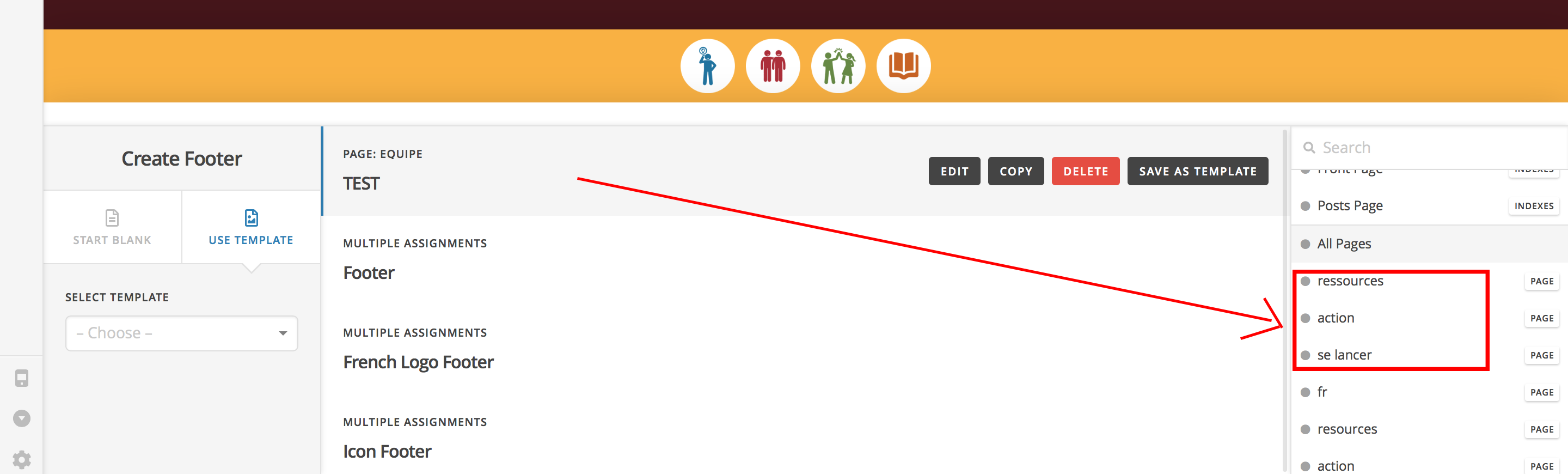
Nevermind. I got it to work. I had to wait about 1 min before selecting each page. The footer building is very glitchy for me for some reason.
Hi @artthescience,
It could be an internal cache like transients, and it may take time to take effect in the list. Glad it’s okay now.
Thanks!
This topic was automatically closed 10 days after the last reply. New replies are no longer allowed.