Cannot Access X >> Permissions in order to adjust settings

Good Day,

I cannot seem to find within my site where to access the Permissions setting in order to activate Cornerstone for my posts. I’ve attached screenshots of the left hand options within Wordpress. Any help would be great as to what I need to do to activate this.

I have tried already the standard troubleshooting scenarios (e.g. disable/enable plugins, clear cache, update the Theme and Cornerstone, etc…)

If need be, I can also provide login credentials.

HI Kyle,

Please double check if X is active on the site. You may check in Appearance >Themes.

If X active but the X option is not displaying, please try testing for a plugin conflict. You can do this by deactivating all third party plugins, and seeing if the problem remains. If it’s fixed, you’ll know a plugin caused the problem, and you can narrow down which one by reactivating them one at a time.

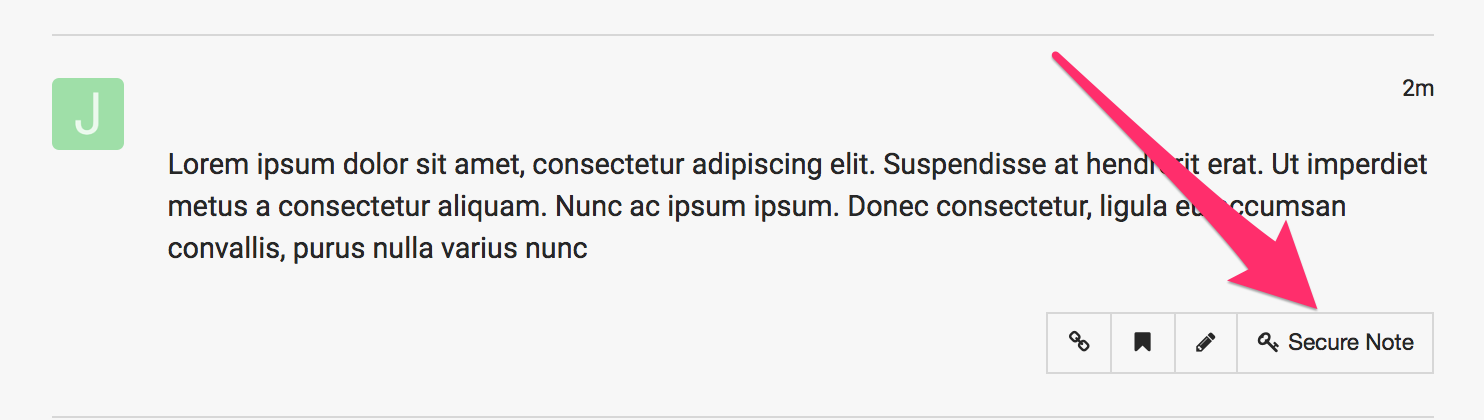
In case the issue persists, please provide us with the admin access to your site in a Secure Note:

Hi Jade - looks like I missed a plugin to deactivate during the troubleshooting. Of course, that was the one which was causing the conflict.

All looks good and works accordingly. Great theme as always!

Glad you sorted things out. May we know what plugin was that? It would help others that might have the same issue.

Cheers!

This topic was automatically closed 10 days after the last reply. New replies are no longer allowed.