Hello, I’ve read all the documentation avaliable, saw youtube videos, etc. and I can’t figured out how to update my x theme. First, I couldn’t find the button UPDATE, Dashboard>Updates nor Themes nor X Menu.
Second, plugins update notifications appear and when I try to UPDATE I give an error (screenshoot attached).
I changed the main domain of my site with the help of the customer service of my hosting last week, don’t know if this has something to do. I changed already the settings on the apex site ACCOUNT>LICENSES guidelines.international who is the new domain.
Can you help me please updating my theme and enabling UPDATE button for futher Automatic Updates? 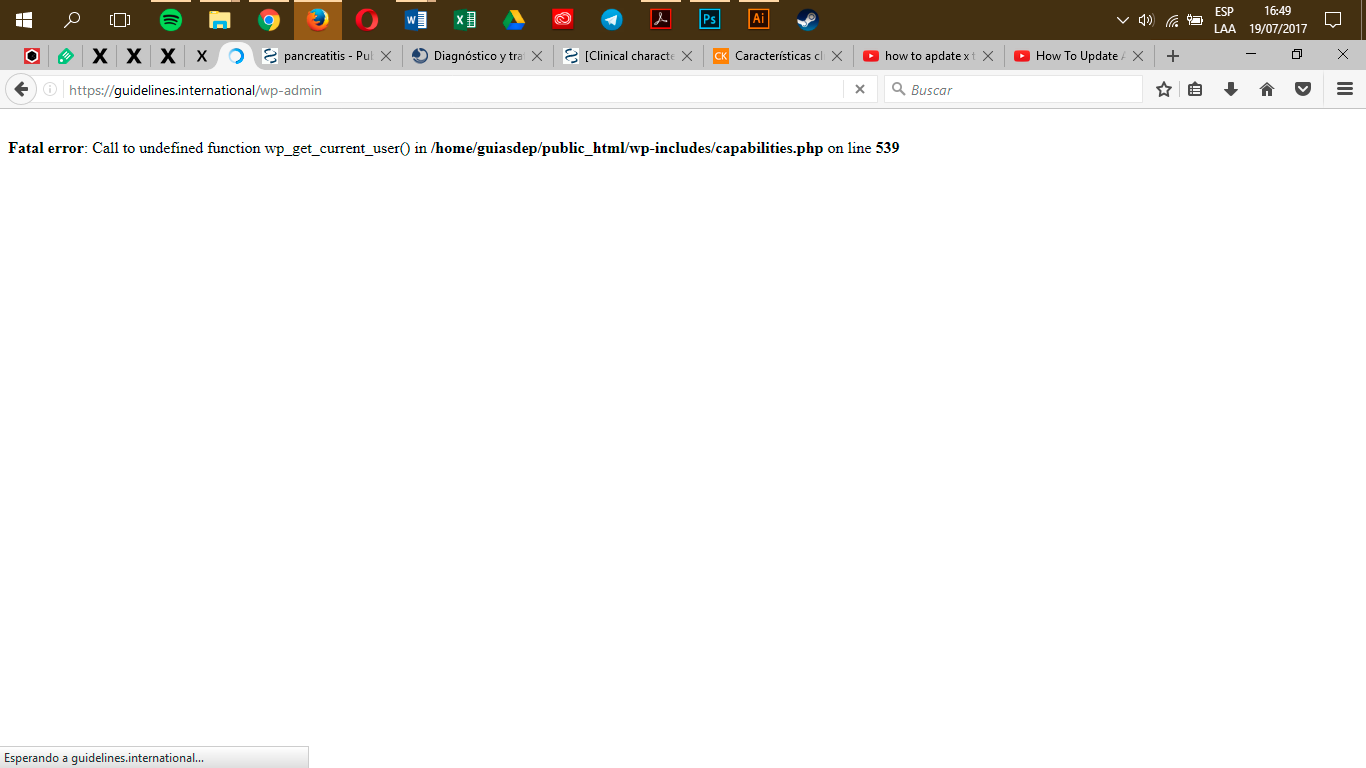
Summary
https://guidelines.international/wp-admin/
user:m4ndrex
pass:revslider