Can Content Dock "Display (%)" work the same way as "Scroll Top Anchor"?

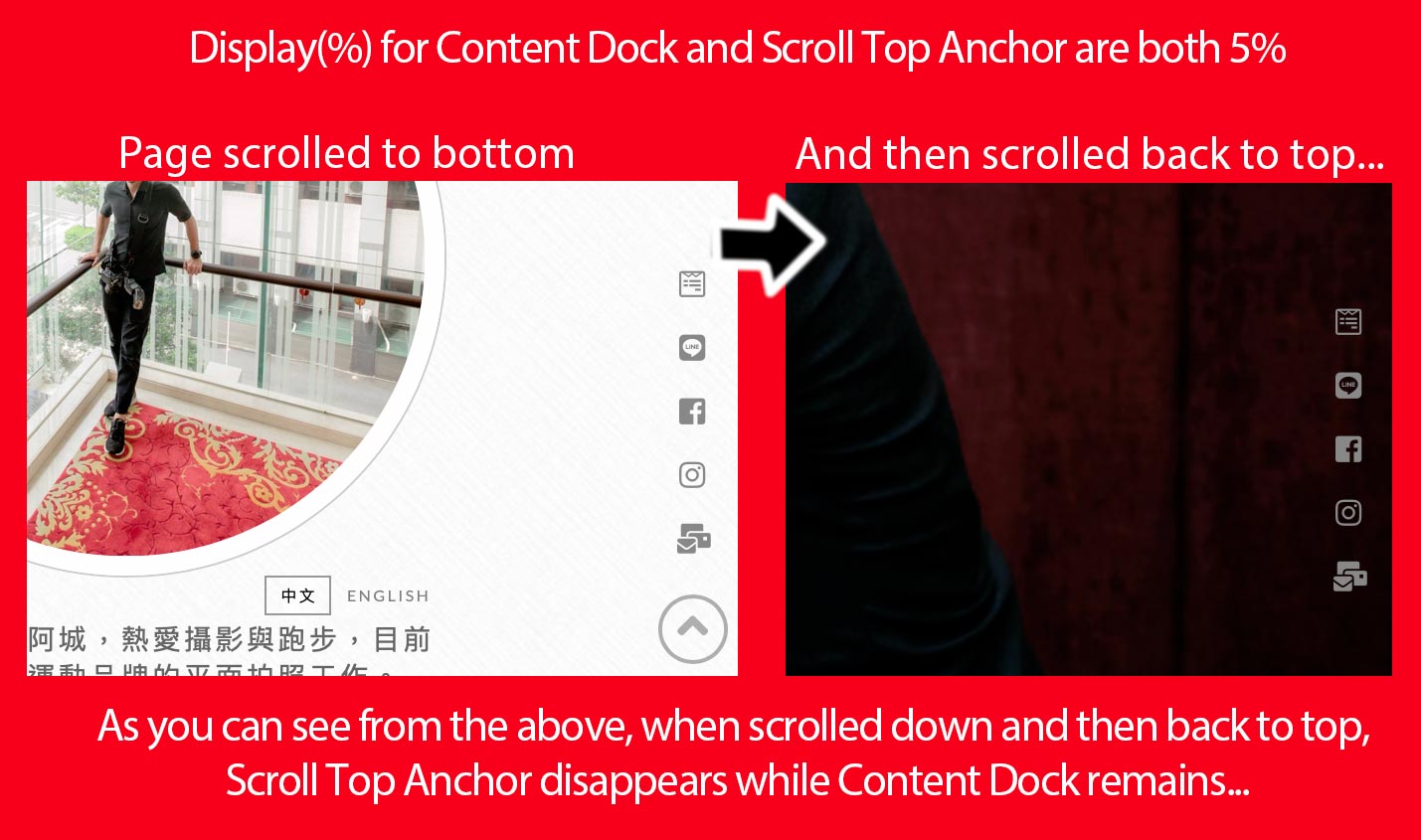
Hello! I am using the Content Dock extension and intentionally position it right above the scroll top anchor, and their “Display (%)” are both set at “5%.”

As you can see from the attached image, when I scroll down more than 5% of the page length, both Content Dock and scroll top anchor slides into the bottom-right corner. But when scrolled back to top again, the Content Dock remains while the scroll top anchor slides out of the page until it is scrolled down again.

Is there any way I can make Content Dock behaves the same way as the scroll top anchor?

Here is my website URL for your reference:

Thanks in advance.
Chris
Hello Chris,

Thank you for the very detailed post information.

To resolve your issue, please add this JS code in the Theme Options > Global JS (http://prntscr.com/evswzb)

(function($){
	$(window).on('scroll', function(){
		
		if ( $('.x-scroll-top').hasClass('in') ) {
			$('.tco-content-dock').css({'opacity': 1});
		} else {
			$('.tco-content-dock').css({'opacity': 0});
		}
	});
})(jQuery);

We would loved to know if this has work for you. Thank you.

It works perfectly!

Thank you @RueNel

On behalf of my colleague, you’re welcome. Cheers! :slight_smile:

This topic was automatically closed 10 days after the last reply. New replies are no longer allowed.