Can a row act as a fixed-top menu?

Hello,

Can a row act as a fixed-top menu?

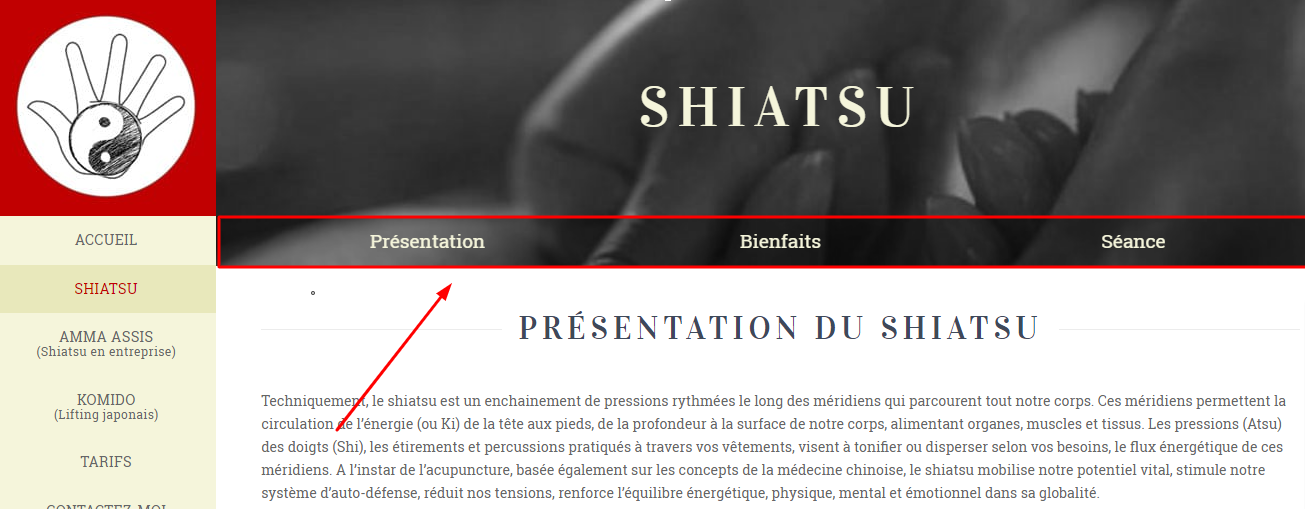
I use a Fixed Left menu on my website. On one page, I added a menu redirected to the sections of the page. Then the user scroll down, I’d like the row (=menu) to stay as the top on the page, as a fixed-top menu would do. Is there a class I could assign to this row - or something similar - in order to make it work?

URL: https://unepausenergetique.fr/shiatsu-harmonie-corps-esprit/ (pwd: france)
Thanks,
Antoine
Hi There,

Please follow these steps:

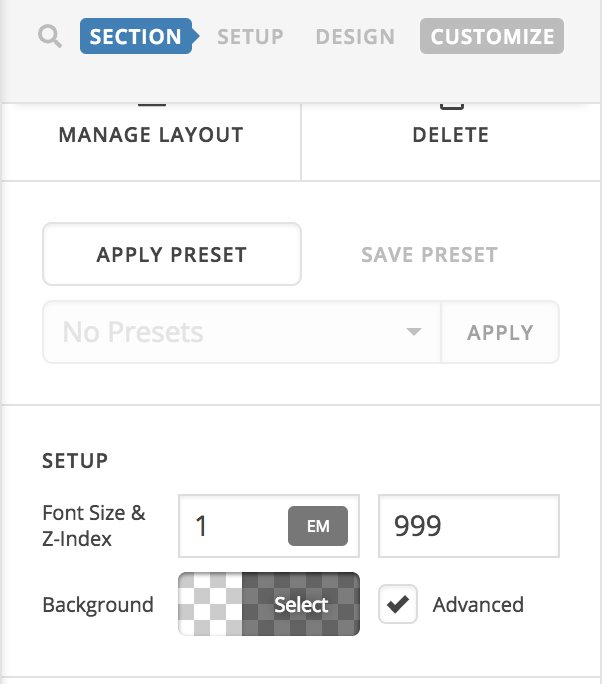
  • Set the z-index option of the section contains that row to 999:

  • Add this custom JS under Theme Options > JS:
jQuery(function($) {
	$(window).scroll(function(){
        if($(window).scrollTop() > 270 ){
        	$('.x-container.section-mike-jess').addClass('fixed-row');
        } else {
        	$('.x-container.section-mike-jess').removeClass('fixed-row');
        }
    });
});
  • Add this custom CSS under Theme Options > CSS:
.x-container.section-mike-jess.fixed-row {
    position: fixed;
    top: 0;
    background: #000;
    max-width: 1060px;
}

Hope that helps and thank you for understanding.

Thank you for the instruction. I just needed to change a few values of the code you provided in order to make it work perfectly (I hoped it is not due to the size of the screen or something similar, as it would other mean this is much more complicated to make it work for everyone :slight_smile: )

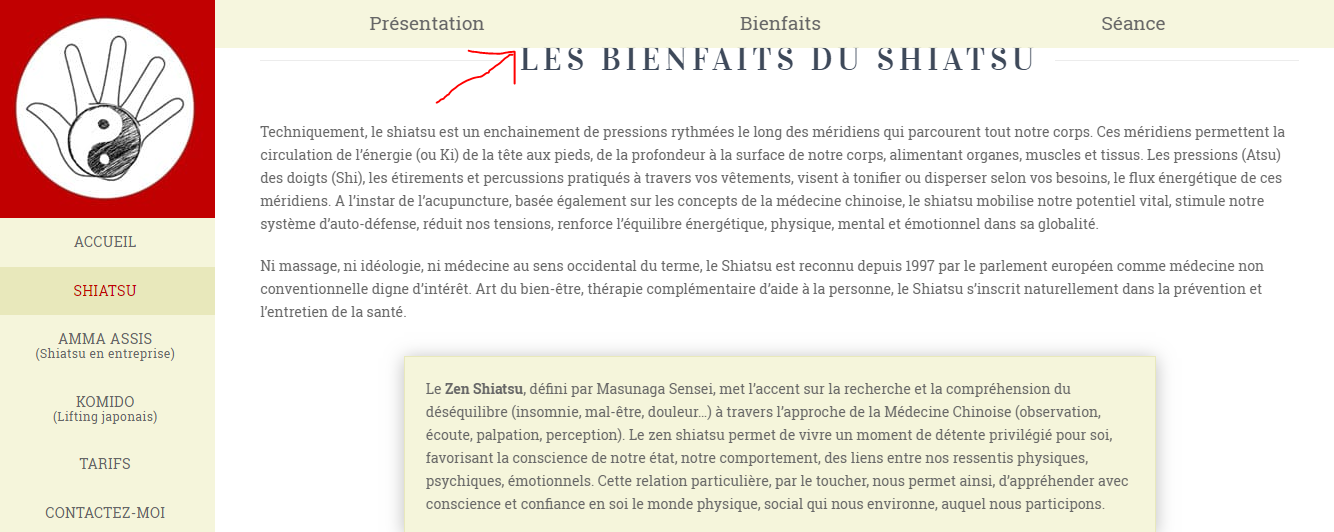
When I link to a section of the website from the menu, the “menu” is now overlapping the title of the section. How can I can make the scroll down stop 50px higher?

Thanks,
Antoine

Hi @Lecoqdigital,

You can try changing the value of top instead of 0. That defines the offset from the top. Example,

.x-container.section-mike-jess.fixed-row {
    position: fixed;
    top: 40px;
    background: #000;
    max-width: 1060px;
}

Thanks!

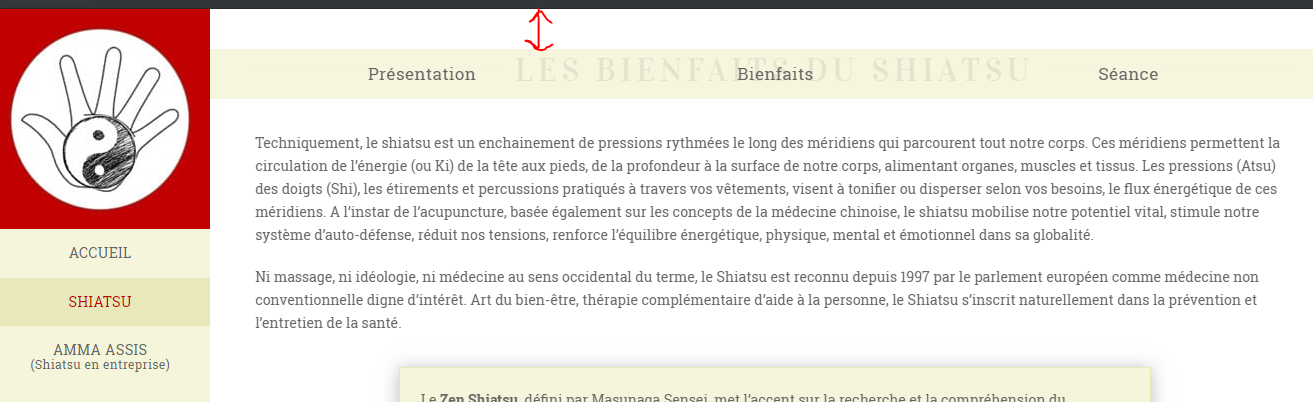
Thank you. This is however not exactly what I try to achieve as it adds spacing above the “menu”. When it arrives to the anchor (the ID of the section), it should stop 50px above it. The menu itself should remain at the top of the page though.

Here is what I get when changing the value of top:

Hi @Lecoqdigital,

Thanks for reaching out.

In that case, you should set it back to 0, then add an empty section above it with the ID. Instead of the exact section with matching ID. This means that the empty section or rows will be the one covered by fixed row instead of the exact section with content. Example,

<div id="proxy_id"></div>
<div>correct section with content</div>

Thanks!

Great, it works perfectly!

Is it possible to assigned a link to an entire column? I know how to make a column clickable, but the problem is that the smooth scrolling effect is not working anymore when using it. This is why I’d simple like to add a link to a column if that is possible…

Thanks for the great support as always!

Hi @Lecoqdigital,

It’s not possible since it will change the hierarchy of elements, hence, affecting the layout. And it’s not going to function as norma column.

Thanks!

Thank you, I understand.

I assigned a mouse hover effect on the columns (= menu items). Is it possible to add the same effect when the user is currently on the section of this menu item (he sees on the screen the section that the menu item links to)? I’ve been researching how to achieve this and found information on current state with aria-current but I have no idea if I am in the right track.

I hope I managed to explain clearly enough what I’d like to achieve :slight_smile: .

Hi @Lecoqdigital,

Active statutes are only possible on menu and there is no similar functionality for sections (active sections). It’s still not possible even with aria-current since you need something that applies active statuses for the section.

Thanks!

I had in mind what you can sometimes see on the one-page website, where the menu-items change color when you are viewing the corresponding section.

since you need something that applies active statuses for the section.

Can’t it be an id, which is the id of the section (and the one used to do the link?

Hi @Lecoqdigital,

The active statuses in one-page navigation are done by javascript and not just by an ID. The ID is just a cue point when it will be triggered. Example, if menu item’s ID matches section’s ID, then set menu item to active. And that’s not applicable for sections, it’s just for menu since active statuses are only made for menu items.

Thanks!

Thank you for the explanation. I understand.

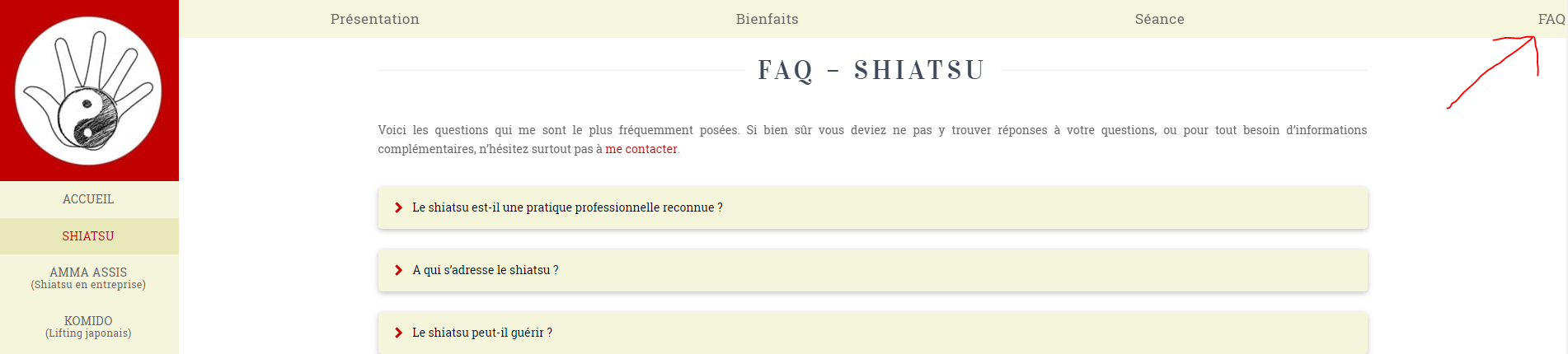
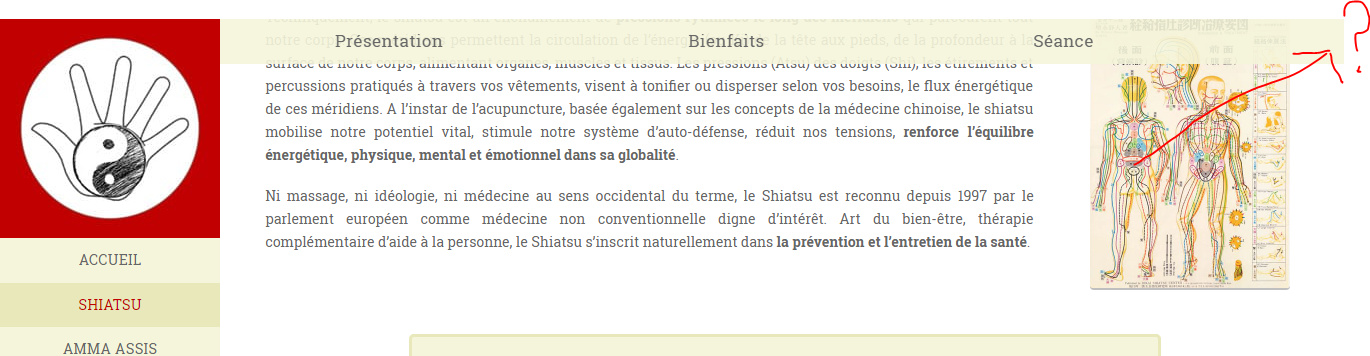
I still have one problem with a part the CSS applied to this fixed row max-width: 1060px;. Depending on the size of the screen, I do have different things. Here is an example when I remove this code (as you can see, it is not correct on the right side:

Here it is when I use the code (as you can see it doesn’t go fullwidth):

Is there a way to get this row to be fullwidth on every screen sizes?

Thanks,
Antoine

Hi Antoine,

Please change the css code from this

.x-container.section-mike-jess.fixed-row {
    position: fixed;
    top: 40px;
    background: #000;
    max-width: 1060px;
}

to this

@media(min-width:979px) {
    .x-container.section-mike-jess.fixed-row {
        width:  calc(100% - 220px);
    }
}
.x-container.section-mike-jess.fixed-row {
    position: fixed;
    top: 40px;
    background: #000;  
}

Hope that helps

Thank you. This width: calc(100% - 220px); was indeed what I had in mind (without having your knowledge of coding though :slight_smile: - but I’ll know for next time). This is however somehow not working (the menu FAQ is missing on smaller screen and you can see it on the very edge on bigger screen)…

Hello There,

Please have the code updated and use this:

@media(min-width:979px) {
    .x-container.section-mike-jess.fixed-row {
        width:  calc(100% - 220px) !important;
    }
}

Hope this helps. Kindly let us know.

Perfect. Thank you!

You’re welcome! :slight_smile:

This topic was automatically closed 10 days after the last reply. New replies are no longer allowed.