Hello,
As you can see on the left column the buttons are not wrapping but on the middle column (current promotions and view pricing) is wrapping.
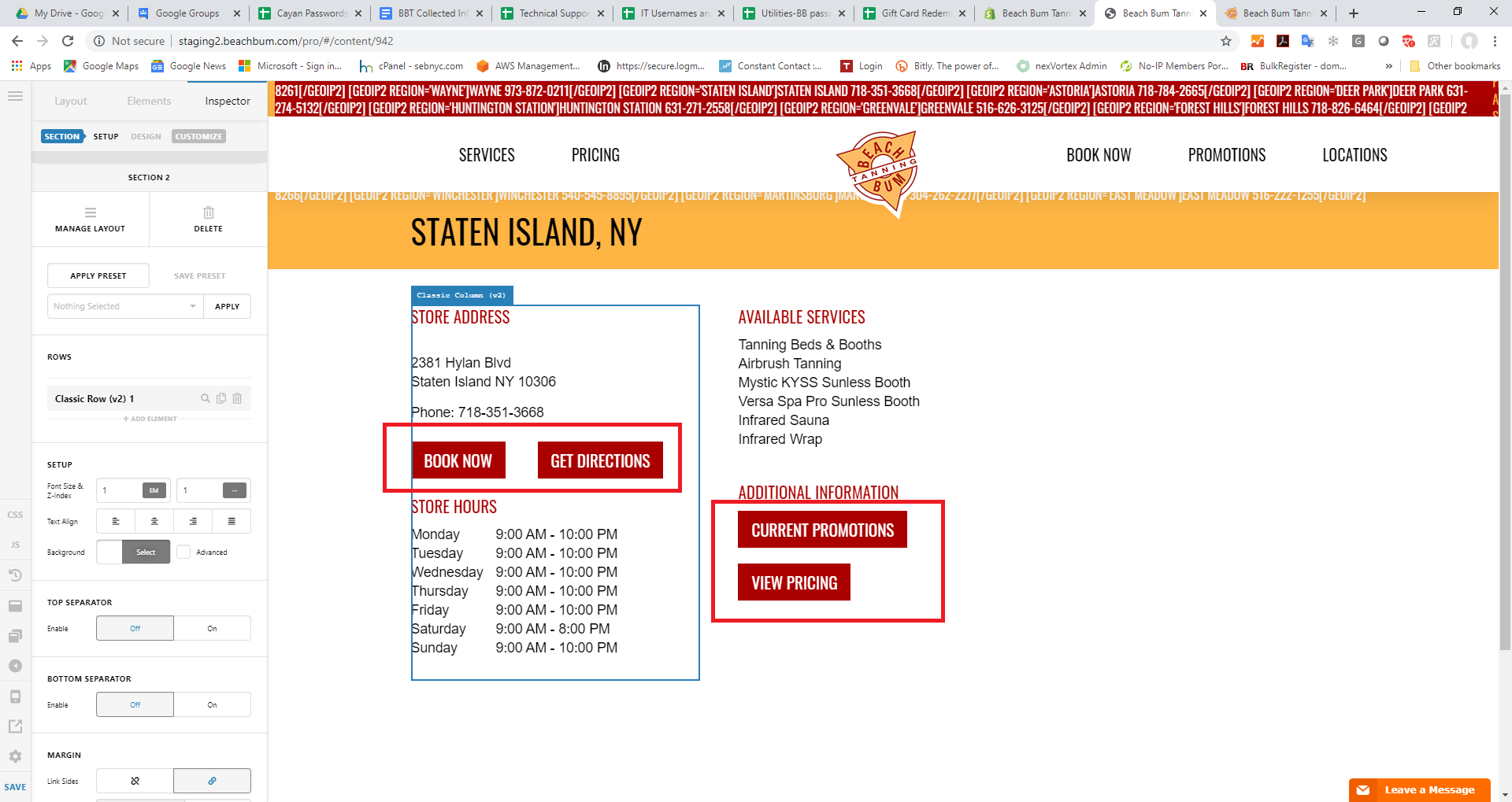
Hello,
As you can see on the left column the buttons are not wrapping but on the middle column (current promotions and view pricing) is wrapping.
Hi Jonathan,
Which page is it on the frontend? I can’t see which one. Although, possible reason might be the column FLEXBOX LAYOUT like this: https://screencast-o-matic.com/watch/cYVQhwvy3i . Can you please check if it has the same settings? If not, please share which URL so we can double check. Thank you.
Hello,
The URL is
http://staging2.beachbum.com/locations/beach-bum-tanning-staten-island-ny/
I uploaded some images that show in the editor it works but on the site it does not.
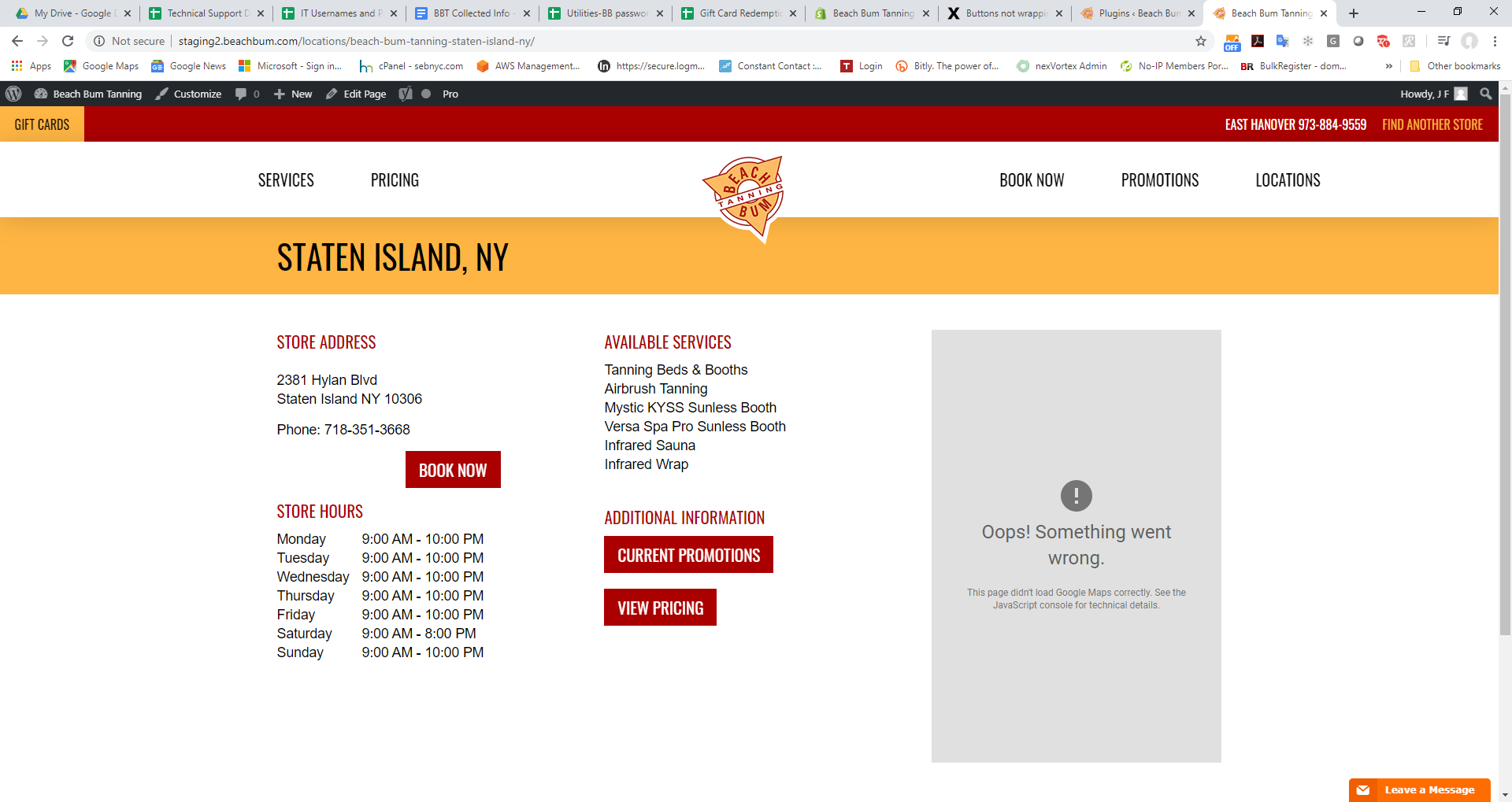
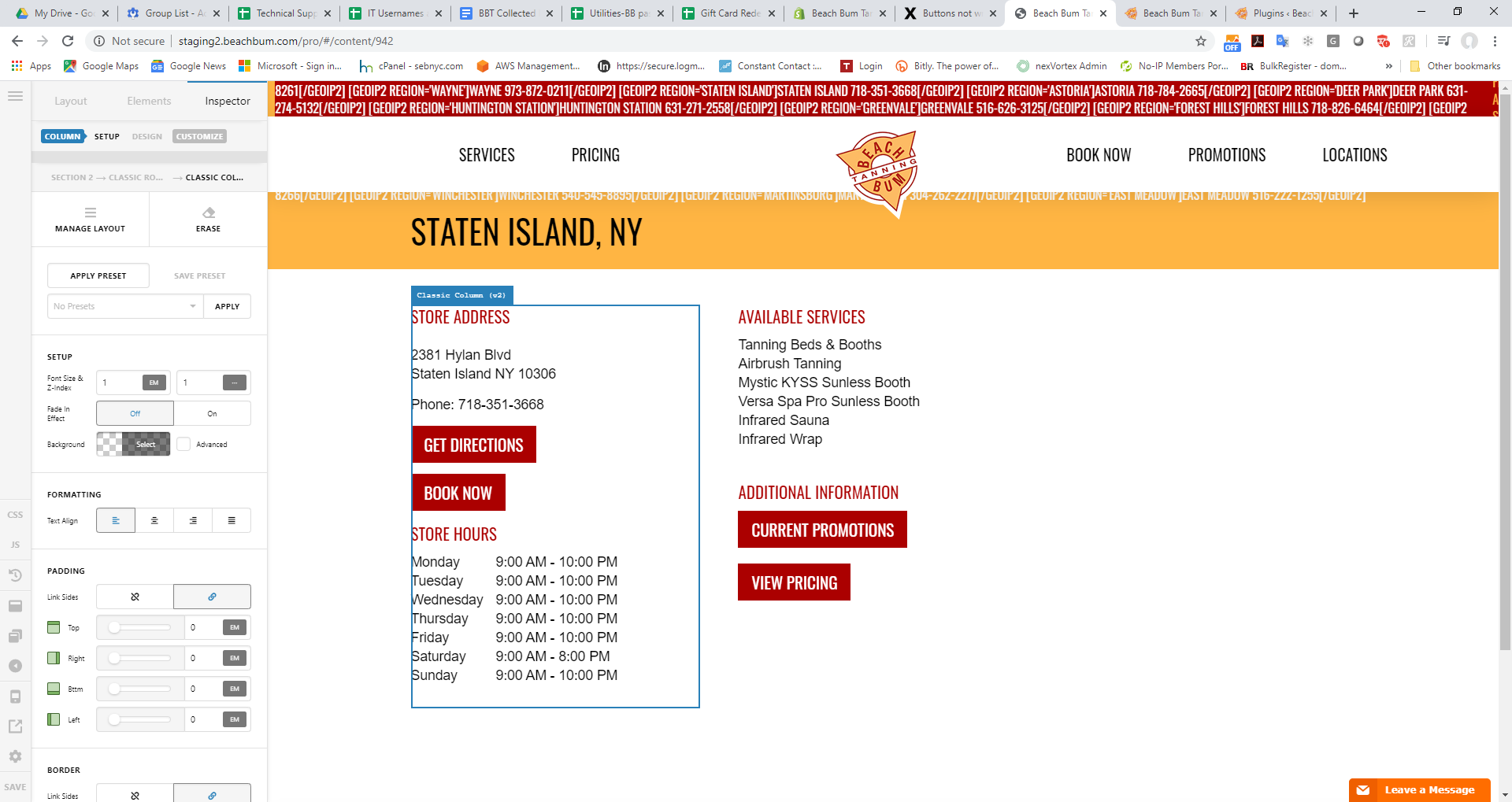
Hey Jonathan,
If you want to line up the buttons in one line, you can insert a row element with two columns and place the buttons in each of the columns so that on desktops, you’ll have the buttons lined up and on small screens, the buttons will be below each other.
If nothing is helping, provide us access to your site so that we can check your settings. Please create a secure note with the following info:
– Link to your site
– WordPress Admin username / password
To know how to create a secure note, please check this out: https://theme.co/apex/forum/t/how-to-get-support/288

Best Regards.
I was able to get the button to wrap correctly, seems like a different issue was the cause. Thank you for your help.
You’re welcome!
We’re glad we were able to help you out.
This topic was automatically closed 10 days after the last reply. New replies are no longer allowed.