In Cornerstone these icons are on the same line but not on the live website - how can I fix it? Thanks.
Website is: diytravelhq.com
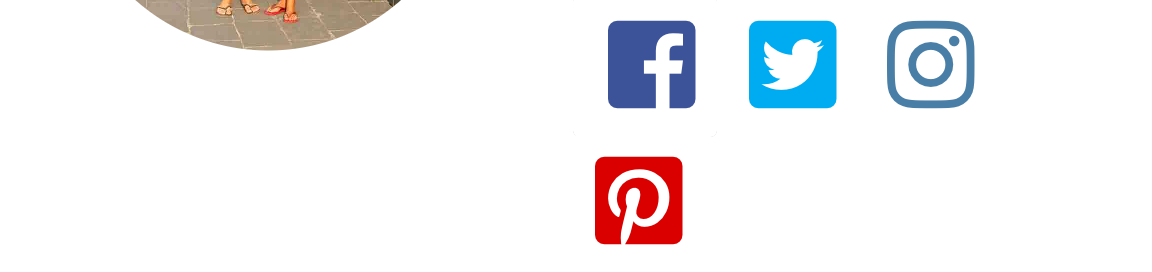
In Cornerstone these icons are on the same line but not on the live website - how can I fix it? Thanks.
Website is: diytravelhq.com
Hello There,
Thanks for writing in!
You site is not loading from our end. Please double check it.
Where did you added the icons? In a text element? Please make sure that there are no line breaks or new lines in the icon codes so that it will not be converted into <br> or <p> tag when you view the page live.
Hope this helps.
My site is working now, it was previously migrating.
I added the buttons in a column.
Hi There,
The icons are inline for me.
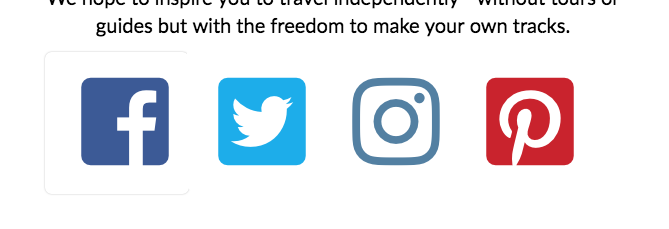
Maybe the issue is due to the size of the icon when you browse the site in a smaller screen size its may not the adopted to the column size.
Please decrease the size of the icon or the gap to work for you.
Thanks
Why does the text stay inline but the icons don’t?
How can I resize the icons? Minimising the margins doesn’t work & I’m not sure what to put in the width & height fields? Thanks
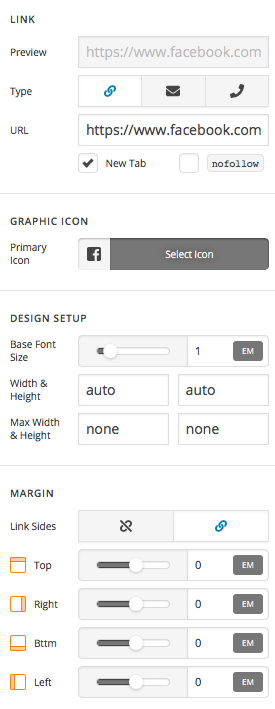
Hi There,
Please set the height & width of the button instead of graphic icon:
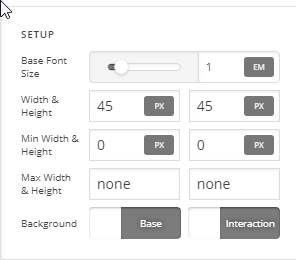
Hope it helps 
This topic was automatically closed 10 days after the last reply. New replies are no longer allowed.