BUG: Secondary Icon Settings For Buttons Isn't Recreated When Creating A Template

Hi,

I’ve noticed that when creating a template button, the secondary icon isn’t saved in the template. This happens when creating a template or copying the style.

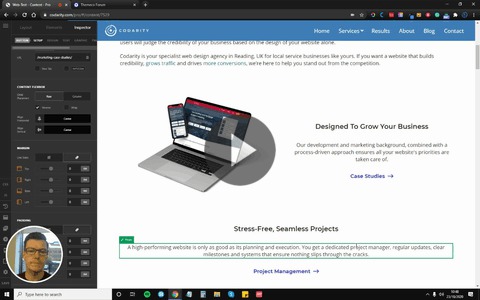
I made a quick 2 min video to show you the issue.

Template & Copy Not Working Properly For Buttons

Check out this video: https://share.vidyard.com/watch/5FNnHYdXdJEpstaWEwLJyZ?

Any idea how this could be fixed?

I don’t really want to have to manually change every button individually, but then having to update the secondary icon for each button is just going to be a huge time-suck on top of that.

Thanks

Dan

Hi @DannyC,

Thanks for reaching out.

I suggest that you apply the changes and hit save. After that go to Pro > Status and clear the style cache.

Hope that helps.

Thank you.

Hi,

Thanks for taking a look, but unfortunately that didn’t work.

The problem is that when I copy the style from another button with the secondary icon, it doesn’t copy that across.

Still also doesn’t work when I import a button template.

I tried the clear cache before and after in multiple scenarios.

I’ve had to do this manually for now, but ideally would be much easier to use the copy or import as provided.

Thanks

Dan

Hey Dan,

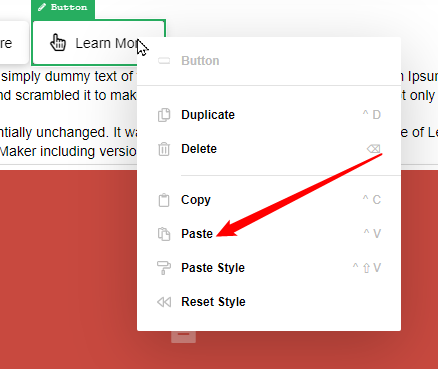
The Icons are considered content of the button so they aren’t included if you use the Paste Style or apply as template. What you need to do is duplicate the Button element or use the Paste option.

image

Hope that helps.

This topic was automatically closed 10 days after the last reply. New replies are no longer allowed.