Hi,
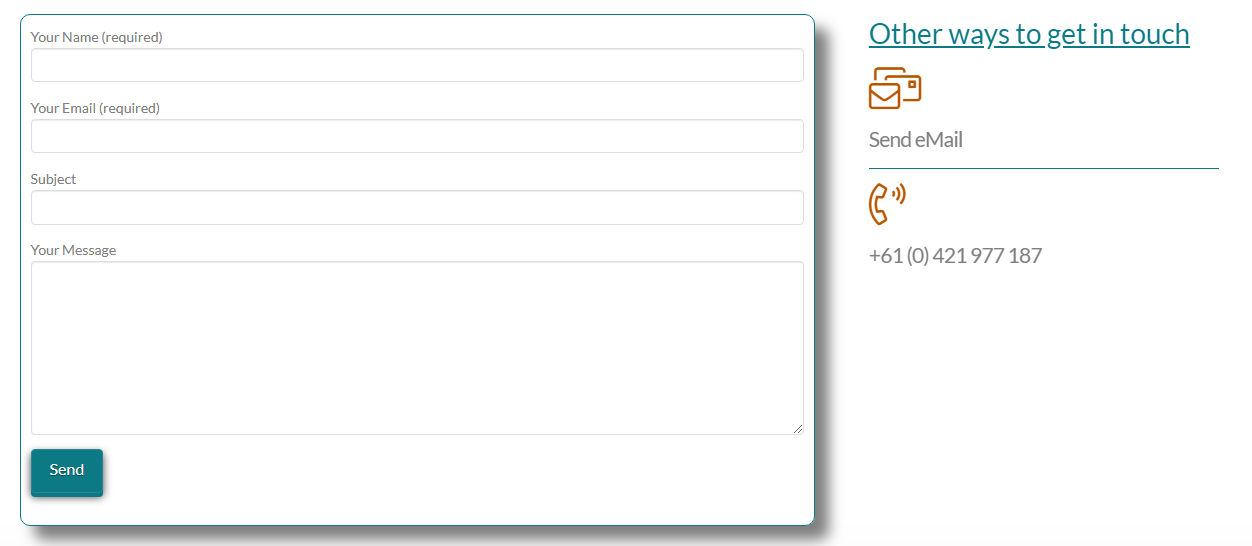
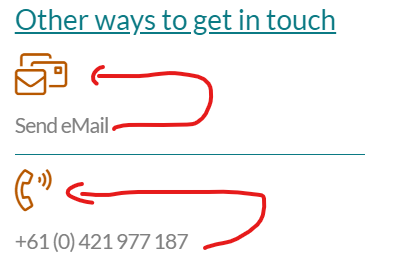
I’ve been playing around, but can’t seem to get the settings right to bring the icon and text inline like in the image attached. Can you guys help? This issue is this is within a row split into two columns.
The page isn’t live…
Thanks, Nikki
Hi,
I’ve been playing around, but can’t seem to get the settings right to bring the icon and text inline like in the image attached. Can you guys help? This issue is this is within a row split into two columns.
The page isn’t live…
Thanks, Nikki
Hello Nikki,
Thanks for writing in!
You can use CSS display property to align icon and text. However, it’s not sure whether you are using Cornerstone or Content Builder (Pro) to design the layout.
Is the website live or can it be accessed? Can you please share the exact page url for us to take a closer look?
Thanks.
Hi Prasant,
Sure the page url is https://ancestrybookcreators.com/ I’ve just set this page as the homepage.
Thanks,
Nikki
Hello @nicolaticola,
Thanks for updating the thread.
Please add following class inline-text-icon in the text and icon element and after that add following CSS under Pro > Theme Options > CSS:

.inline-text-icon {
    display: inline-block;
    margin-right: 10px !important;
}
You can change the class name inline-text-icon as per requirement.
Thanks.
We are delighted to assist you with this.
Cheers!
This topic was automatically closed 10 days after the last reply. New replies are no longer allowed.
