Breadcrumbs only shows current slug but not the whole path:
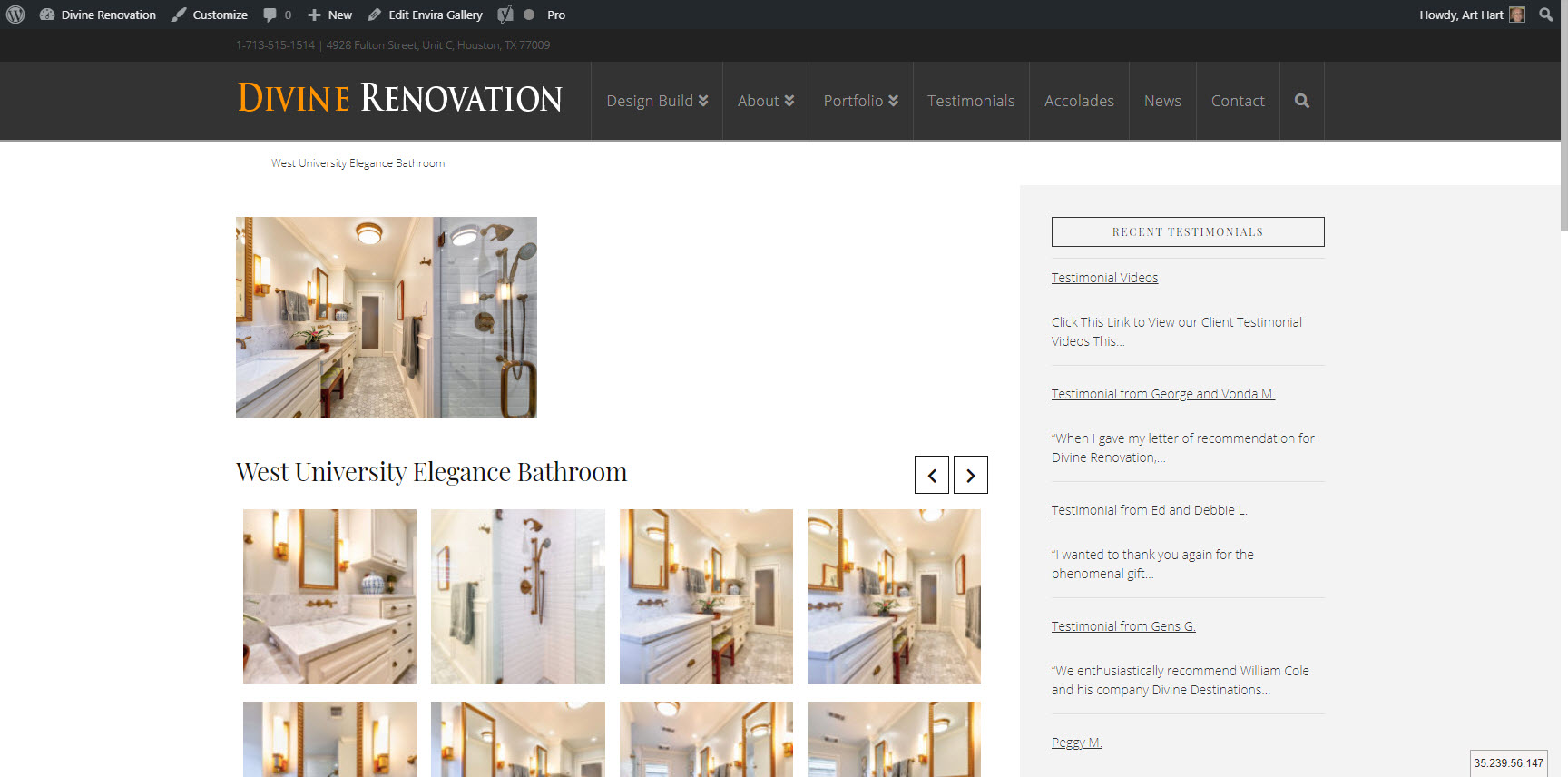
http://divinerenodev.wpengine.com/envira/west-university-elegance-bathroom
Breadcrumbs only shows current slug but not the whole path:
http://divinerenodev.wpengine.com/envira/west-university-elegance-bathroom
Hello Arthur,
Thanks for writing in!
Breadcrumbs is there but because the text color is white, it’s not visible. Please add following CSS under Pro > Theme options > CSS:
.x-breadcrumb-wrap a {
    color: #000 !important;
}

.x-breadcrumbs .delimiter {
    color: #000 !important;
}
1- I have found the proper CSS code selector using the Chrome browser Developer Toolbar: https://www.youtube.com/watch?v=wcFnnxfA70g
2- For the CSS code itself, I suggest that you get started with this tutorial: https://www.youtube.com/watch?v=yfoY53QXEnI
Thanks.
Thanks for that fix. I can now see the path but I now have another problem: the parent for a testimonial is showing as" blog" instead of the category “testimonials”
Hello Arthur,
Thanks for updating the thread.
If Testimonial is a nested category then it will show up in blog section. Actually, placing the item in navigation menu doesn’t necessarily mean it will show as a parent item.
Thanks.
I made testimonials (as well as news and accolades) child categories of blog but unfortunately, it didn’t fix the problem:
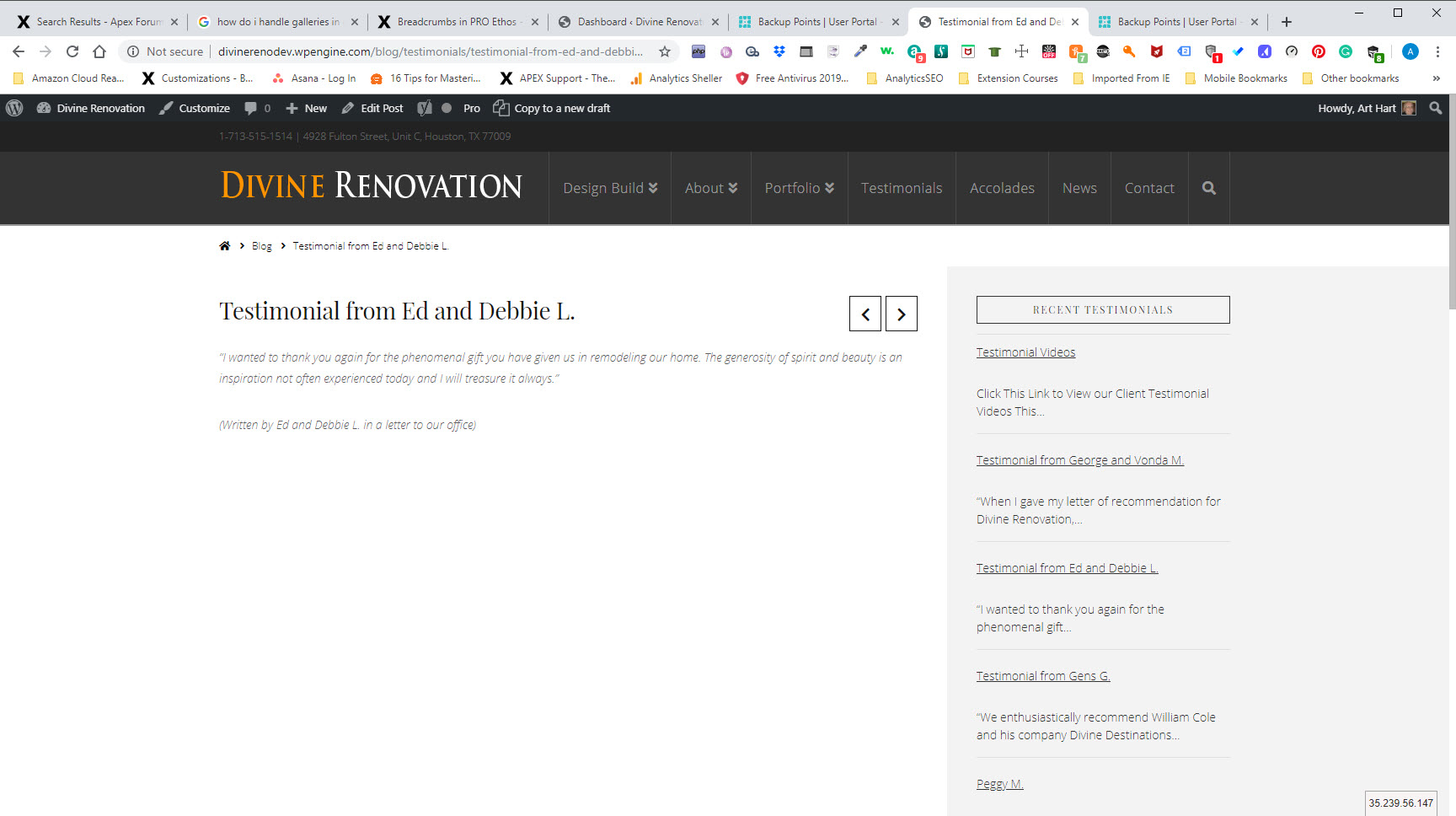
Hello Arthur,
I can see you do have a child theme already. Please try adding the following code on your child theme functions.php file:
function post_parent_trail ($crumbs, $args) {
  if ( is_singular('post') ) {

    $category = get_the_category( get_the_ID() );
    if ( count( $category ) > 0 ) {
    $crumbs[1]['label'] = $category[0]->name;
    $crumbs[1]['url'] = get_category_link( $category[0]->term_id );

   unset($crumbs[2]); //to make sure category won't duplicate

    }
  }
  return $crumbs;
}
This code will show parent category. Note that showing nested category is on possible with more customization that is outside the scope of our support. Hope this helps.
Thanks Lely,
I tried adding your code to the child theme functions.php file but nothing happened - it still shows blog as the parent even though I’ve also made testimonials a child category of blog. And testimonials is the true parent of the testimonial.
Hi Arthur,
I have another approach, instead of using the blog to posts testimonials, please have an actual testimonial posts plugin (e.g. Testimonial Rotator) or any testimonial plugin you already have. This will give you a separate panel for the testimonial posts and a different slug on the breadcrumbs.
Getting Started With The Testimonial Rotator
Note: If you use the Testimonial Rotator and get the “404 page not found error” on the testimonials, please navigate to Settings > Permalinks, and just re-save it without doing anything.
Hope it helps,
Cheers!
This topic was automatically closed 10 days after the last reply. New replies are no longer allowed.