Bottom Header not showing selected nav menu

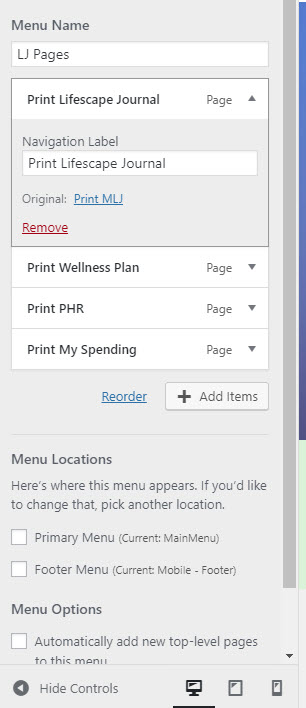
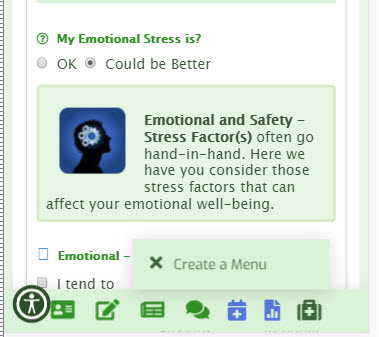
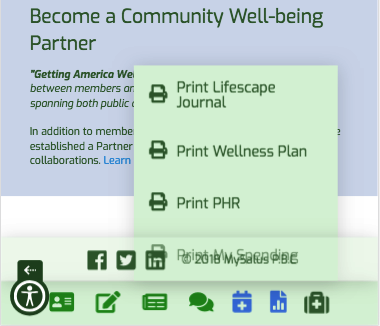
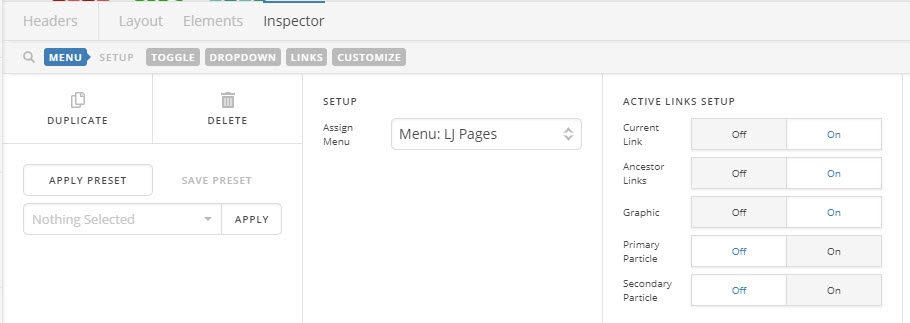
Hi. I have a bottom header on my pages header with a menu item that is not displaying the menu and just shows - create menu even though the menu is provisioned and selected. The menu is currently in a nave dropdown element and changing element types does not make a difference - same message to "create menu?

Screen shots attached. Bottom menu shows on all mobile pages at https://mysalus.org and the icon for the menu is the last one on right (red)

Ideas to check? Thank you
Hello @dsthompson,

Thanks for posting in!

I am seeing the menu.

Can you please give further clarifications as to what is the issue around here?

Thank you in advance.

hmm … thanks for taking a look. The menu is not showing on either desktop browser mobile emulator or on mobile phone - using chrome anyway. Did you use chrome? Wondering if it is the issue.

Hello @dsthompson,

Yes I am using Chrome and Firefox. In the preview of the header, it is not displaying properly because of the shortcodes. In the live view of page using both Chrome and Firefox, it displays which is what I have showed in the screenshots.

Regards.

I can’t figure this one out and not sure what you mean regarding not displaying properly due to shortcodes. The error I see is not when using Page Header preview and displays on live website viewed in andriod and iphone.

Other ideas to look at to resolve?

Thank you

Hi There,

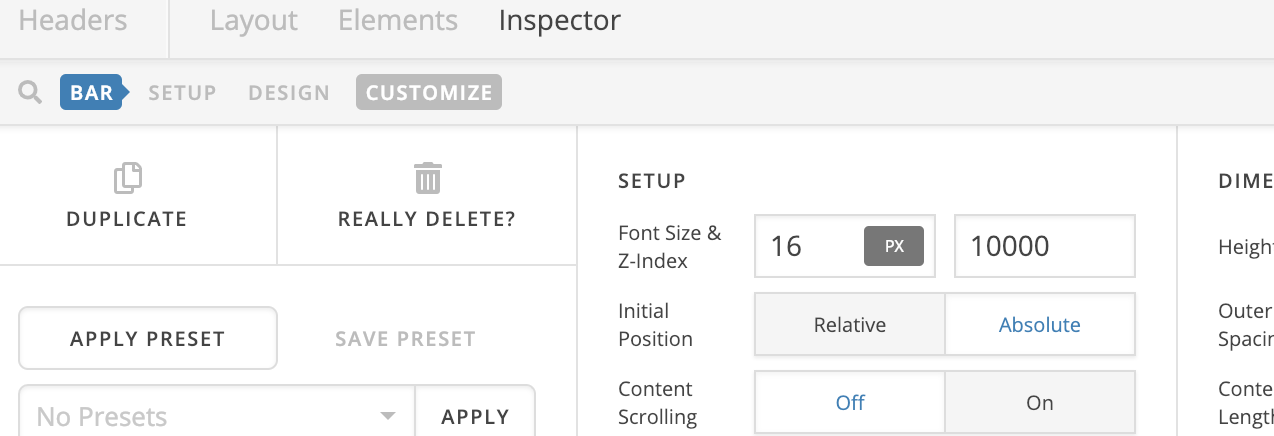
To fix this issue, please change the z-index value of your last bar to 10000:

Let us know how it goes!

Thank you , that worked!

Hi there,

You might also want to check this link to learn more about z-index:

https://www.w3schools.com/cssref/pr_pos_z-index.asp

Hope this helps.

This topic was automatically closed 10 days after the last reply. New replies are no longer allowed.