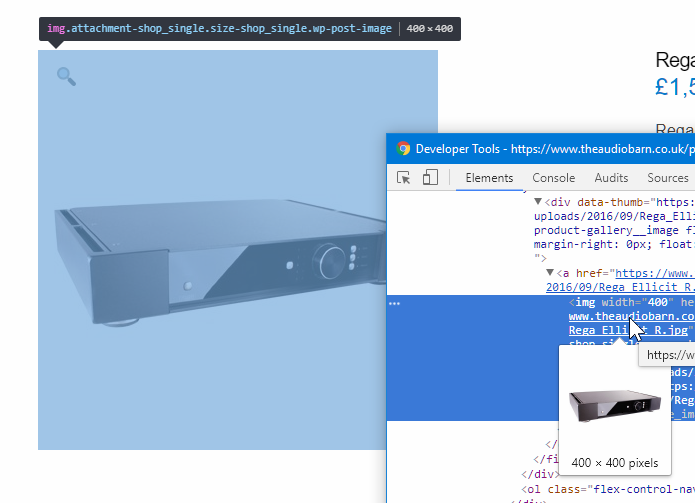
Blurry Images - I've tried everything now

Hi,

I’m at the end of trying to get my woo commerce store to work with X and now X Pro. I’ve never been able to get product images looking crisp on retina screens. I have changed the sizes in woo commerce display, setting, then regenerated thumbnails with ANY success.

This is the URL: www.theaudiobarn.co.uk

I will attach credentials. Please can you take a look?

I have read everything on the forum on how to solve this issue. Maybe this is not the theme for woo commerce? I hope not as I love Pro and my site is amazing in every other sense.

Thanks,

Bryan
Hey @bryan1976,

I checked your images and they are not blurry on my end.

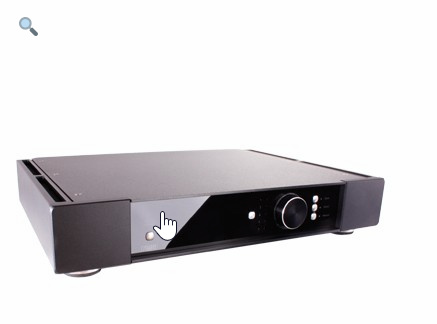
That’s the image in one of your product page https://www.theaudiobarn.co.uk/product/rega-ellicit-r-integrated-amplifier/. Its natural size is 400 x 400px and it’s being displayed fully (400x400px).

Please clear your browser’s cache or try in incognito and different browsers.

Thanks.

Hi,

Thanks for your message.

Please can you look at the category images. Like on this page https://www.theaudiobarn.co.uk/product-category/loudspeakers/

They don’t look crisp.

Any ideas please?

Thanks.

Hello @bryan1976,

Thanks for updating the thread. :slight_smile:

On my end category images looks fine. Please see screenshot:

https://screencast.com/t/ESuQ5JUTw
https://screencast.com/t/0Xtbnl02

However, upon navigating the sub category I can see difference in layout. It looks like you have defined following custom CSS code and because of that the images are looking a bit compressed then the actual size:

.entry-product {max-width: 220px !important; min-width: 0;}

https://screencast.com/t/v8HwUgc6

Thanks.

This topic was automatically closed 10 days after the last reply. New replies are no longer allowed.