Blog - shop 2nd line of text color chooser

HI,

I know how to add CSS and change the blog page to black, but how do change the 2nd line of wording for THE BLOG and SHOP pages in Theme Options?

I changed it to white and now it barely shows, but must have done it in a different color chooser than I thought.

Couldn’t find it in the DOCS checking a few times.

thank you!

Hi @TJF85,

Thanks for reaching out.
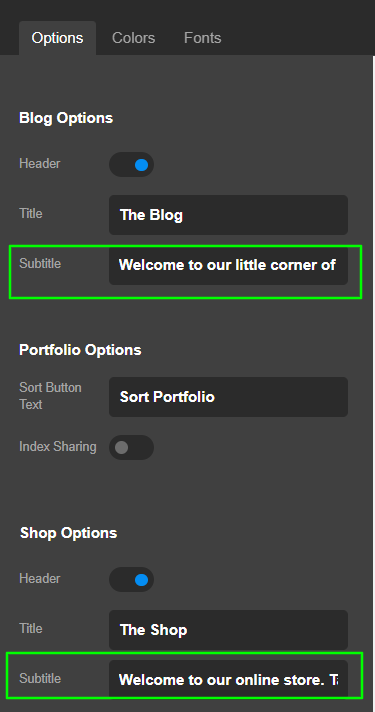
If you are pointing to the subtitle of the Blog as shown in the given screenshot, you can change that for Theme Options > Stack > Blog Options and Shop Option for Shop as shown in the second screenshot.

NOTE: This subtitle only shows for the Integrity stack, and the options are available for that only.

Hope it helps.
Thanks

This topic was automatically closed 10 days after the last reply. New replies are no longer allowed.