Blog posts - full width and space at bottom

Hi. I have 2 questions related to my blog posts:

Firstly, despite trying various solutions from this site, I can’t seem to make the featured image full screen. I also want one of the sections on the blog post to be full screen but not the entire post.

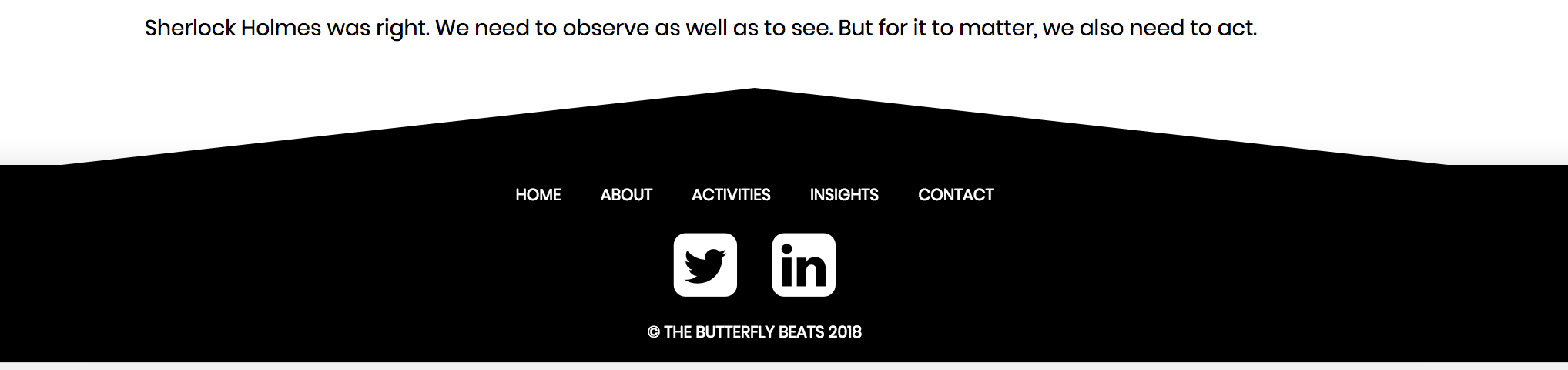
Secondly, there is a space between the bottom section on the post page and the footer which I can’t get rid of. It seems to be part of the page itself and not a margin or padding.

I’ll post my details next. Thanks for your help.

Hello @dsmillie,

Thanks for asking. :slight_smile:

  1. To remove the spacing, please add following CSS under Pro > Theme Options > CSS:

    .x-container>.offset {
    margin-bottom: 0 !important;
    }

  2. Please select Fullwidth from Pro > Theme Options > Layout And Design > Content Layout. https://cloudup.com/c1CyYMJWbmr

Thanks.

Thank you very much for this.

On the first point, your CSS solves the problem - the gap is gone! That’s great, thank you.

On the second point, unfortunately, this hasn’t solved my issue. I’ve set it to Fullwidth in the content layout but it hasn’t changed. What I’m looking for is how to make the blog post featured image full width (and another section) but not all of the content below. Any ideas?

Hi There,

Thanks for writing in!

For the point number 2, I didnt find any white spece in the footer.

Please confirm the same.

Regarding your other question, you can use this CSS to make the feature image 100% width.

.single-post .x-container.max, .single-post .x-container.width {
width: 100%;
max-width: 100%;   
}
.single-post .entry-thumb img {
 width: 100%;
}
.single-post .entry-wrap {
 width: 88%;
 max-width: 900px;
}

Hope this clear!

Thanks.

Thanks for your reply. The CSS from Prasant already solved the gap between section and footer, so thank you for that.

Regarding making the feature image full width, I decided to use the customisation here: https://benryan.com.au/themeco-full-width-parallax-featured-image/ as a basis, which included some nice additional touches.

Glad you’ve sorted it out.

Cheers!

This topic was automatically closed 10 days after the last reply. New replies are no longer allowed.