Hi, I’d like to show 2-3 blog posts on my top page.
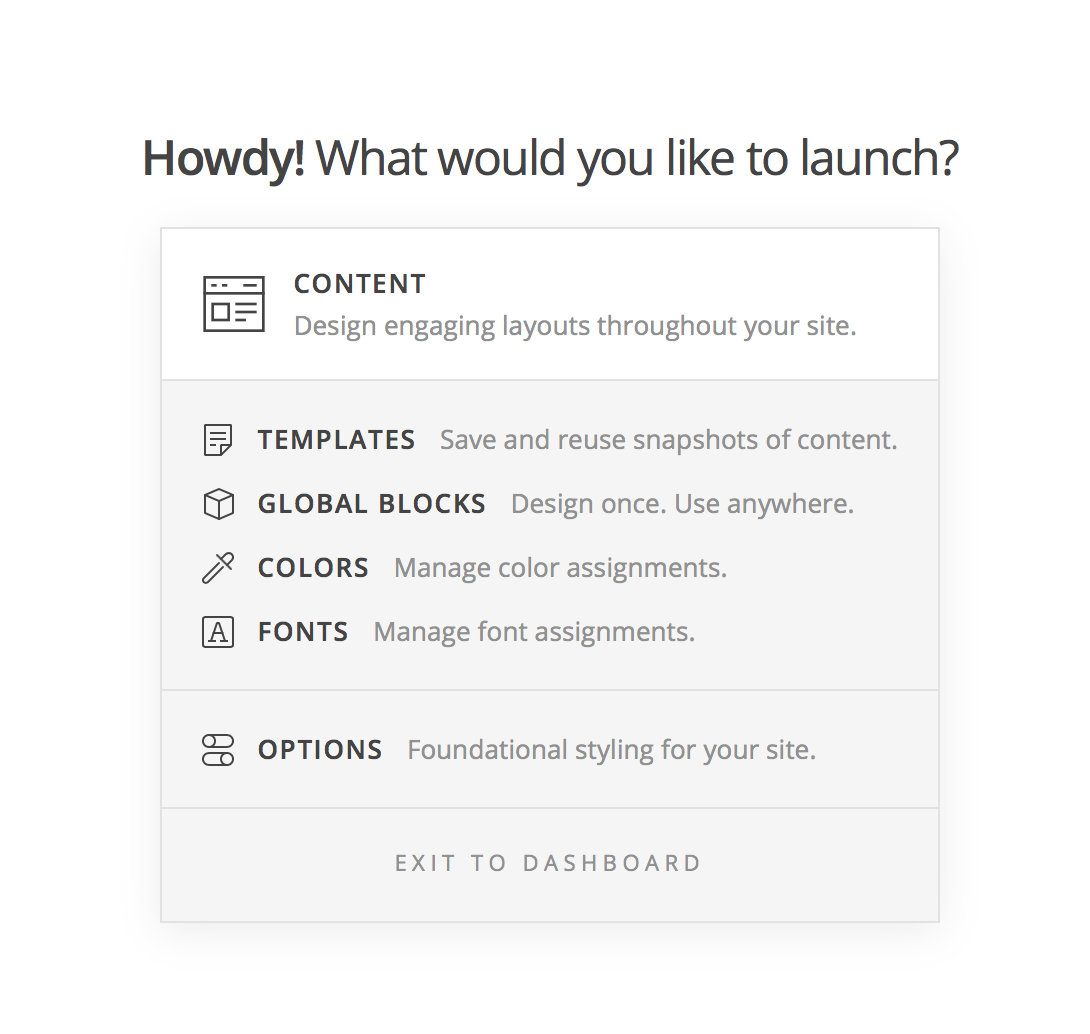
Now I’m using ICON template (based on NONPROFIT theme), and click on the blog posts I got this message…(please see attached photo)
Please tell me how to solve this…
Hi, I’d like to show 2-3 blog posts on my top page.
Now I’m using ICON template (based on NONPROFIT theme), and click on the blog posts I got this message…(please see attached photo)
Please tell me how to solve this…
Hi There,
Thank you for writing in, since the top of the Nonprofit demo is a slider, I assume that you want to create a Post Base Slider
If so, please read this documentation, under the Content Source section see the Post Based Sliders tab.
Then replace the current slider on your homepage with the new Post Base Slider that you created.
It was set as Slider Settings: Above Masthead

Hope that helps,
Cheers!
Hi,
Thank you for your reply.
What I want to say is that…,
when I click the blog post on the bottom of the page, blog contents are not shown but some different message (or login screen when I don’t login) shows up…
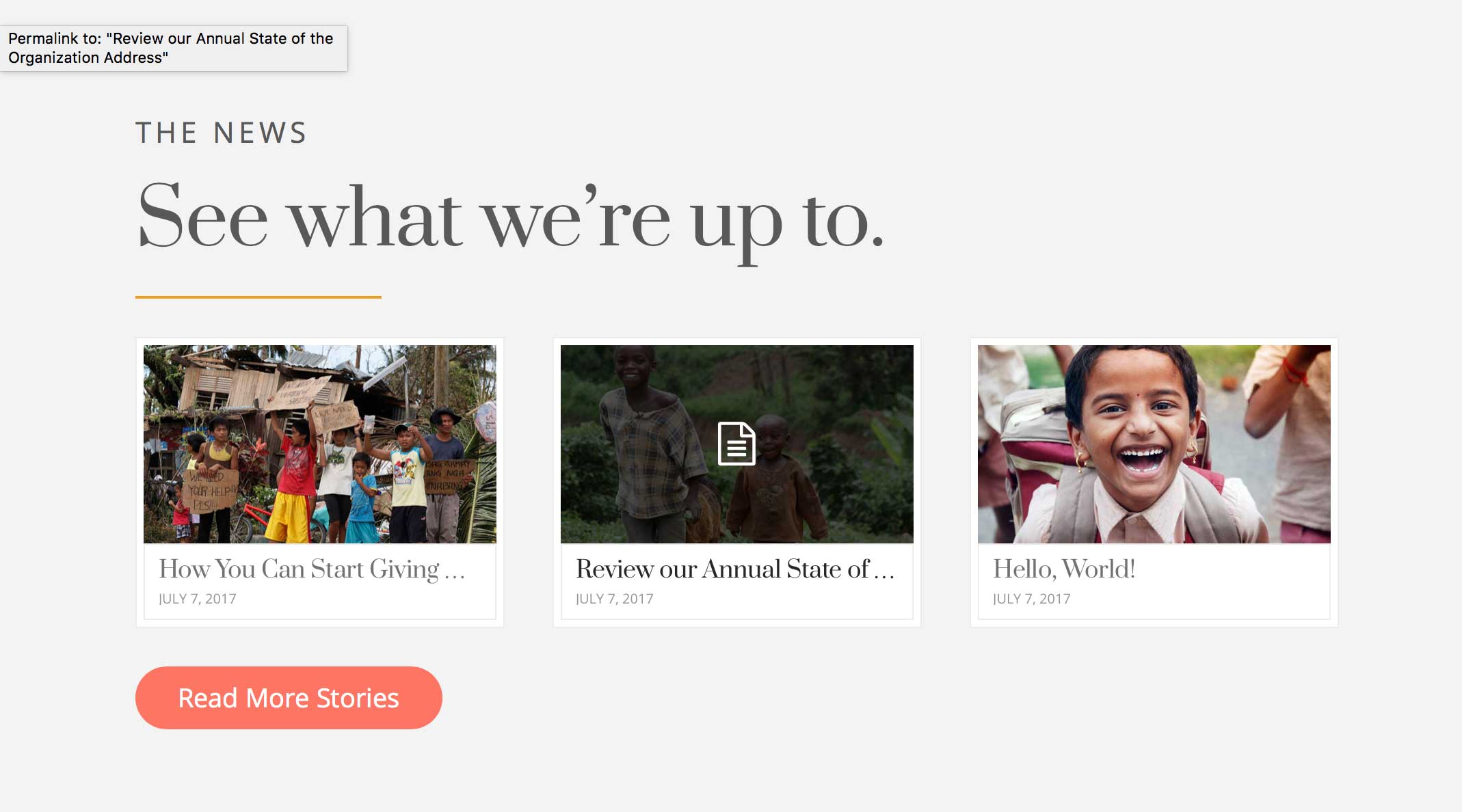
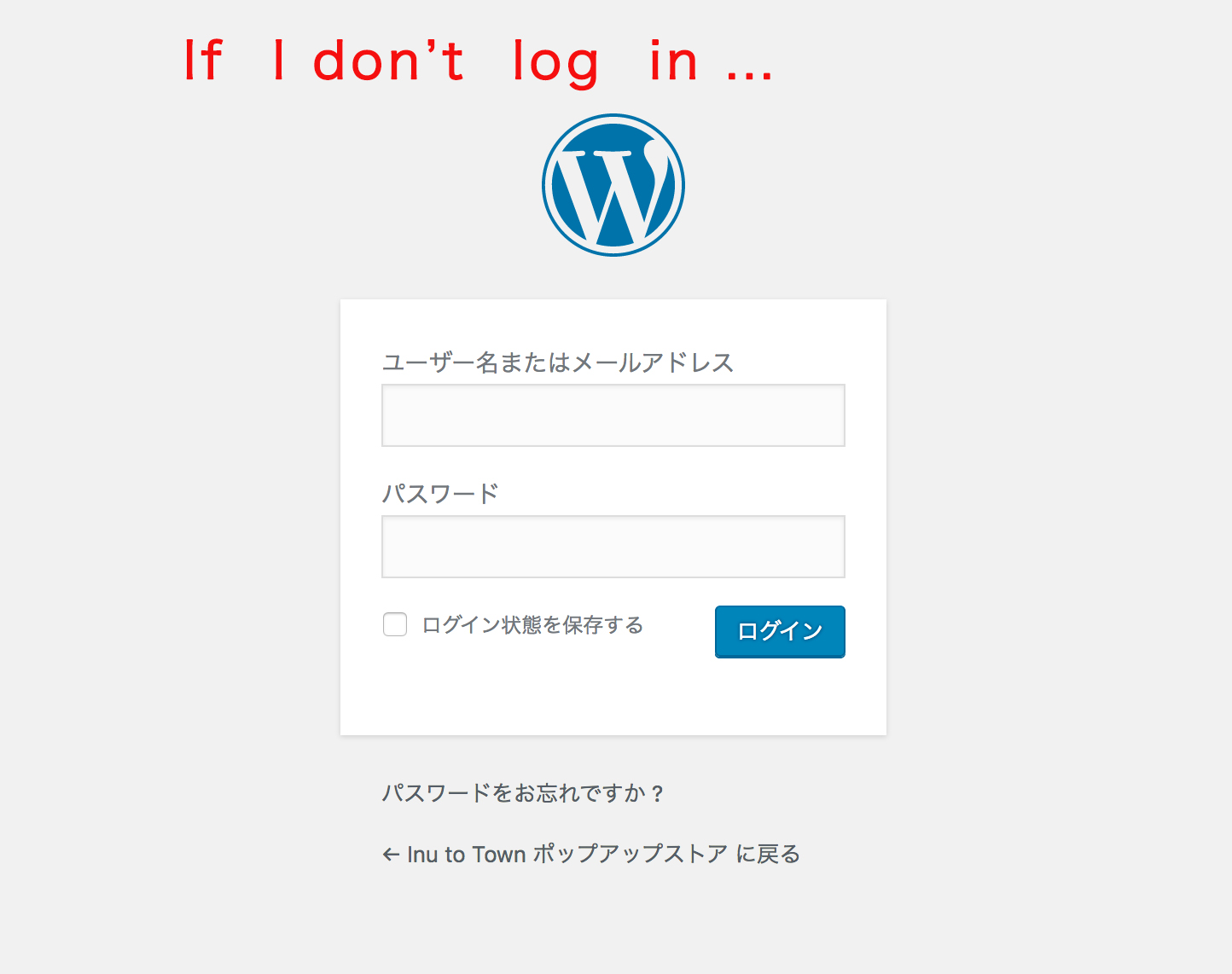
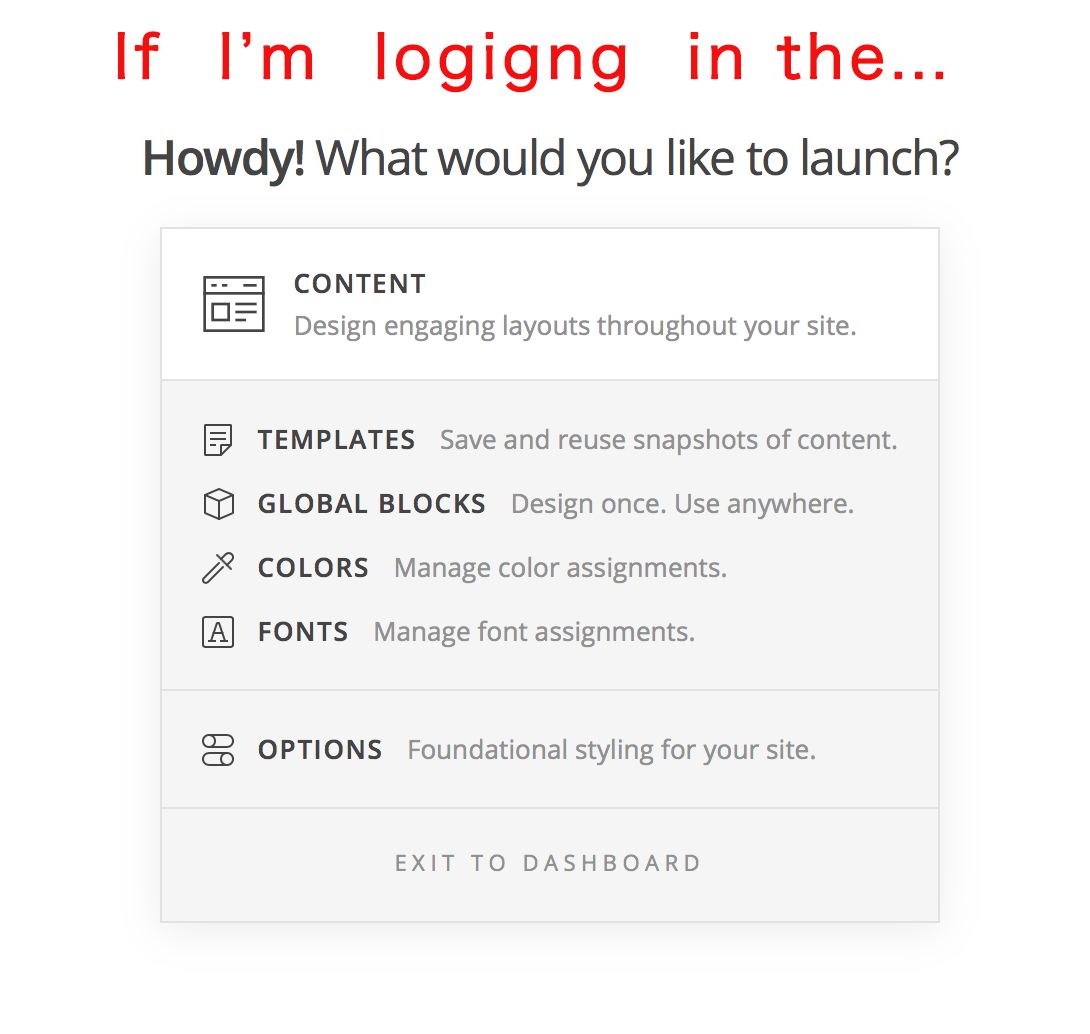
NONPROFIT demo page’s blog post is showing up when I click the post…
I’d like to do the same thing about this blog block as NONPROFIT DEMO page.
Hi There,
Thank you for the clarification, but I can’t replicate that issue on my end when I clicked the test posts it sends me to the posts page.
Try updating your permalinks, to do this, please navigate to Settings > Permalinks and change it to Post name
If the issue persists, please provide us login credentials in a secure note so we can take a closer look.
Let us know how it goes,
Cheers!
This topic was automatically closed 10 days after the last reply. New replies are no longer allowed.