Blog Post Layout

Hi there,

We would like to have our blog posts to have a centered layout like this website template https://cornerstonetemplates.store/product/blog-layout-1/

Have tried changing a few settings but can’t seem to get the layout the way we want. The archive page is centered but the post pages are full screen and left aligned which is not what we want.

Please can you advise how we can create this layout for our blog posts?

Thanks very much!
Hey @hanri,

Try adding this code to your Global CSS

.single-post .x-container.max.width.offset {
    margin: 0
}

.single-post .x-main,
.single-post .x-sidebar {
    width: 100%;
}

.single-post .entry-wrap,
.single-post .x-sidebar {
    max-width: 900px;
    margin: 20px auto;
    padding: 0 20px;
    float: none;
}

Hope that helps.

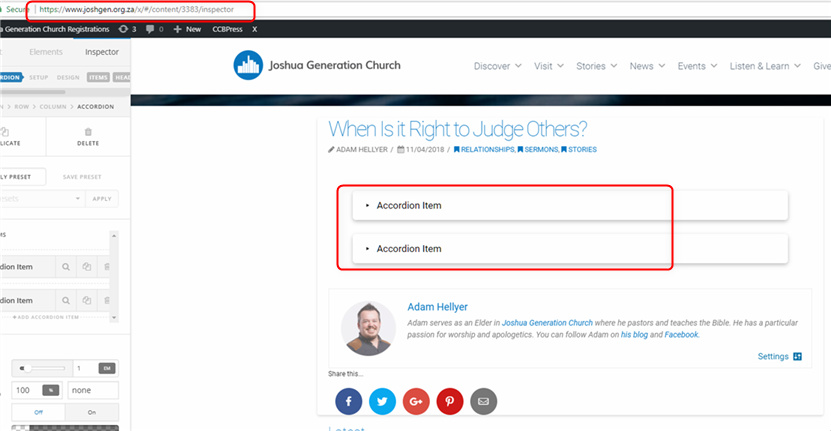
Thank you, we have tried this and it works but there are some issues. I can no longer edit the page in cornerstone the body of the post is missing in the preview - link in secure note.

The styling for the font size you supplied is not working, please can you take a look.

How would I switch off the menu that now sits below the post?
Also how do I turn off the border around the post?

Thanks so much!

What do you mean you can no longer edit the page? I just tested the page in the secure note and it works (see Secure Note)

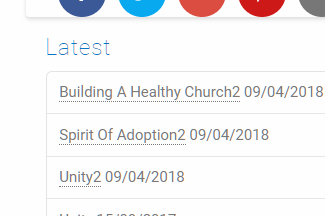
Do you mean the Latest posts? It is actually the post sidebar. You can remove the latest post widget in your sidebar and it won’t display anything.

Or, use this CSS

.single-post .x-sidebar {
    width: 100%;
}

Add this CSS

.single-post .entry-wrap,
.single-post .x-sidebar {
    box-shadow: none;
}

I just want to add that the code I’ve given you serves only as a guide. It is considered as customization and we could not support issues arising from the use of it nor we could provide further enhancements as those would be getting into custom development which is outside the scope of our support.

Thank you for understanding.

Hi There,

We have Protect shortcode which you can use to restrict access from the public users.

[protect][image type="rounded" src="http://yourdomain.com/image.jpg" alt="Text"][/protect]

For more information, you can check (http://demo.theme.co/integrity-1/shortcodes/protected-content/).

Hope that helps.

Hi there, I wanted to upload a screenshot for this support thread to show you that I do not see what you’re seeing when you edit the page in cornerstone. I cannot edit the body of the post in cornerstone as it is not visible. How do I upload the screenshot for you to see, but make it a secure note? Thank you!

Hi There,

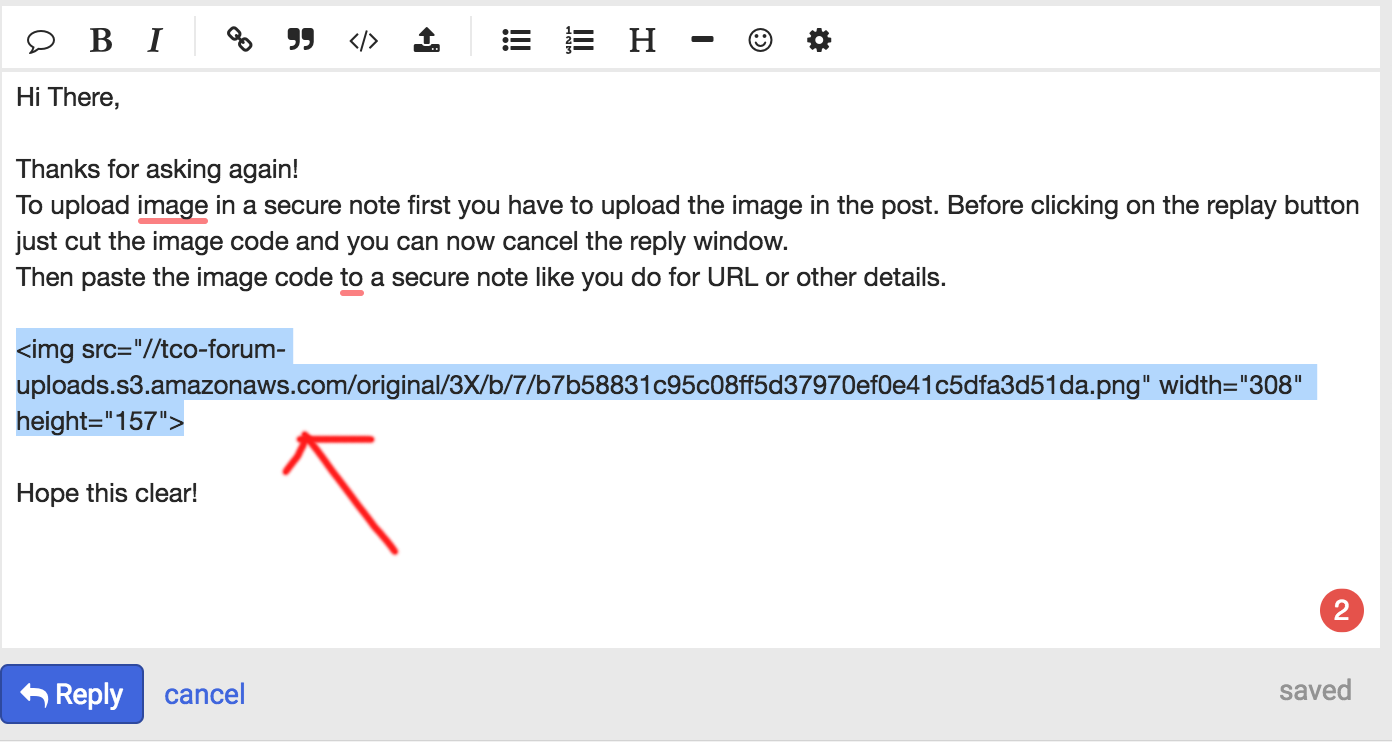
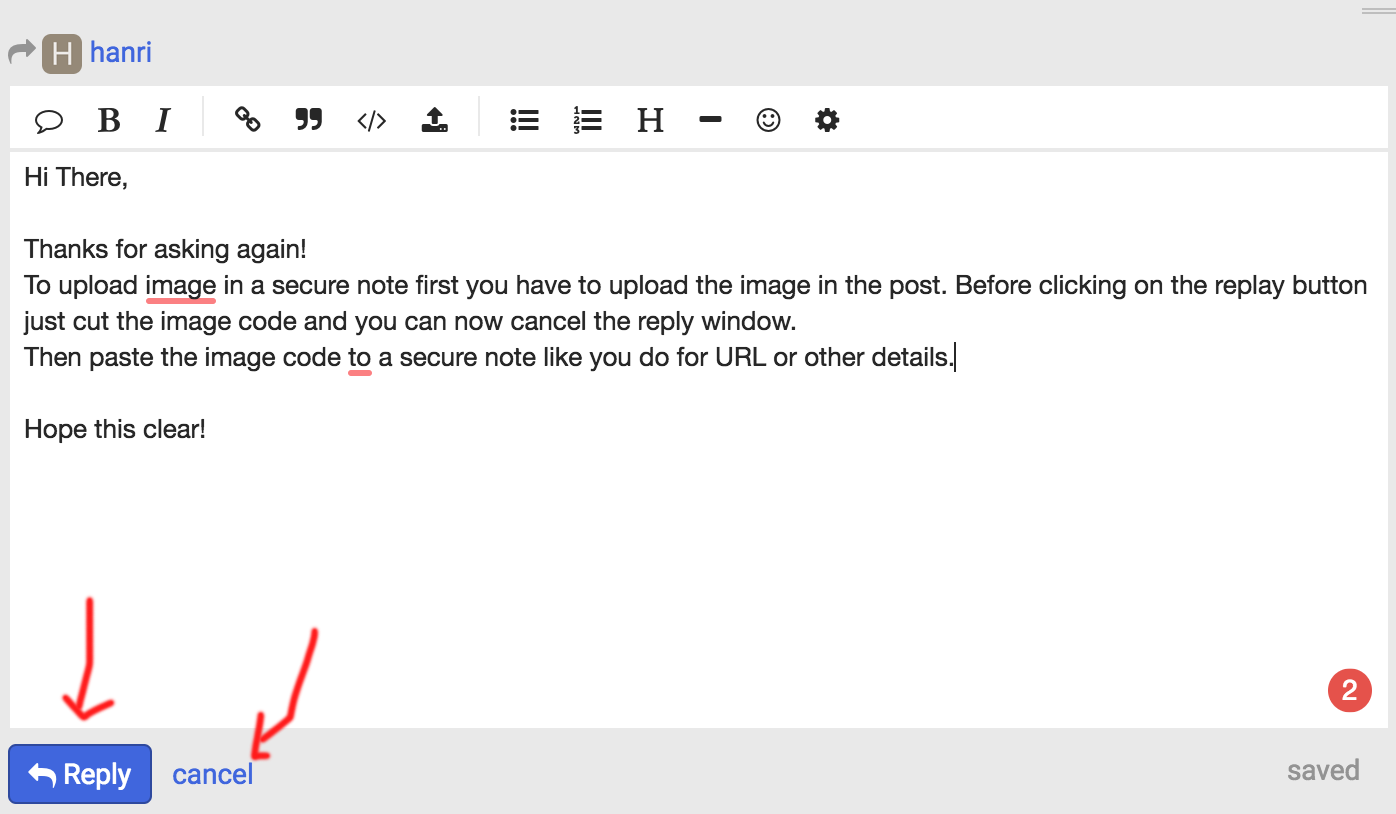
To upload image in a secure note first you have to upload the image in the post. Before clicking on the replay button just cut the image code and you can now cancel the reply window.
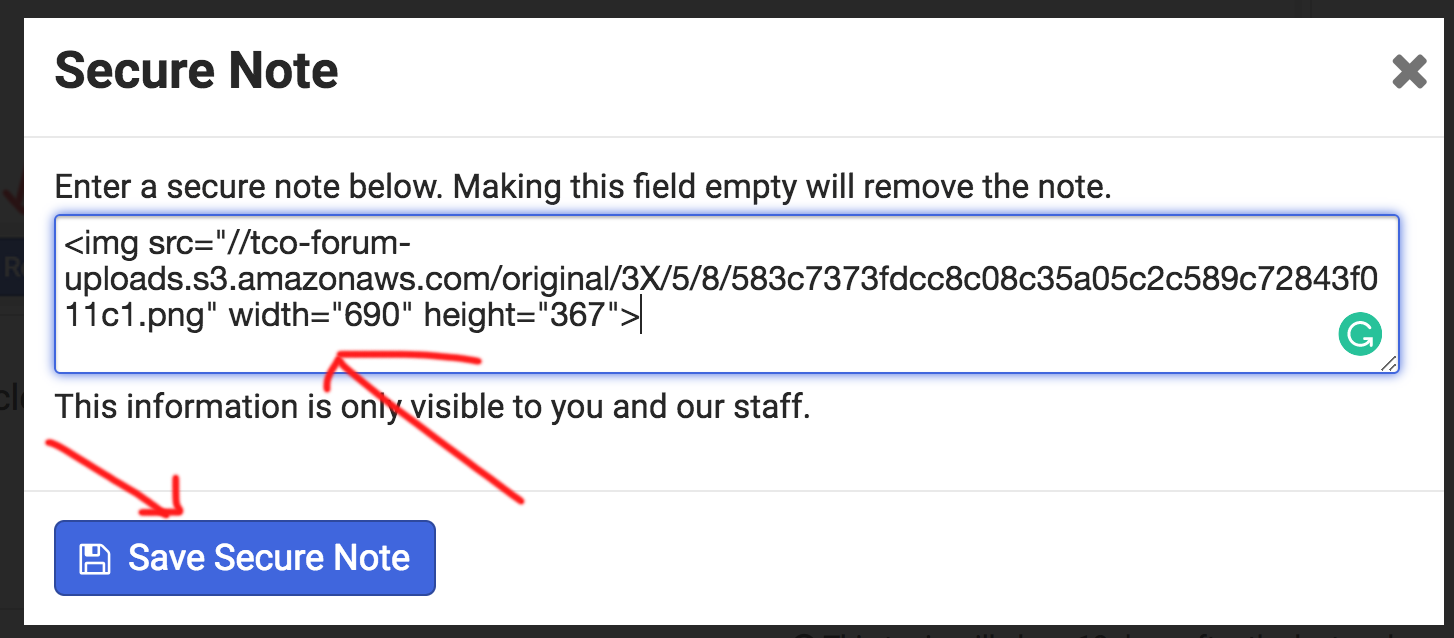
Then paste the image code to a secure note like you do for URL or other details.


Hope this clear!

Thank you! Please see secure note for screenshot

Hey @hanri,

The screenshot could not be loaded. Please reupload again.

Thanks.

Hi I have uploaded again

Hey @hanri,

Based on your screenshot, you do not have any content. Not even a blank section. Or, is this an existing page with content in the front-end? If so, please give us the URLs of those pages.

Empty Cornerstone content is often caused by switching to the default WP builder or website migration without serialized data support. Have you done any of those?

Also note that the provided CSS has nothing to do with this issue so I’d recommend that you open a separate thread for this empty Cornerstone issue so we can avoid confusion further down the road. Just post a link to this thread for reference.

Thanks.

This topic was automatically closed 10 days after the last reply. New replies are no longer allowed.