I don’t see the CSS in the standard CSS editor in WordPress, in X-Theme’s CSS editor, or in X-Theme’s Global CSS Editor either. Below is a screen shot of my Global CSS.
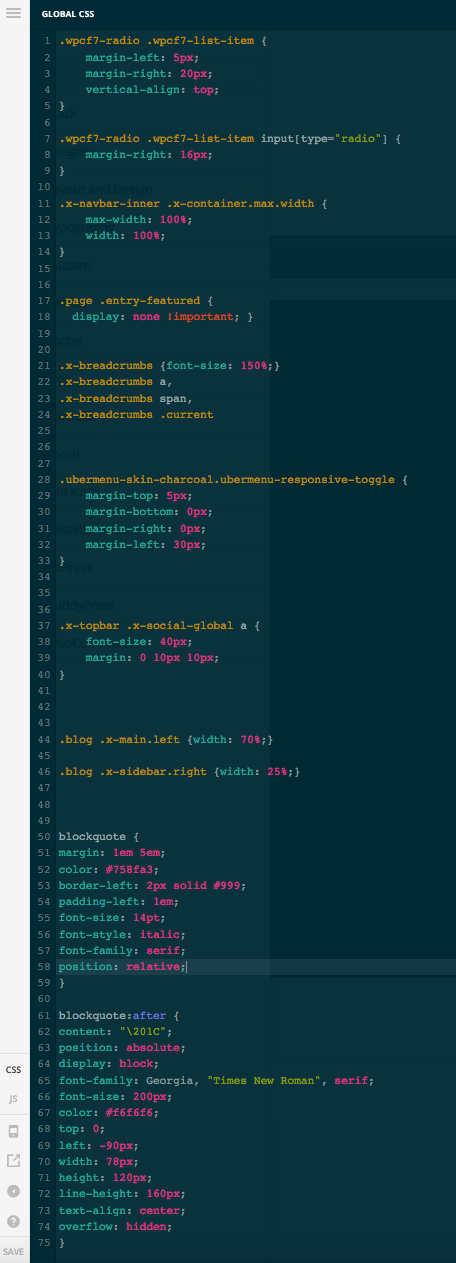
**
Global CSS Code:
**
.wpcf7-radio .wpcf7-list-item {
margin-left: 5px;
margin-right: 20px;
vertical-align: top;
}
.wpcf7-radio .wpcf7-list-item input[type=“radio”] {
margin-right: 16px;
}
.x-navbar-inner .x-container.max.width {
max-width: 100%;
width: 100%;
}
.page .entry-featured {
display: none !important; }
.x-breadcrumbs {font-size: 150%;}
.x-breadcrumbs a,
.x-breadcrumbs span,
.x-breadcrumbs .current
.ubermenu-skin-charcoal.ubermenu-responsive-toggle {
margin-top: 5px;
margin-bottom: 0px;
margin-right: 0px;
margin-left: 30px;
}
.x-topbar .x-social-global a {
font-size: 40px;
margin: 0 10px 10px;
}
.blog .x-main.left {width: 70%;}
.blog .x-sidebar.right {width: 25%;}
blockquote {
margin: 1em 5em;
color: #758fa3;
border-left: 2px solid #999;
padding-left: 1em;
font-size: 14pt;
font-style: italic;
font-family: serif;
position: relative;
}
blockquote:after {
content: “\201C”;
position: absolute;
display: block;
font-family: Georgia, “Times New Roman”, serif;
font-size: 200px;
color: #f6f6f6;
top: 0;
left: -90px;
width: 78px;
height: 120px;
line-height: 160px;
text-align: center;
overflow: hidden;
}


