Blog Index Page Not Displaying Blog Posts

The /blog/ page of my website does not display the various blogs on the website. The same goes for the /blog/ categories.


I am not very technical so I don’t want to go fidling with things that might end up messing up the website.

Any help greatly appreciated. Thanks.

1 Like

Hello @FisherStone,

Thanks for writing in! I have checked your site and you are using an older version of the theme. Could you please update to the latest versions?
Our latest versions are:
- X theme 7.1.2
- Cornerstone 4.1.2
- WordPress core 5.3.2

This latest release contains fixes for several issues so be sure to check out the changelog (http://theme.co/changelog/).

After doing the updates, always remember to clear all caches (if you are using WP Rocket, WP SuperCache or W3 Total Cache) when updating so that the code from the latest release is always in use. This will help you to avoid any potential errors.

Please let us know how it goes.

Thank you @RueNel

I first made a backup of the site here: http://backup.fisherstonelaw.com/ (USE USERNAME/PASSWORD: backup) and updated the child theme after downloading it. And the problem was solved.
http://backup.fisherstonelaw.com/blog/

Please note that it is only the child theme that I updated in the backup site.

But when I implemented the same thing on the live site the website does not display properly. PLUS the problem is not solved.

Also, the Theme is now saying: This Cornerstone license is ​not validated​. and when I enter the license gottten from my dashboard, it says the license is not valid. please help look into this urgently so that the website visitors don’t get turned off.

Please kindly help

Hey @FisherStone,

I checked your live site and it’s not using X that’s most probably why Cornerstone is asking for a license.

Please activate X in your live site and if the issue persists, please give us WordPress Admin access in a Secure Note.

Also, it is strongly recommended that you keep everything up to date. Ensure that everything is up to date according to our version compatibility list at https://theme.co/docs/version-compatibility. Please follow the best practices when updating your theme and plugins. See https://theme.co/docs/how-to-update for more details.

Thanks.

@christian_y But the website IS using the X theme

I have provided login details in secure note

Hey @FisherStone,

The login URL doesn’t work.

Your Live site is not using X. The display tells me that. Ensure that X is activated.

Thanks.

@christian_y It works now. I was trying to fix it and deleted all files and restored the backup I made. But it still didn’t fix my problem

@christian_y again, I have tried several things but nothing seems to be working to fix the display issue. The latest thing was to transfer all the site files from backup.fisherstonelaw to

fisherstonelaw but it doesn’t fix the display issue,

Can you please help?

Hey @FisherStone,

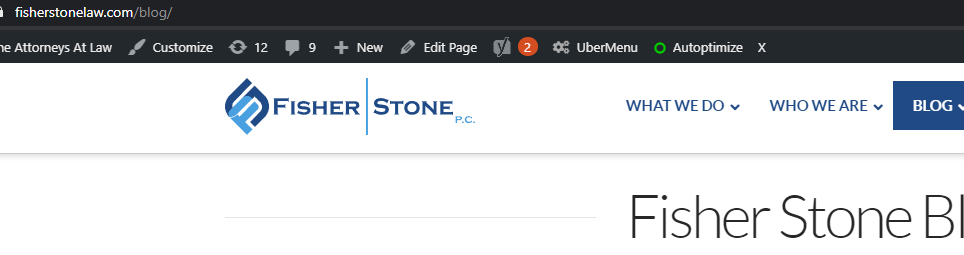
Your site is loading now and here’s what’s happening. If I’m logged in, the site looks fixed.
When logged out, it looks broken.
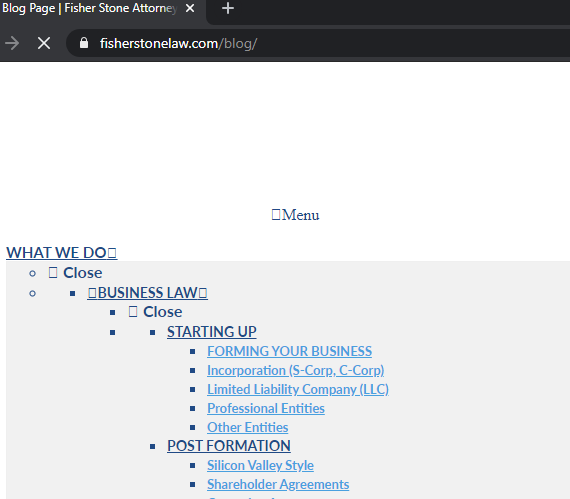
It’s only optimization plugins that can do that and I see you’re using Autoptimize. I’ve cleared Autoptimize’s cache and the issue’s fixed. If you’re not sure how to clear cache, please refer to the plugin’s documentation or contact the plugin support.
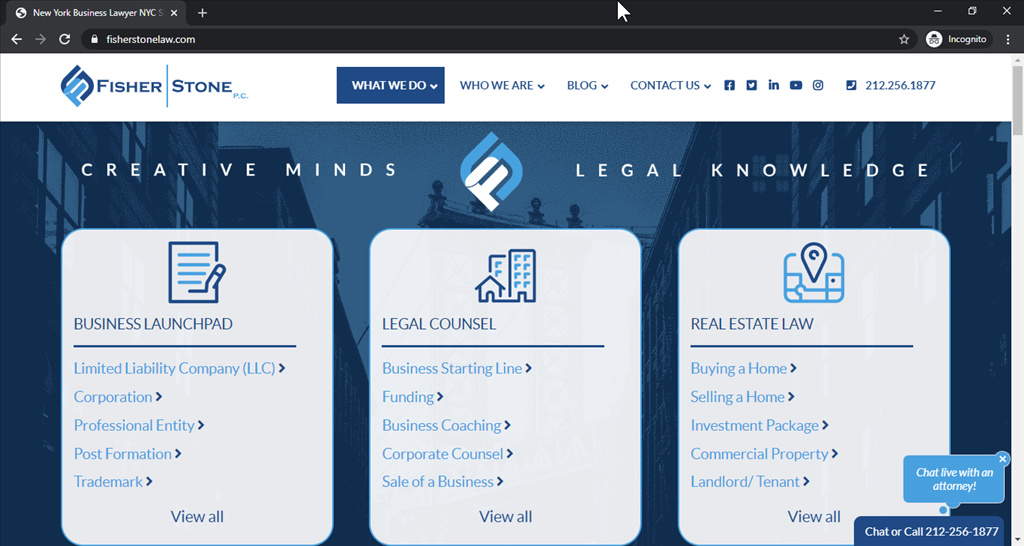
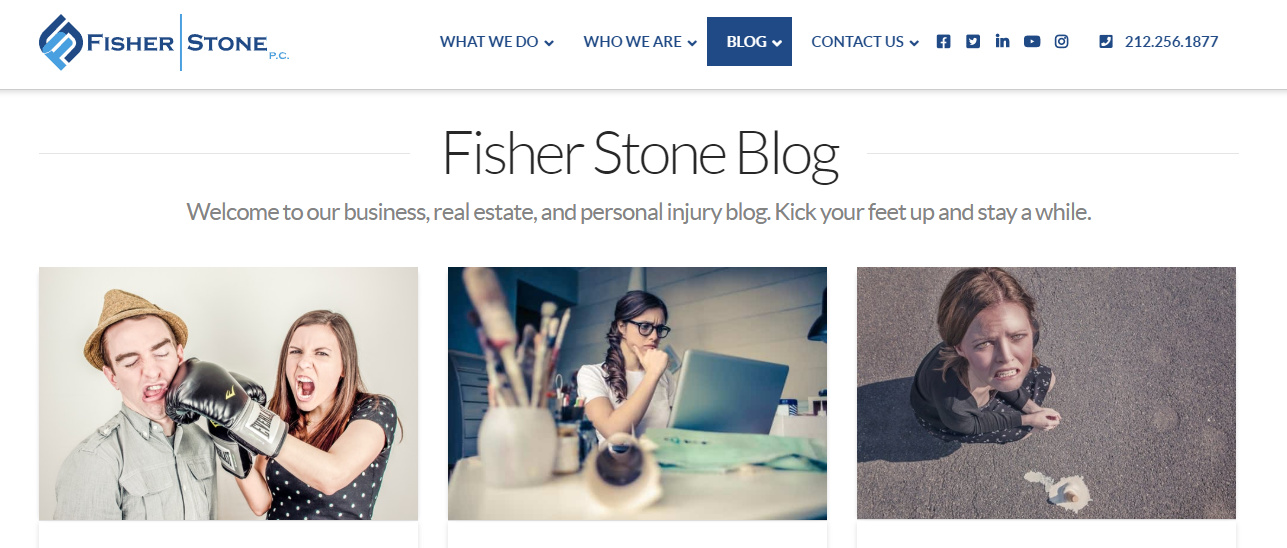
Another thing you need to do is update Cornerstone. You always need to ensure that everything is up to date according to our version compatibility list at https://theme.co/docs/version-compatibility. Please follow the best practices when updating your theme and plugins. See https://theme.co/docs/how-to-update for more details.

Before asking for help, please always do the following.

  1. Ensure everything is up to date including WordPress.

  2. If you’re using a caching plugin, clear all caches then temporarily deactivate your caching plugin and other optimization plugins. You also need to clear your browser’s cache.

  3. If you’re using a CDN, please clear the CDN’s cache and temporirly disable optimization services.

  4. Test for a plugin conflict. You can do this by deactivating all third party plugins, and seeing if the problem remains. If it’s fixed, you’ll know a plugin caused the problem, and you can narrow down which one by reactivating them one at a time.

  5. If you’re using a child theme, temporarily switch to the parent theme.

Thanks.

Thank you @christian

We are delighted to assist you with this.

Cheers!

This topic was automatically closed 10 days after the last reply. New replies are no longer allowed.