Blog image size too small

Using Ethos stack

Editing a blog in Pro.

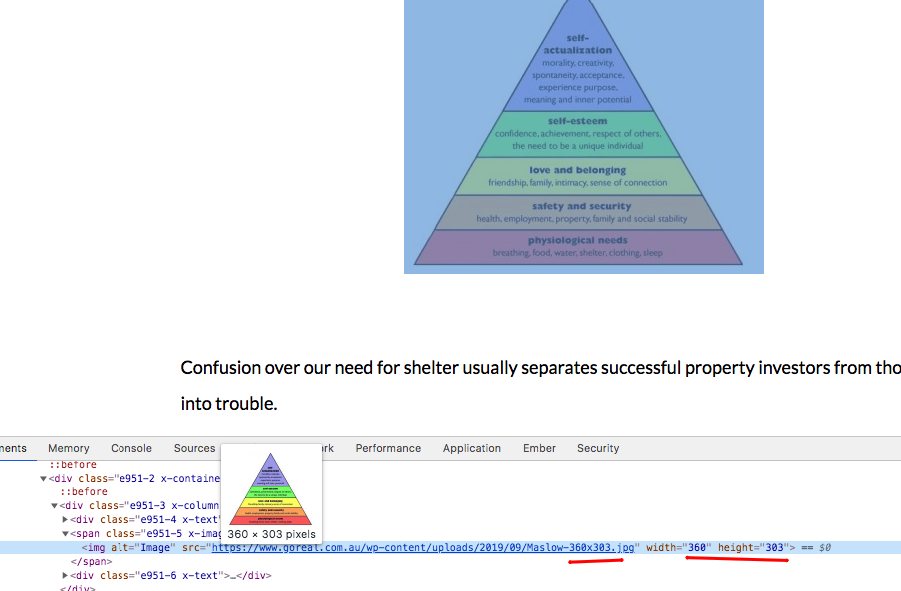
The image size element seems to be maxed at 360 x 303 for the image i’m using (the actual is 528 x 445).

How can this be made bigger.

For banner type images, how can i get them running full width of blog.

Thanks

Hi PlanetPluto,

Thanks for writing in.

There are many possible reasons why the image is limited to that size. It could be that you checked the Retina option for that image element.

It could also be that you had added a value for it’s max width. And it could also be something else.

Could you provide us with your blog URL? So that we can check it and we can give you a more accurate answer. Thanks!

Retina not checked

No max width

URL below (first picture)

Please send answer to 2nd part of question too.

Thanks

Hello @PlanetPluto,

Thanks for providing the details.

I have checked the page and the image is displaying 360x303.

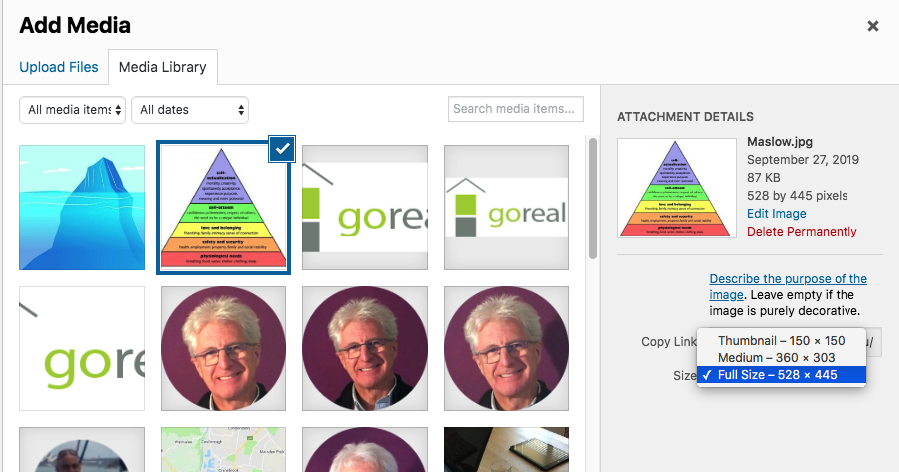
You may have inserted the medium size of the image. When inserting the source image, please make sure that you are inserting the full image and not the cropped version of it.

Can you please point us to the url where we can find the banner images in your site?

Thanks.

Thank you. I have to say this is the most responsive forum that I have been on and your assistance to us is tremendous.

I thought I was just using the default image which was in fact the larger one. But if I deliberately go in and reset it, yes it worked.

I’ll be fine with the banner now that I know how to pick the appropriate image.

Many thanks

Hey @PlanetPluto,

Glad you’re all sorted now, and thanks for the kind words. We’ll be on hand if you need any further assistance.

Thanks for choosing Pro, and have a great day!

This topic was automatically closed 10 days after the last reply. New replies are no longer allowed.