I wanna fill my blog posts in the same style with visual composer i can do within pages.
Is this possible - and also is it possible to remove the headline within a specific blog post?

I wanna fill my blog posts in the same style with visual composer i can do within pages.
Is this possible - and also is it possible to remove the headline within a specific blog post?
Hello,
Please, could you explain your question better and include the URL?
I wanna built blog post’s like normal pages created for example on the frontpage here:
built them with VC and look like normal pages
This is an actual post:
Enter Code on the bottom right: 4010
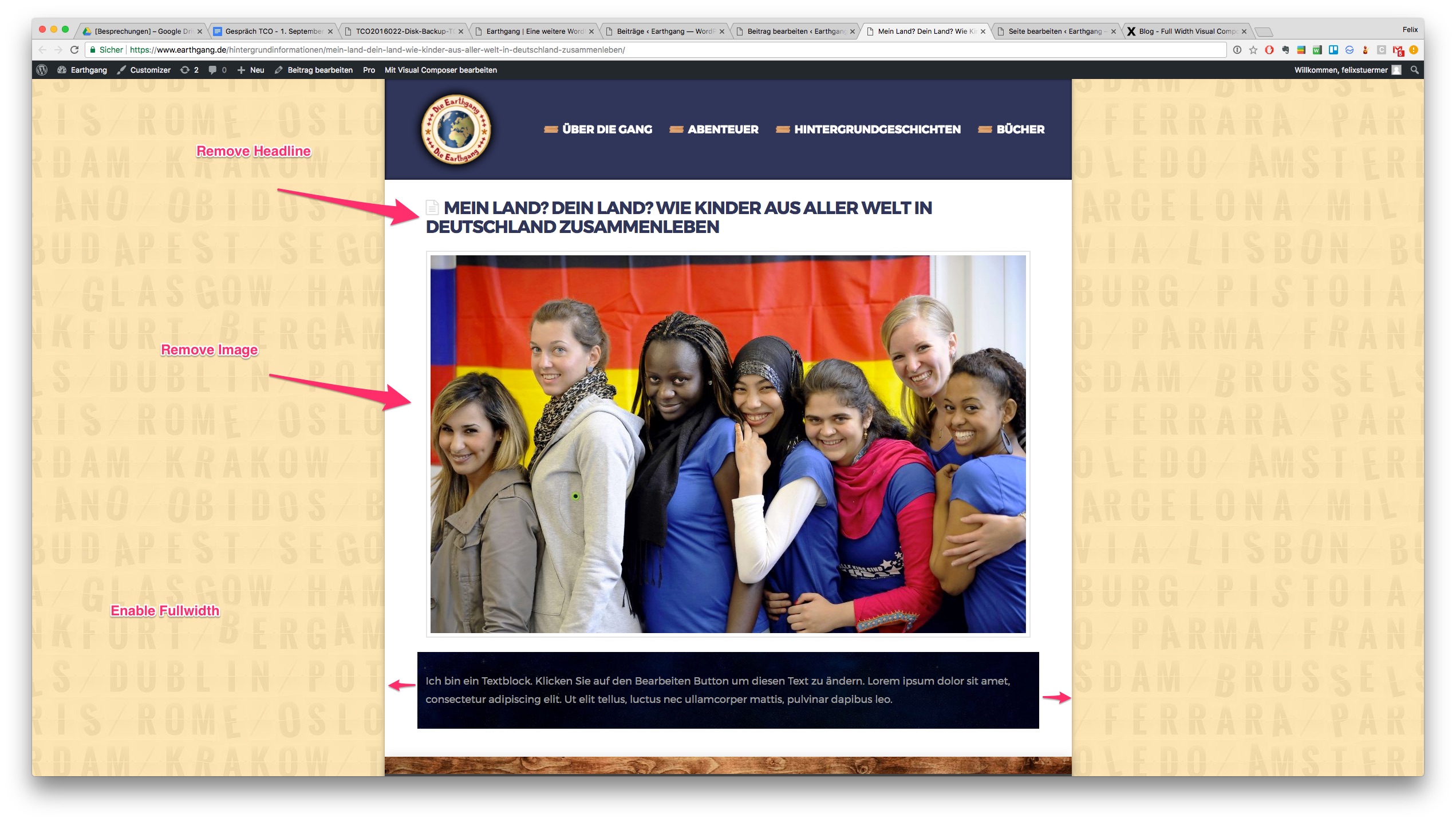
Hi again,
Thank you for the detailed writeup! To achieve this, you’ll need to add the following code in your Customizer via Appearance > Customize > Custom > Edit Global CSS:
.single-post .x-container.max.width {
    max-width: 2000px;
    width: 100%;
}
.single-post .entry-featured, .single-post .entry-header {
    display: none;
}
.single-post .vc_row {
    margin-left: 0;
    margin-right: 0;
}
Let us know how this goes!