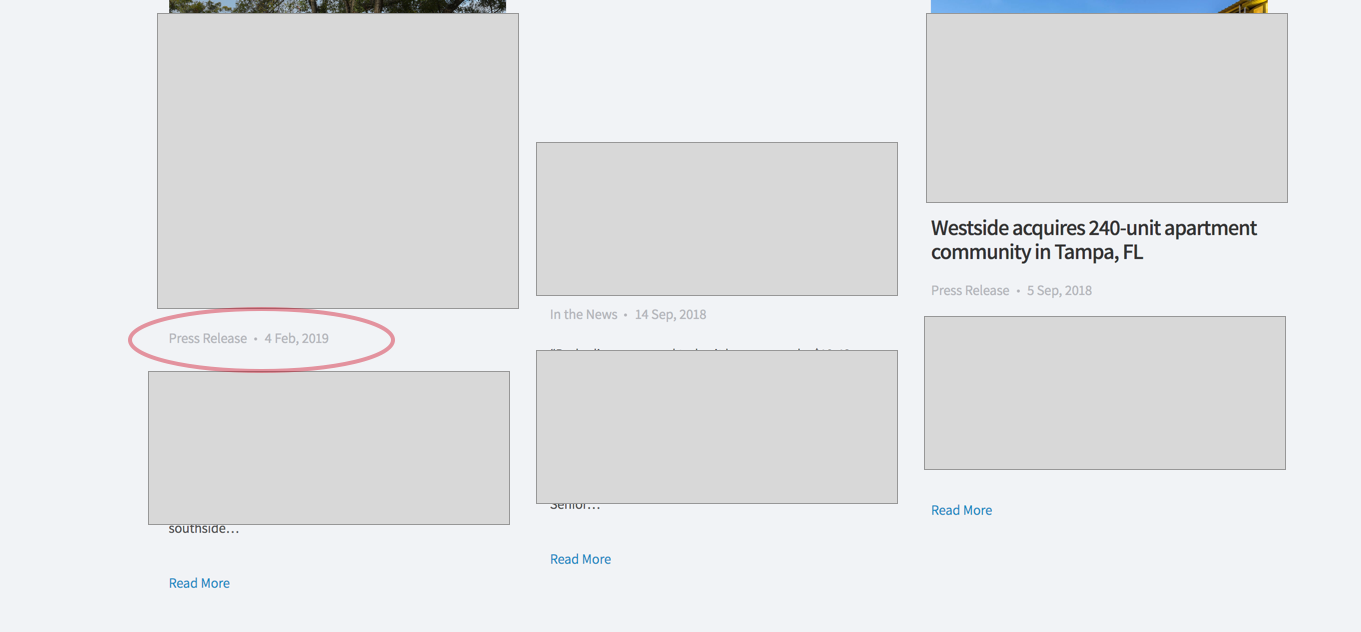
Hey Carolina,
1. The header is present but it’s hidden by your custom CSS.
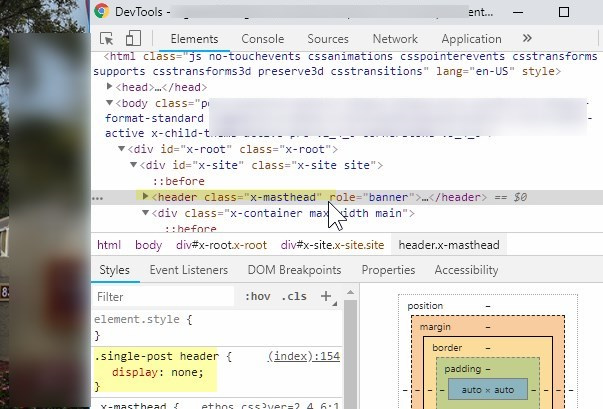
2. You currently have this custom CSS that hides the category and author in the blog page. Please remove it.
.p-meta > span:first-child {
    display: none;
}
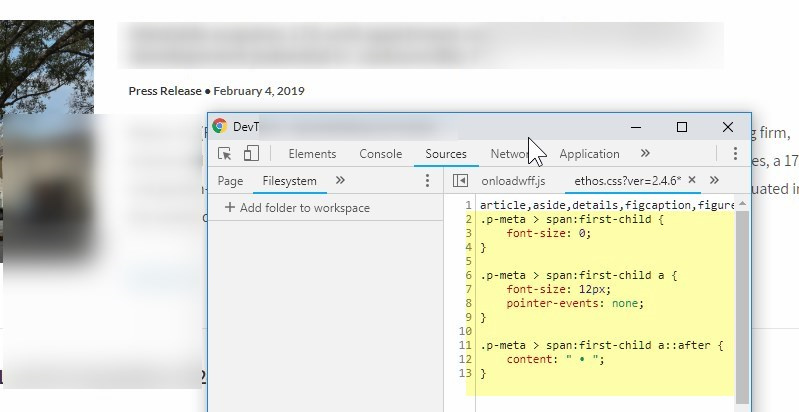
You can only show the category by targeting it like this CSS. Please just note that this is only to give you an idea or help you get started with customizing the meta through CSS. We will not support issues that will arise from the use of this CSS nor all custom codes in general.
.p-meta > span:first-child {
    font-size: 0;
}

.p-meta > span:first-child a {
    font-size: 12px;
    pointer-events: none;
}

.p-meta > span:first-child a::after {
    content: " • ";
}
The recommended way to achieve this though is through overriding the Ethos Meta function. The function can be found in ethos.php and it’s inside the theme’s \framework\functions\frontend folder. Copy the x_ethos_entry_meta function to your child theme’s functions.php then modify its output. If you’re unsure how to do this, please consult with a third party developer as syntax errors could break your site.
Thanks.