Hello,
Our labels and placeholders seem to be missing on our blog’s comment section fields. Here’s the sample link: https://velocityagency.com/website-mobile-friendly/
How do we get those to display again?
Thanks!
Hello,
Our labels and placeholders seem to be missing on our blog’s comment section fields. Here’s the sample link: https://velocityagency.com/website-mobile-friendly/
How do we get those to display again?
Thanks!
Hi there,
Were you able to get this sorted?
I just checked the page you linked and the comment area is already there:
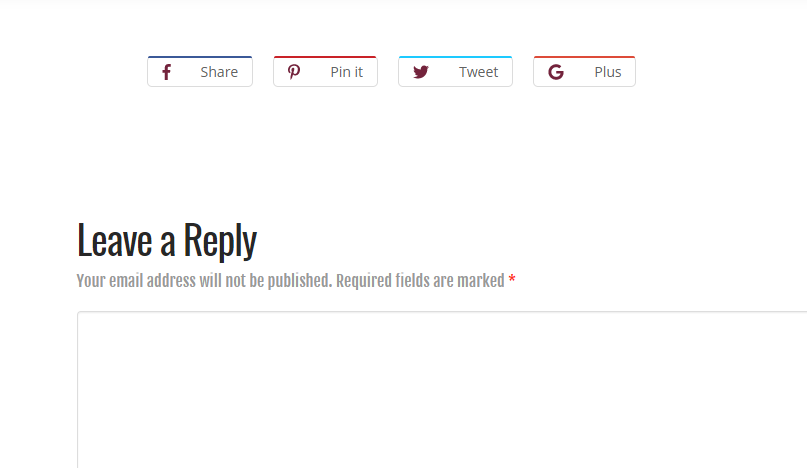
I was, but only by adding a new plugin. Is there an alternate solution so I can reduce plugin dependency?
Hi there,
If the comments/discussion global settings on your site was previously set to false when the posts were created, the post comments are disabled, you will have to manually enable them.
You can do this by editing the post and click on Screen Options that is in the top right part of the admin edit post page then enable the Comments option. Scroll down to the bottom of the page and you should see the Discussion panel. Double check if the Allow Comments is enabled.
Thank you for that, but i’ve attached a screenshot to better explain.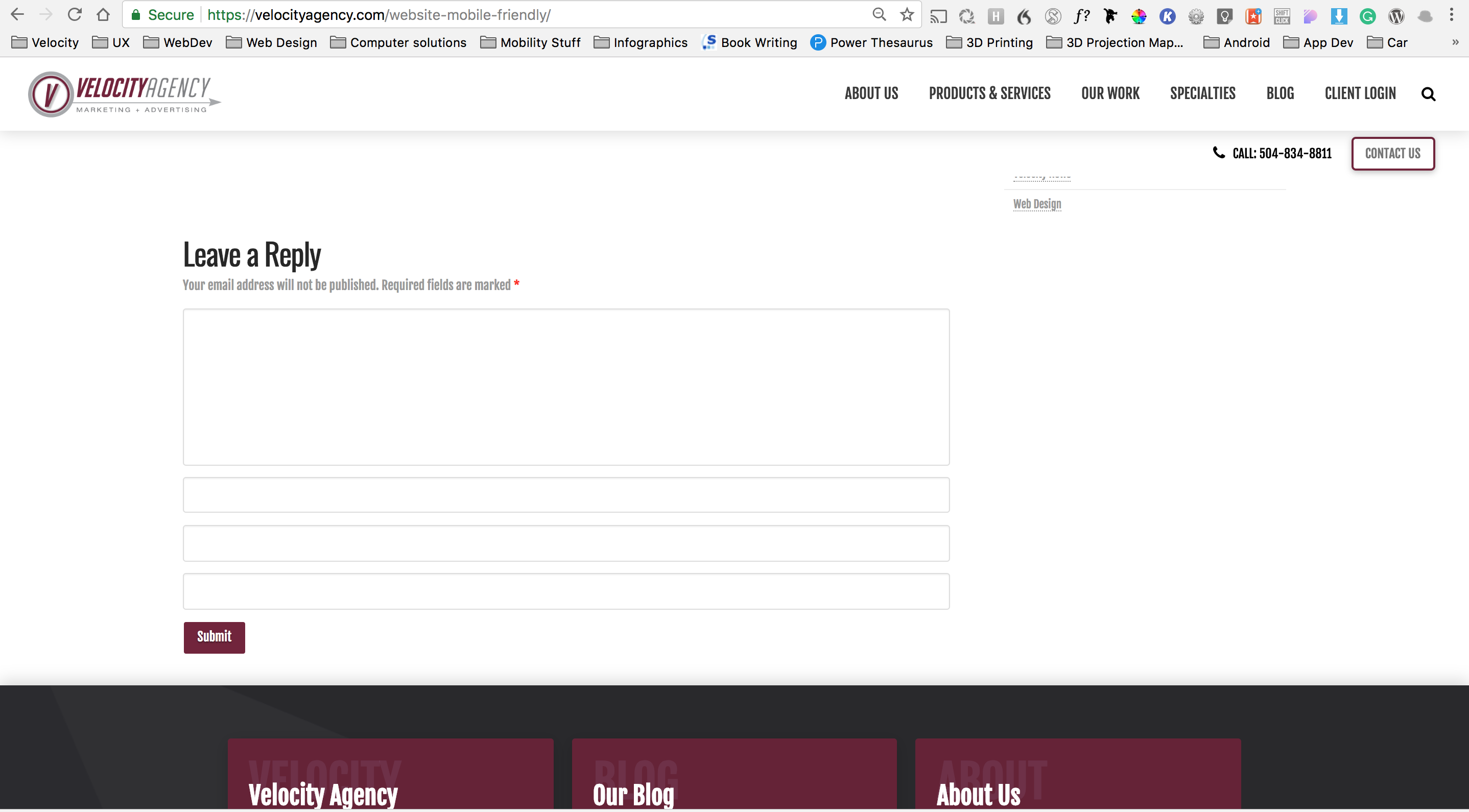
As you can see there are three blank fields with missing labels. I am able to make these fields display with a plug-in but I am unable to locate the issue at the file source.
Hello @Agency,
Thanks for updating thread. 
Upon checking the source, I see that there is a CSS entry for label which is hiding the same. https://cloudup.com/c3ZVG1H_oLm
To fix that, please add following CSS under Pro > Theme Options > CSS:
label {
    display: block !important;
    }
Thanks.
This topic was automatically closed 10 days after the last reply. New replies are no longer allowed.