Please see the screenshot. How will i customize the URL for the button link?
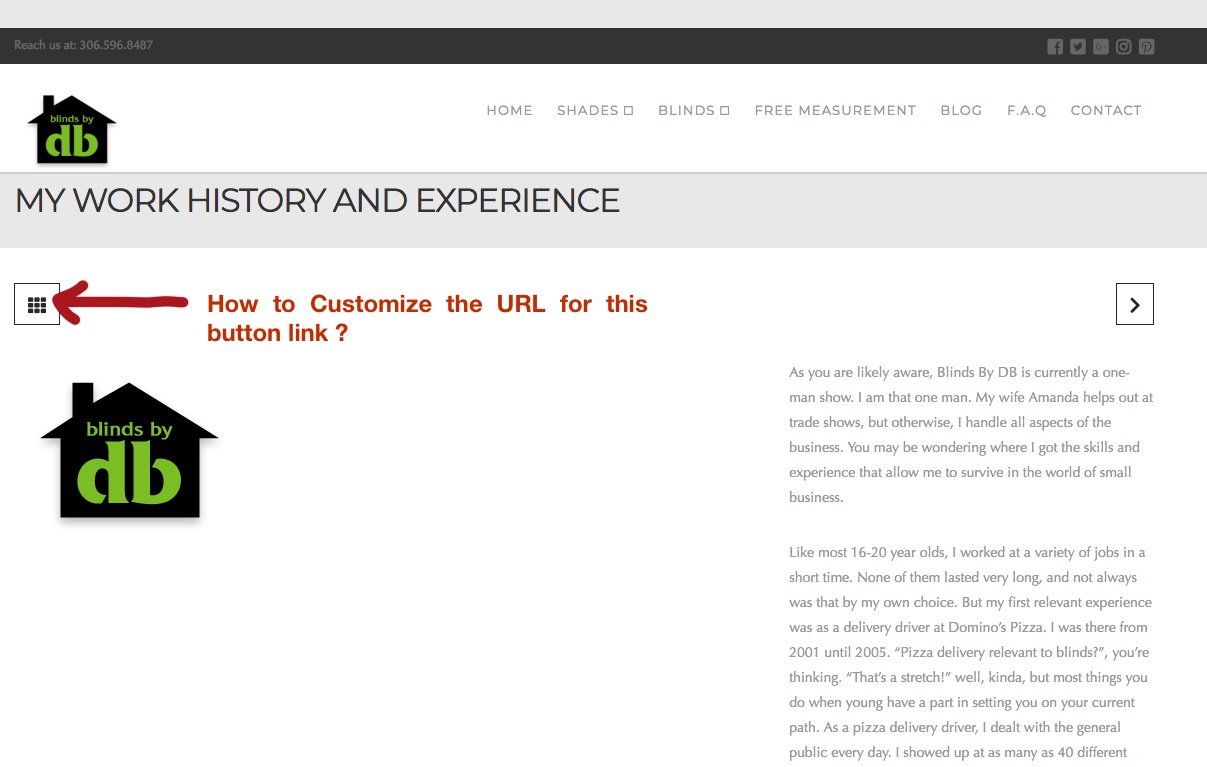
Please see the screenshot. How will i customize the URL for the button link?
Hi There,
While that is outside the scope of support, I could point you in the right direction with the understanding that it would ultimately be your responsibility to take it from here.
You can use a jQuery function like .attr(), to change the URL of that button. You can use the following selector to target it.
.single-x-portfolio .entry-top-navigation .entry-parent
You can place your formulated jQuery script on the Theme Options > JS
I have found the proper CSS selector using the Chrome browser Developer Toolbar.
Cheers!
Hi
Thanks for your response. Not sure about out of scope support. I may be missing something here. So to clarify
I am using Theme X with extended demo GYM and this blog page came default with the extended demo with that icon. If you click the icon, it goes to the Gym-class page. So I needed to change the default URL.
Regarding your response, I am still pondering how will i use .attr() command, where exactly? I did get that the code you sent me need to be in the Theme Options>JS.
Appreciate your suggestion.
Hi There,
Thanks for the clarification and sorry for the confusion!
You can change the URL and page title too by editing the page. Just edit the page and change the URL also if you want can change the title.
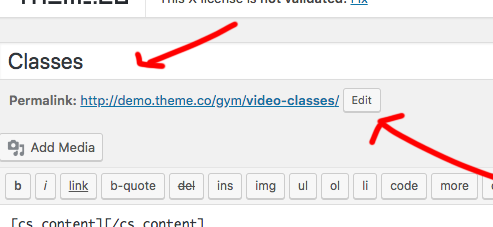
So that the link will automatically change. No need for custom JS code.
Hope this helps!
Thanks
This topic was automatically closed 10 days after the last reply. New replies are no longer allowed.